MapleRead is an advanced versatile ebook reader app with plenty of useful customization options.
There are 3 editions, namely SE, CE and CX.
SE: EPUB & PDF reader + server
CE: EPUB reader
CX: Limited edition of CE, yet usable as a companion to calibre
* SE and CE can run side-by-side via split-view multitasking
* Easily transfer books, themes and scenes to SE or CE via SE's server
* Sync data among SE, CE editions running on iPad and iPhone
[Please visit our website to see more details and screenshots.]
READ BOOKS IN EYE-PLEASING STYLES
EPUB
- Read DRM-free and password-free EPUB books in 3 book styles of your choice:
Classic Book, Modern Book, Modern Scroll
- Choose or create your favorite themes with
over 30 beautiful built-in day and night themes and Theme Editor
- Enhance book page layout on top of publisher's style with user's override over
font, text layout control, page layout control, paragraph numbering and more
- Look up words, translate sentences, mark pages, speak text and mark text with notes
- Navigate across the pages conveniently in multiple ways with
anchor button, two-level page slider, fast full text search and more
- Gesture control some common actions
- Read also EPUB 3.0 books designed for vertical-writing and right-to-left languages
ORGANIZE & SEARCH BOOKS
- Present the subset of browsable (visible) books using the bottom toolbar with
4 presentation styles and 13 sorting orders
- Choose the subset of browsable books using the top toolbar with a combination of
(subject) tags, (book) sets and keyword search (title, author or series)
- Manage book sets with tools that give you user-defined book sets and more
- Manage tags with tools including the tag pool and more
- Modify individual book attributes (metadata or book info) including its cover image
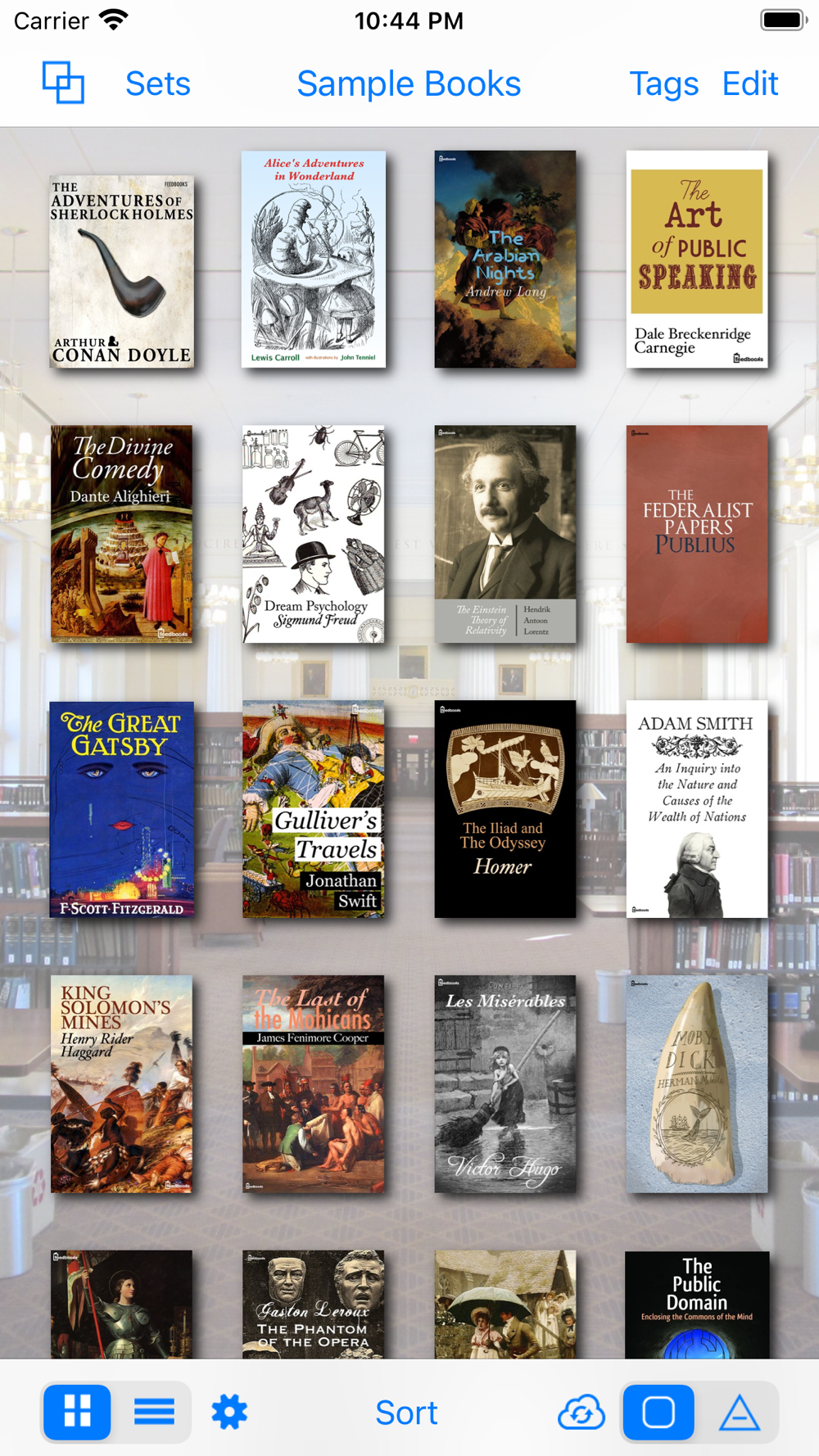
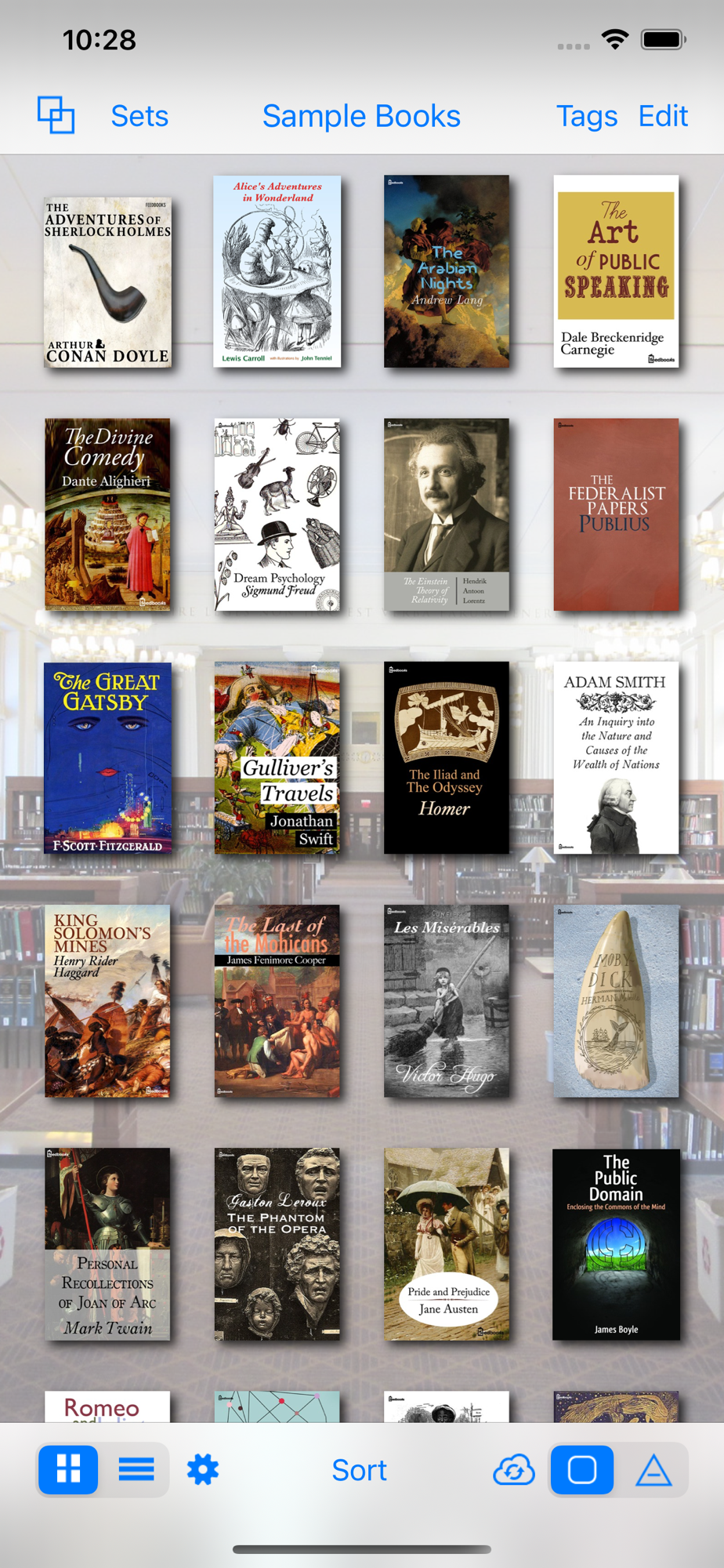
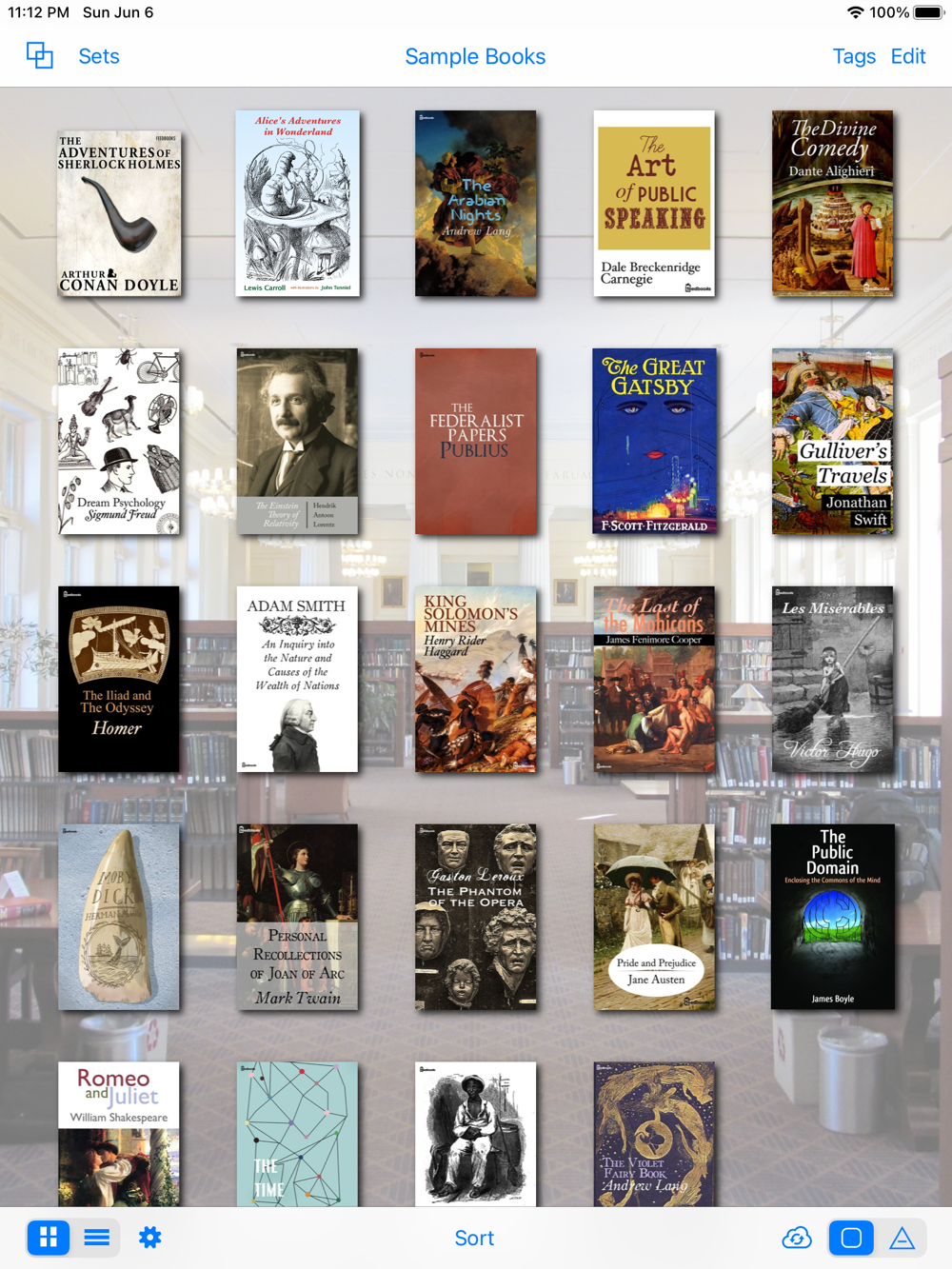
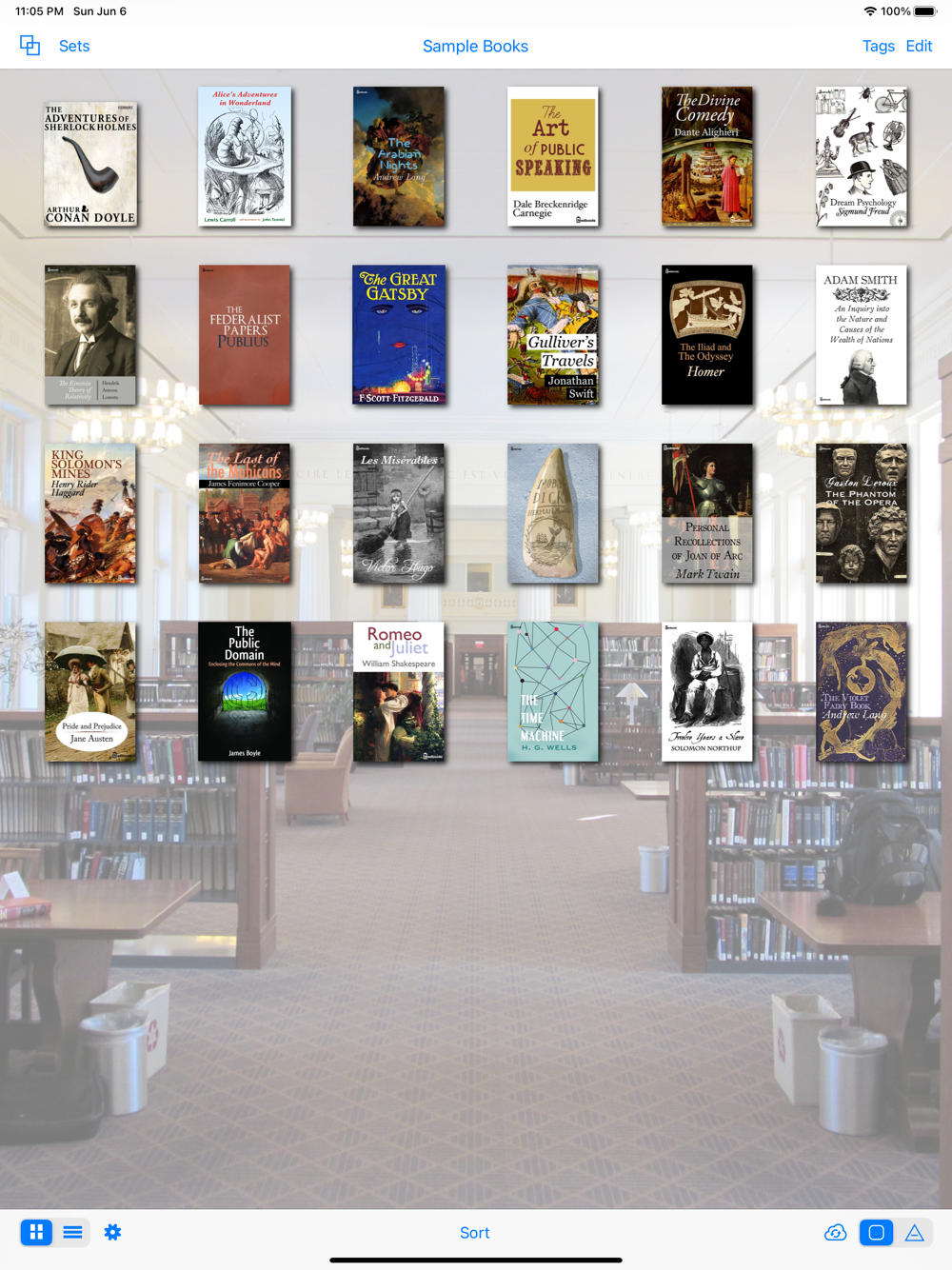
- Enjoy beautiful bookshelf in portrait or landscape orientation with
built-in bookshelf background scenes, Scene Editor and more
EXCHANGE BOOKS & METADATA
- Exchange is a multi-tabbed view where you can get your books in and out in many different ways
- Websites View is usually where you download from external book sources with
built-in links to OPDS catalogs and HTML webpages, user-defined links,
smart batch download, calibre support, Dropbox support and more
- iTunes View enables file transfer via USB from and to your PC
- Queue View keeps track of files transferred from Websites or iTunes
- PC Upload View enables importing multiple files at a time from your PC via Wi-Fi
ORGANIZE & SEARCH NOTES
- Mark notes that are overlappable and assigned with one of five levels of priority
that are distinguishable independent of highlight colors of themes
- Edit a single note in Note Editor
- Manage multiple notes in Note List View and its companion, Library Notes View with
user-defined note lists to keep track of different kinds of notes, that can be
exported and shared
- Import a note file automatically as a new note list so as not to mingle with your existing notes
- Search notes by quotation or comment