Cloud Music Player - Enjoy your Music offline
Install Now
Cloud Music Player - Enjoy your Music offline

Cloud Music Player - Enjoy your Music offline

App Size: 62.8 MB
Release Date: Sep 12, 2017
Price: FREE
5
2 Ratings
Size
62.8 MB

Screenshots for App

iPhone
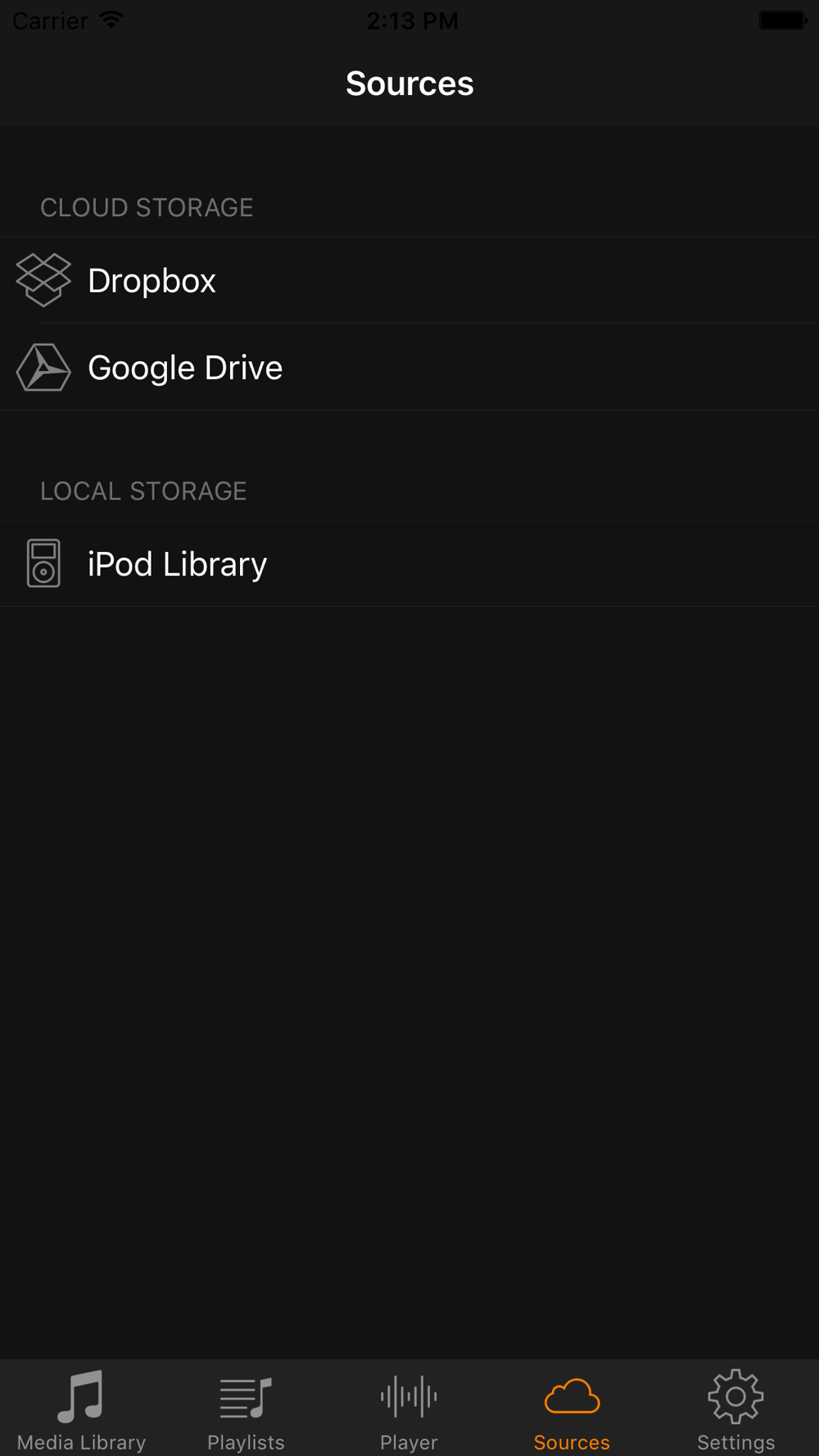
Cloud Music allows you to listen and download songs from your cloud storages. It supports Google Drive®, Dropbox®.

It is easy to use and useful. You can enjoy listening to songs without wifi.

App features:
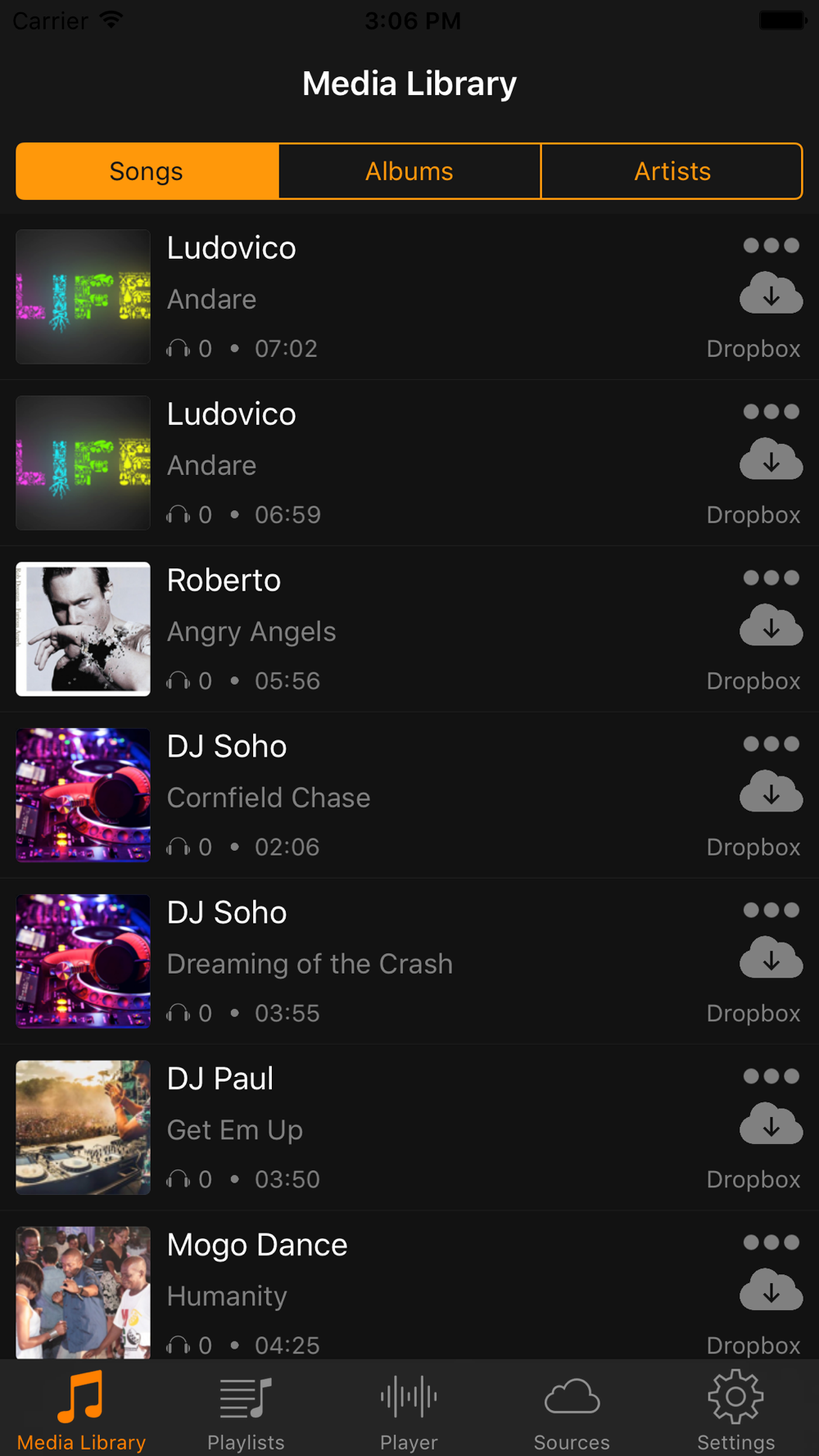
• Download songs from your cloud storages.
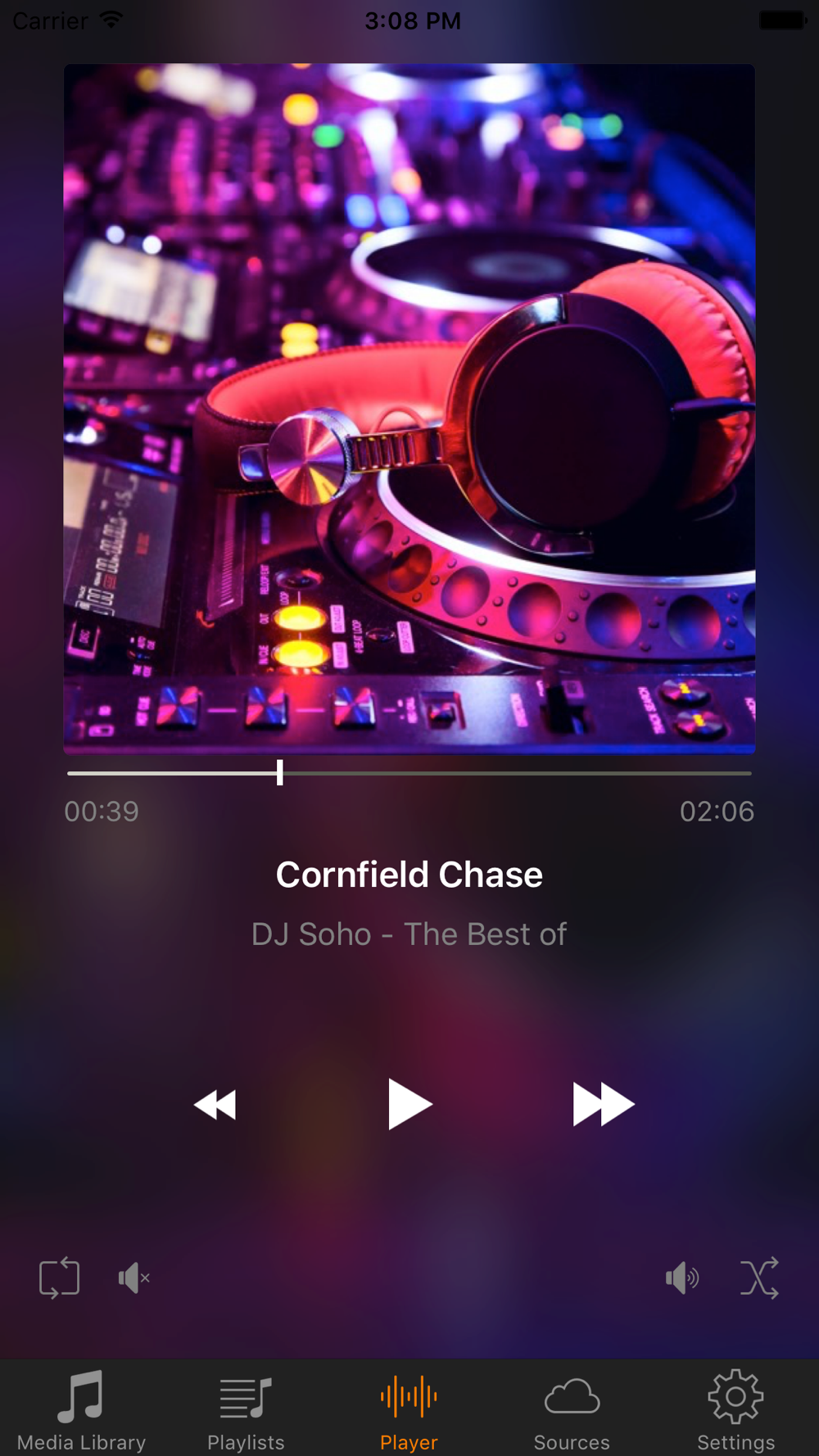
• Play downloaded songs with a powerful player.
• Play local iPod songs with a powerful player.
• Provide 3 play modes: normal, single, shuffle.
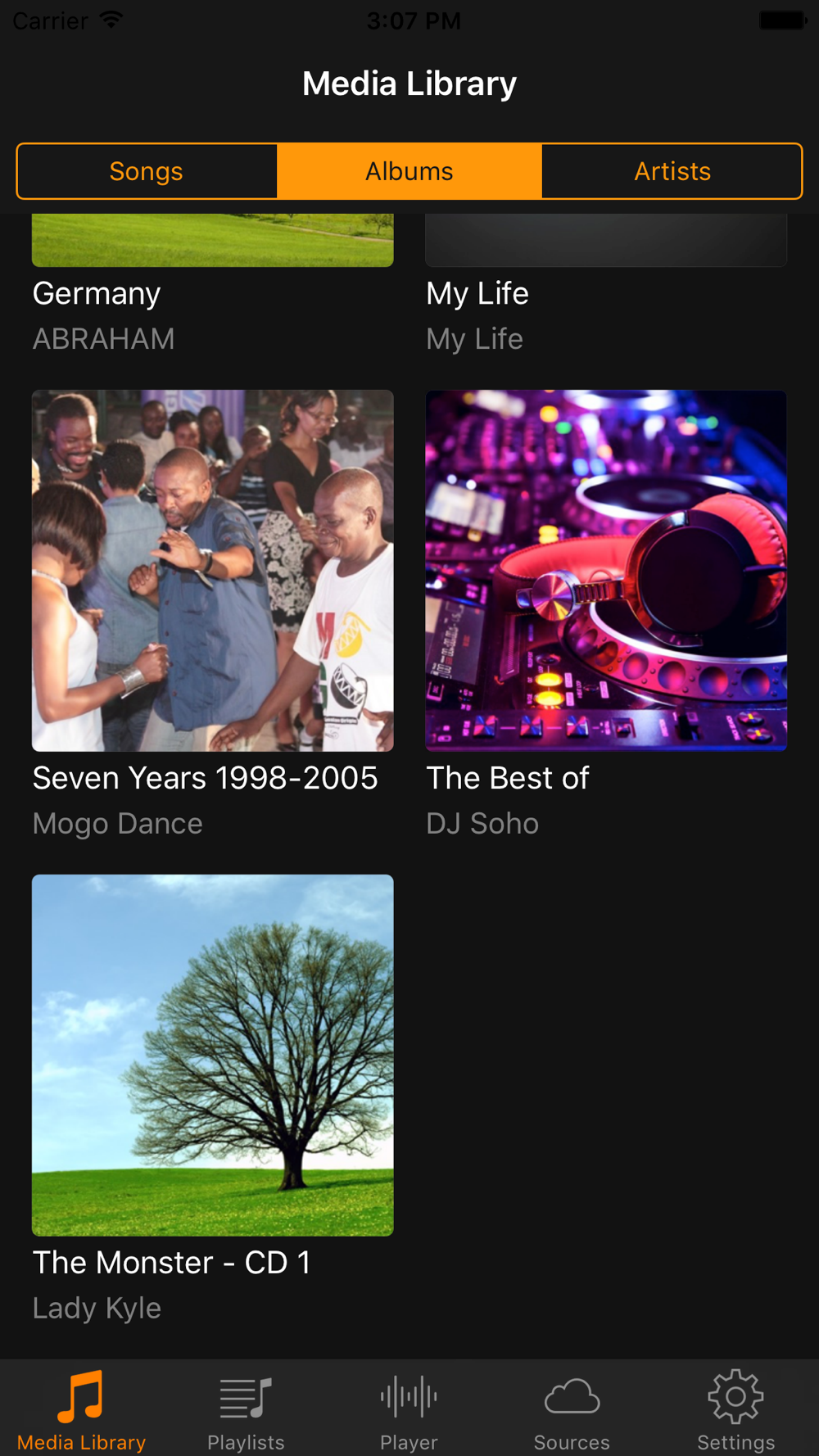
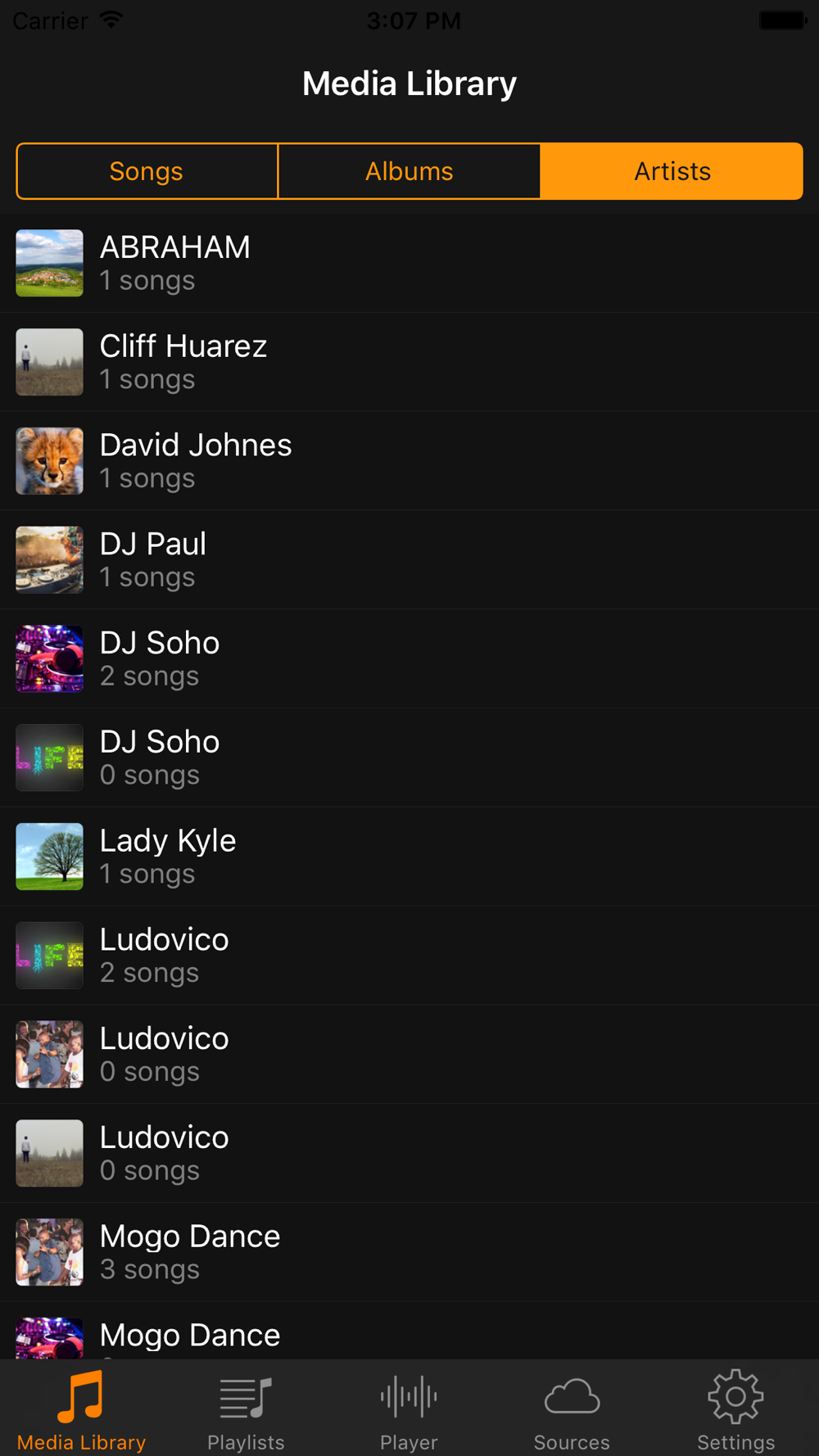
• Manage your playlists.

How to use:
1. On the tab 'Sources' choose the cloud platform Google Drive, Dropbox or iPod Libary.
2. Connect to Google Drive or Dropbox and use your account. (If you have no account, you should register one.)
3. Get songs from your cloud storage. (You should upload your preferred songs to your cloud storage by yourself.)
4. Choose a downloaded songs to play and enjoy it.
Show More
Show Less
Cloud Music Player - Enjoy your Music offline 1.0 Update
Sep 12, 2017 Version History
This app has been updated by Apple to display the Apple Watch app icon.

~Andrei Zubarev
More Information about: Cloud Music Player - Enjoy your Music offline
Price: FREE
Version: 1.0
Compatibility: Requires Requires iOS 9 or later
Size: 62.8 MB
Genre: Music
Release Date: Sep 12, 2017
Last Update: Sep 12, 2017
Content Rating: 4+
Developer: Andrei Zubarev
Language: English - Russian -


Whatsapp
Vkontakte
Telegram
Reddit
Pinterest
Linkedin
Hide