- Manage Store:
Store owners can manage their store easily from the Bazari Seller App. They can edit and change the store’s name, contact information, address, logo, etc... dierctly from the app.
- Daily Business Hours:
Sellers can create different business hours (opening & closing times) on a daily basis. This allows customers to know when the Vendor is available to take orders.
- Bank Info:
Sellers can add their bank information in the app, so Later, they can request a withdrawal from the admin which is also can be done within the app.
- Product Management:
From the products section in the app, Sellers can manage products easily. They can edit or delete existing items and add new items from here.
- Edit or Add New Item:
Sellers can edit or add new items from the App, such as product name, price, discount, etc.
- Promotion Management:
From the Seller App, Sellers can manage various promotional activities. They can join any campaign launched by the admin to provide the best deals to their customers.
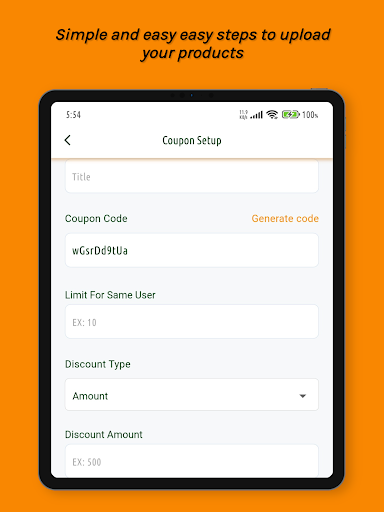
Sellers can also create promotional coupons and offer discounts during purchases to their customers.
- Order Management:
Just like the Bazari Sellers Panel, Sellers can manage their orders from the App seamlessly.
From the order management section, Sellers can view order details, delivery status, and print invoices.
- Wallet Management:
Sellers can view their wallet balance from the wallet section of the App. This includes the withdrawable amount, total withdrawal, pending withdrawal, customer cash collected, total earnings, withdrawal history, etc.
Sellers can also request cash withdrawals from the admin from here.
- Edit Vendor Owner Profile:
Sellers can edit their profile information which includes name, image, and phone number.
And Much More ...