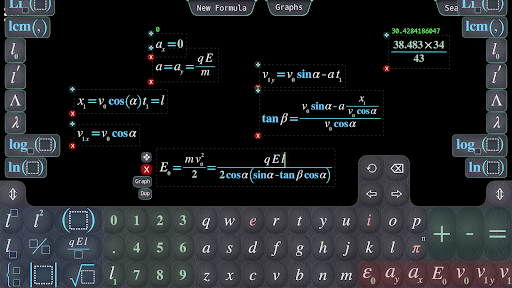
The editor will let you not only write math expressions for printing but also easily apply known formulas and solve standard tasks. It is designed to reduce the need of usual typing as much as possible while solving any big math task including the ones in physics.
Unlike with a fully automatic solver, you are in charge and decide what steps to make, and editor makes suggestions doing search and routine math.
See video guides at https://www.youtube.com/playlist?list=PLN8WWNf0xxmeEFyipakdhRt8uQ2PnUCjQ
There are prepared tasks to train (simplifying math expressions, etc.) where you can crunch complex math without the need of actual typing.
You can still use editor just to type and print formulas.
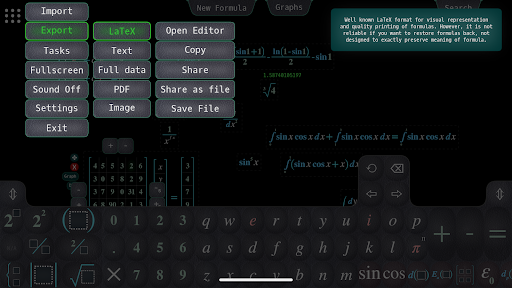
Formulas can be exported as short text (similar to matlab), LaTeX, PDF, image.
Import from LaTeX will let you add formulas from photo with help of other free apps.
Editor is designed for work with complex formulas together with ability to type them fast. It uses autocompletion and easy access to the history of what's typed before. Greek letters and other special symbols are supported, also adding usual text as comments.
Combined editing with math knowledge: easily change the order of terms or multipliers (select & drag), substitutions and extractions, build formula for any variable just by selecting it in an equation.
Use it just as a calculator: values for any formula are shown when you provide enough input data e.g. a=1, b=2.
Use multiple formulas referencing each other and define your custom functions to describe complex computations.
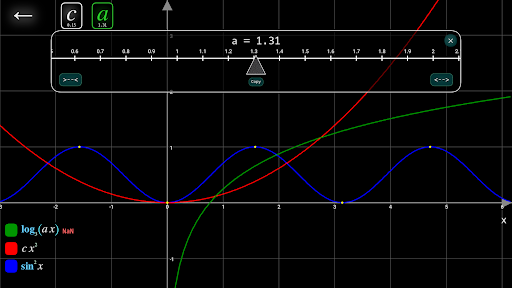
Graph multiple functions (with easy variation of parameters' values).
Graph functions of two variables using domain coloring (not necessary complex functions).
Notes by math area:
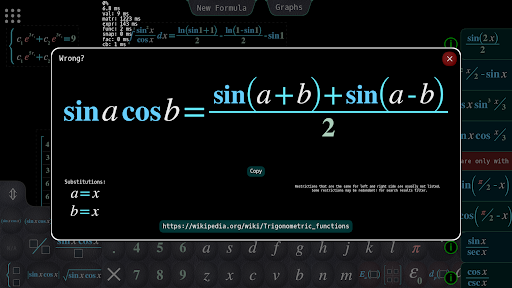
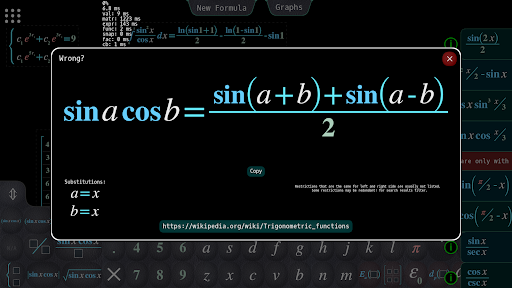
Many commonly used formulas from basic algebra and trigonometry (also inverse trigonometry, hyperbolic functions).
Polynomials: factorization and equation solving of order up to 4, long division.
Linear algebra: solving linear system of equations (assumes the number of variables equal to the number of equations).
Vectors and matrices:
addition, multiplication, inverse matrix, scalar product, cross product (via "cross" function).
Matrices calculations work not only with numbers but any math expressions in general.
Complex numbers: complex number calculations are automatically used when i is referenced somewhere in formulas.
Calculus:
finds derivatives and integrals, formulas for some common forms of differential equations.
Integral solving is limited compared to specialized math software but should be enough for most cases.
Some of the formulas for special functions are also included (which are found in the solutions of integrals).