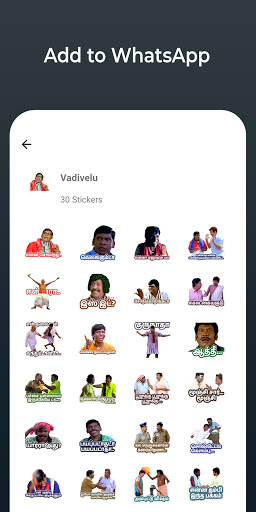
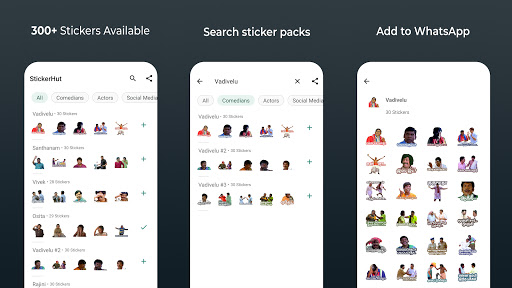
- Cooku with Comali Stickers
- Master Stickers
How to use app:
- Download and open the app
- Tap on sticker pack
- Tap on 'ADD TO WHATSAPP'
- Confirm your action
- Open WhatsApp and go to a chat
- Tap on the Emoji icon
- You will see a new sticker icon at the bottom and can now use this sticker pack
FAQ's :
I add these stickers and use them after sometime it's not available in my WhatsApp.
Answer :
Some phones don't allow this app to run in the background.
Go-to Settings-->Battery-->Battery Optimization and then choose StickerHut then choose "Don't Optimize".