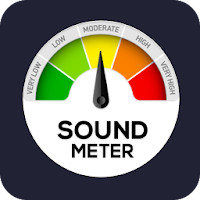
Noise Level Meter: Decibel (dB) Measurement, Recording, and Capture
This application uses your device’s microphone to measure and visualize the surrounding noise level in real time. You can easily monitor and record daily noise, workplace noise, and various sound environments.
Key Features
Real-Time Decibel (dB) Measurement
Instantly calculates the detected sound level through the microphone and displays it prominently in the center.
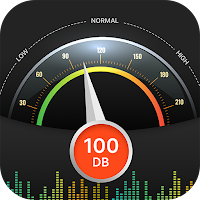
Provides a visual meter in both dial and bar graph formats, allowing you to see changes at a glance.
Tracks minimum (Min) and maximum (Max) decibel values to record the quietest and loudest moments.
Audio Recording & Saving
Press “Start Recording” to record high-quality audio while measuring noise levels.
Press “Stop & Save Recording” to finish the recording and download the audio file in .webm format to your device.
Screen Capture Function
Instantly capture the measurement screen and meter as a .png image file.
Useful for reporting, documentation, or keeping measurement records.
How to Use
1. Press “Start Measurement” and allow microphone access when prompted by your browser.
2. Observe the real-time decibel values as they update.
3. Press “Start Recording” if you need to record the sound.
4. Press “Capture Screen” to save the current measurement view.
5. When finished, press “Stop Measurement”.