Easy file explorer - My Files is a Fast, easy-to-use, and full-featured.
Easy file explorer - My Files is a simple & fast file manager offers a user-friendly interface & powerful tools to help you quickly search and organize your files.
A Easy file explorer - My Files manager or file browser is an Android app that provides a user interface to manage files and folders. The most common operations performed on files or groups of files include creating, opening (e.g. viewing, playing, editing or printing), renaming, copying, moving, deleting and searching for files, as well as modifying file attributes, properties and file permissions. Folders and files may be displayed in a hierarchical tree based on their directory structure.
Easy file explorer - My Files is a file management app, for file browsing, media consumption, storage clean-up and offline file transfer.
"Easy file explorer - My Files" manages all the files on your smartphone, just like a file explorer on your phone. You can also manage files stored on SD cards, USB drives and files in the cloud storage connected with your smartphone at the same time. Download and experience "My Files" now.
My Files is a file management app, for file browsing, media consumption, storage clean-up and offline file transfer.
Storage Cleaner
This page identifies unused apps, large files, and duplicate files which users may no longer need. It can also notify the user when the storage is almost full
Browse mode
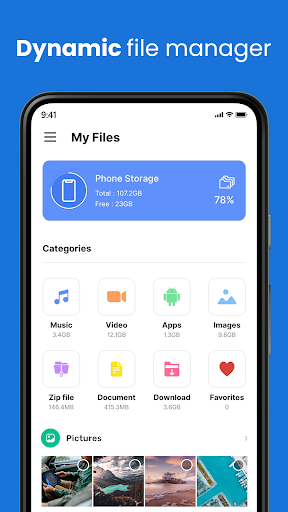
This page displays recently accessed files on the top by folder, and multiple categories on the bottom such as: "Downloads", "Images", "Videos", "Audio", "Documents & Other", and "Apps".
Private Vault
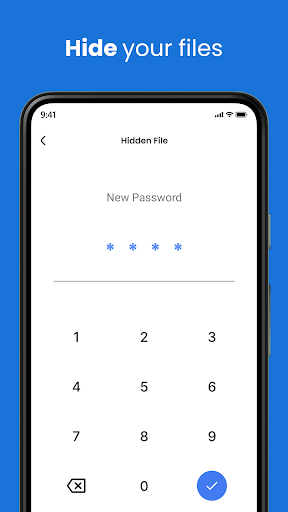
It also includes a "Favorites" folder, a "Safe Folder" which protects files using a Pattern or a PIN, as well as two buttons leading to "Internal storage" and "Other storage".
Manage & Secure all Files
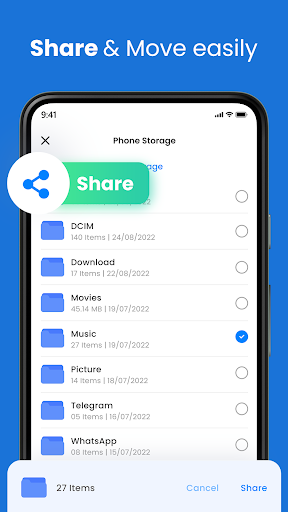
Manage, create, multi-Select, categorize, copy & paste, & move files and folders with Easy File Manager App. Store your data in a private folder to keep them safe. You can open, read files and manage files with "Easy file explorer - My Files" App.
Global Search Bar
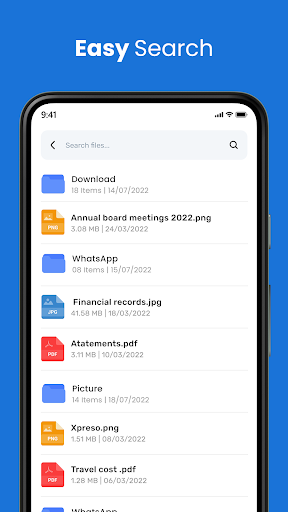
Search what files you want in your mobile phone with a few clicks.
Plugins
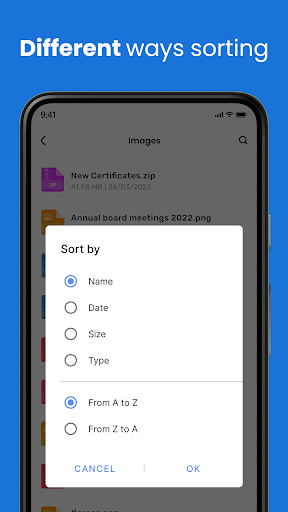
You can expand the functionality of File Manager + with optional features such as sorting images by size
File Compressor
A unique feature of file organizer & file explorer is its ability to compress files in various formats, like zip & rar.File Manager can save a significant amount of storage space on the user's device.
Download our Free, full-featured Easy file explorer - My Files for all in one platform for simple manage your all files.