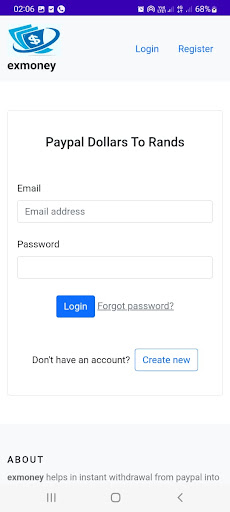
Exmoney offers a convenient way for users to convert PayPal dollars to South African Rands. To use the service, users need to follow a few simple steps.
First, users need to create an account on the app by providing their personal and financial information. Once the account is created, users can log in using their credentials.
After logging in, users need to update their banking details. This step is important as it ensures that users receive their payment in Rands directly to their bank account. Users can do this by navigating to the "Profile" section of their account and entering their banking information.
Once their banking details are updated, users can navigate to the "My Transactions" section on the left-hand side of the screen. From there, they can click the "New Transaction" button to initiate a new conversion transaction.
Once the button is clicked, a small window will pop up, prompting users to withdraw the desired amount (in USD) from their PayPal account. Users will need to enter the amount they wish to withdraw and then be redirected to the PayPal page for checkout.
Once the payment is received by Exmoney in USD, the service will pay the user back in Rands, the currency of South Africa.
Overall, Exmoney provides a convenient and secure way for users to convert PayPal dollars to Rands. With its user-friendly interface and fast transactions, users can easily convert their funds and receive payment in their local currency. The additional step of updating banking details ensures that users receive their payments without any delays or issues.