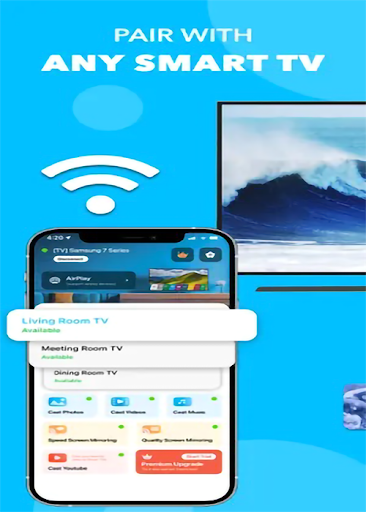
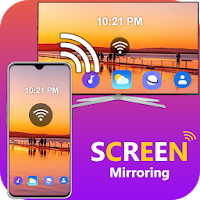
TV Cast & Screen Mirroring App is a very easy to use and powerful multi-function screen casting tool. The screen can be wirelessly mirrored (without delay) to any smart TV as long as it is connected to the same Wi-Fi.
Not only can you display any content on your mobile phone screen in real time, but also you can import videos, photos and file resources in the application to play on the big screen. Whiteboards make it easier for you to present and explain things in meetings and classes.
FEATURES
o No additional hardware is required
o Quickly cast games, videos, music on your TV
o Cast online classes on the big screen
o Making presentation in a business meeting
o Cast smooth online meeting and live video on TV
o Play games
o Cast a memory album on the screen at a family party
o Built-in screen recording function
How it works:
• Connect you phone and TV or streaming device to the same WiFi network
• Open the app and select TV from the list
• Choose the feature and follow simple instructions
DISCLAIMER: This application is not affiliated with nor endorsed by any aforementioned brand, and it is not an official product of it or of its affiliates.