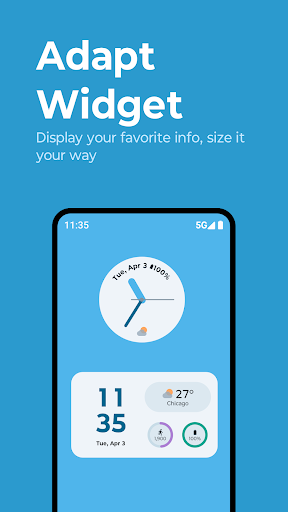
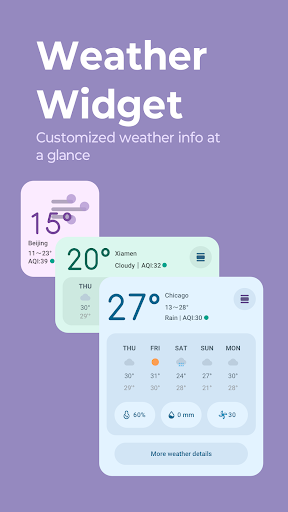
Adapt and Weather widgets can be personalized. Change the size of Adapt widget and Weather widget by long pressing on the widget and dragging the handle. The widget will expand and contract to fit the new size. You can change the widget's opacity, clock style, and more by long pressing on the widget and tapping the edit icon. If your OS is Android 11, tap widget settings on the top right of the display.
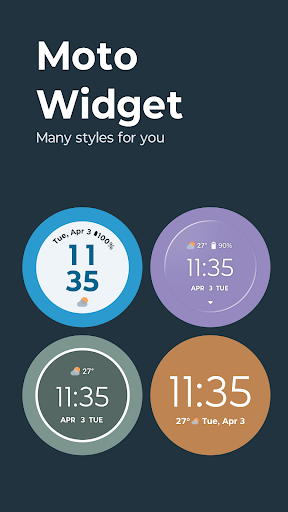
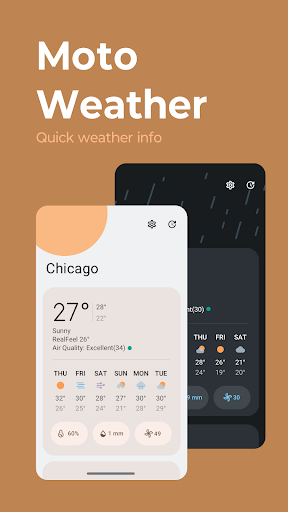
In addition to the new Adapt and Weather widgets, you can choose from classic widgets including Beyond widget, Classic battery ring widget, or Clean rectangle widget. These widgets can be viewed in Moto's iconic circle style or in plain text. Tap the weather info on each widget to access a separate weather page with a detailed weather forecast.
To choose a widget:
1. Long press on a blank space on the Home screen
2. Tap on Widgets
3. Scroll down to Moto Widget
4. Drag and drop a widget to your Home screen
Try it out today!