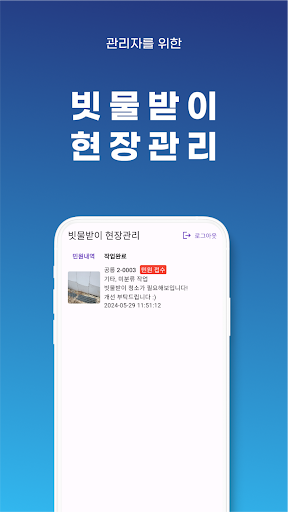
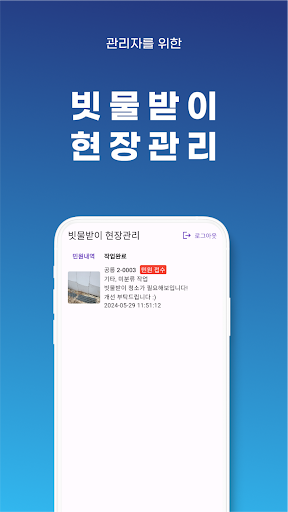
You can check the contents of the rainwater gutter field report and view the work history.
Easily check actions and history between workers.
-Complaint details
You can check the reported complaint details and reception time through the ID assigned to the rainwater gutter.
> You can see the reported rainwater gutters in photos and text.
> You can check the history of previously registered work.
> You can check the work status with the photo upload function.
> You can write down the details of the action taken.
> If the work is not required, it can be processed as a reassignment request, and if completed, it can be processed as a task completion.
- Work completed
> You can check the completed work in photos and text.