What can you do:
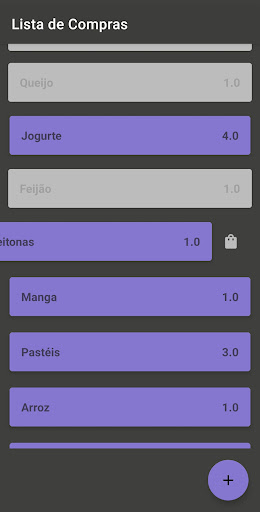
1. Create cards for each purchase: what you need to buy and how much.
2. Reorder the list as you like by dragging and dropping cards.
3. Swipe Left to turn a card Off (do this when you've already bought something) or back On (when you need that purchase again).
4. Swipe Right to remove the card from the list. This action is irreversible, so be aware.
5. To edit a card, simply click on it and make corrections in the new panel.
6. Use two-panel mode for horizontal screen orientation.