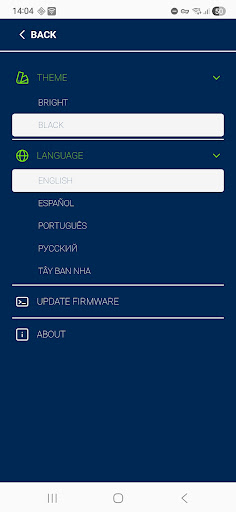
Omnicomm Configurator — the official mobile app for configuring, calibrating, and diagnosing Omnicomm LLS fuel level sensors.
Connection is made via the Omnicomm UNU-USB adapter to your Android smartphone or tablet.
Key features:
Configure Omnicomm LLS sensor parameters
Calibration and upload of fuel level tables
Diagnostics: view sensor parameters, status, and firmware version
Firmware updates for sensors
Save and export configurations
Support for all current Omnicomm sensor models
Who it’s for:
The app is ideal for technical specialists, implementation engineers, and service teams who need to quickly and accurately configure sensors on-site.
Phone requirements:
USB OTG support for adapter connection
Processor ≥ 1.5 GHz, RAM ≥ 2 GB (recommended 3–4 GB)
USB port: micro-USB or USB-C (depending on the adapter)
Screen ≥ 720p for comfortable interface display
Keywords: Omnicomm, LLS, fuel level sensor, telematics, configurator, setup, calibration, diagnostics, UNU-USB