Gacha Neon Keypad Lock Screen Password
Lock screen password is the best lock screen application and offline gallery of Gacha Neon wallpapers. The best lock screen application of Gacha Neon wallpaper password lock screen, to help you protect your privacy, prevent others invade your phone illegally. Gacha Neon pin screen lock is compatible with almost every android device. Gacha Neon pin passcode lock screen also tested on various android devices i.e android tablets and android based mobiles phones.
Gacha Neon Lock Screen Wallpapers
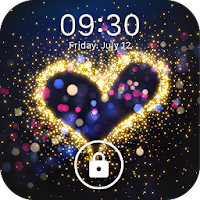
Embellish your smartphone, tablet or other android device with these different keypad lock screen variety of Gacha Neon wallpapers. All these password lock screen Gacha Neon wallpapers can give your smartphone lock screen a new Gacha Neon and sweet look.
How to use Gacha Neon pin lock screen:
1. open the Gacha Neon Lock Screen - Pin Screen Lock app, and tick the "Enable Lockscreen" check box to enable it.
2. Click the Disable System Lock in case you use the system lock.
3. Click the Lockscreen Wallpaper to switch to different Gacha Neon backgrounds.
* Features of Gacha Neon keypad lock screen:
- Gacha Neon lock screen protect your privacy
- Easy to use Gacha Neon wallpaper Lock screen
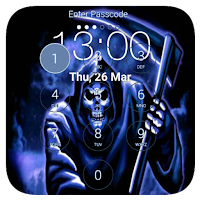
- Enter Passcode to Unlock password lock screen
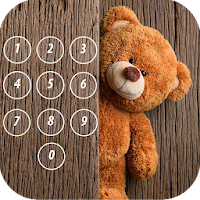
- Set password with numbers
- High security, prevent accessing your phone without password
- User can change Gacha Neon background of lock screen
- Multiple dogs wallpaper and HD Gacha Neon backgrounds to choose and
- Consume less memory and battery, simple and clean Gacha Neon wallpaper design
- Give Gacha Neon wallpaper dashing look to your device.
- Attractive user interface and Gacha Neon background.
- High quality and high definition all wallpapers.
- It's safe, never harm your device.
- Best Gacha Neon wallpapers application With Pin Lock Screen ever!
Your Gacha Neon keypad lock screen will be password protected and only you can open them!
Thanks and Enjoy Latest Gacha Neon Pin Lock Screen App