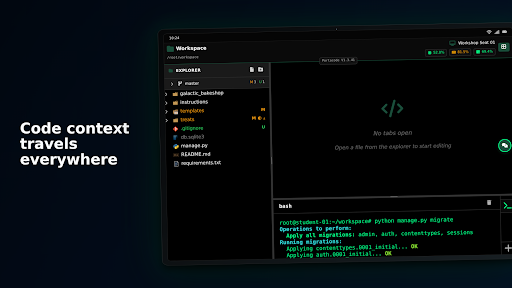
Portacode turns any Python-capable machine into a remotely accessible development environment you can reach from your phone, tablet, or laptop. Keep code and data on your own infrastructure while getting a clean web IDE for terminals, projects, and AI assistance.
How it works
1) Install the CLI on each device: pip install portacode
2) Get a pairing code from the app and use it to pair and authenticate the device to your account (see https://pypi.org/project/portacode/ for more details)
3) Now you can access that remote device like VS code over SSH, except, you don't need SSH or to be in the same LAN, and you don't even need a PC or a laptop.
What you can do:
- Reach servers, containers, home lab machines, or embedded boards over HTTPS
- Open remote terminals and run commands from your phone or tablet
- Attach multiple project paths per device for organized workspaces
- Use AI chat inside Portacode to discuss logs, commands, and code for that project while keep context organized and separated for each project
- Build classroom or workshop labs using ready-made Docker templates (see https://github.com/portacode/portacode/tree/master/examples/workshop_fleet)
Designed for:
- Developers who want secure remote access to their own machines
- DevOps and admins who need a quick way to jump onto boxes from anywhere
- Instructors who want per-student containers with persistent workspaces