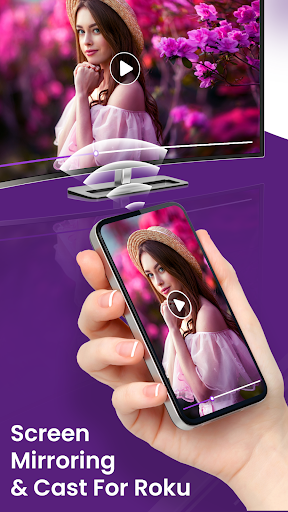
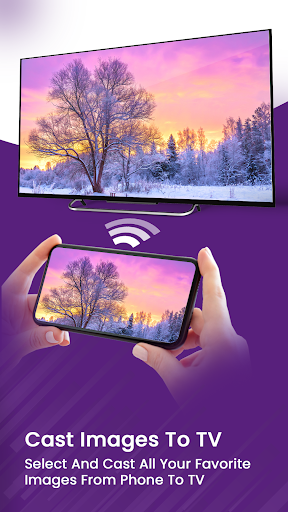
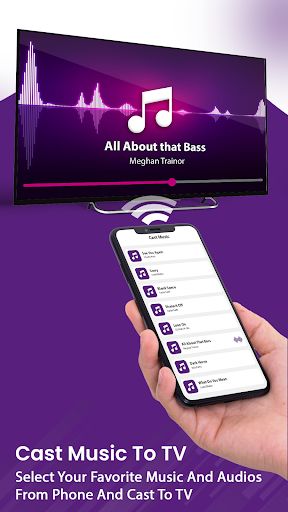
Screen Mirror For Roku app is used for screen mirroring and video & TV casting. Roku smart view provides you an awesome user friendly interface.
Please follow below steps to mirror your mobile screen to smart TV:
1. Make sure your TV/Roku Devices and phone are connected to the same Wi-Fi network.
2. Turn on Mira cast Display function on your TV/Roku Devices.
3. Turn on Wireless Display option on your Android phone.
4. Click Select TV button and choose your TV.
5. Screen mirroring cast phone to TV.
6. View your all android screen content on your tv easily.
Supported Devices
- Roku TV,
- Roku Streaming Stick,
- Roku Express,
- Roku Premiere,
- Roku Ultra,
- Roku 2,
- Roku 3,
- Roku 4,
- Roku HD (2500),
- Roku LT (2400+2450) Player.
Please make sure that firmware 5.1 or later is installed.
Disclaimer: This app is not affiliated with Roku or any other trademark mentioned here. ROKU, the ROKU Logo, STREAMING STICK, ROKU TV, ROKU POWERED, the ROKU POWERED Logo, ROKU READY, the ROKU READY Logo, "STOP DREAMING. START STREAMING.", "HAPPY STREAMING", "THERE'S A TON OF ENTERTAINMENT IN THIS LITTLE BOX," and "NOW THIS IS TV" are trademarks and/or registered trademarks of Roku, Inc. in the United States and other countries.