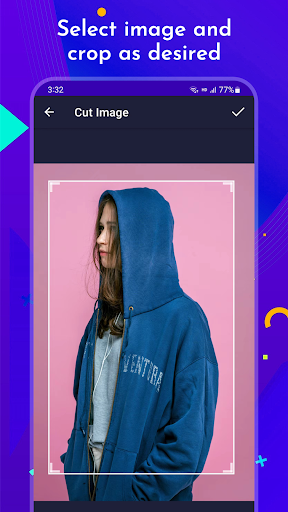
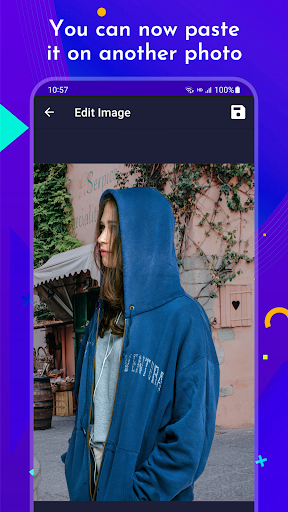
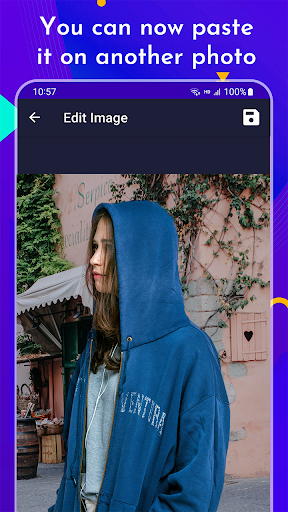
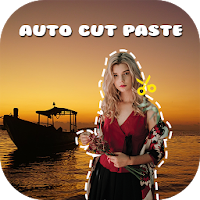
Cut any objects, edit and paste into another photo professionally.
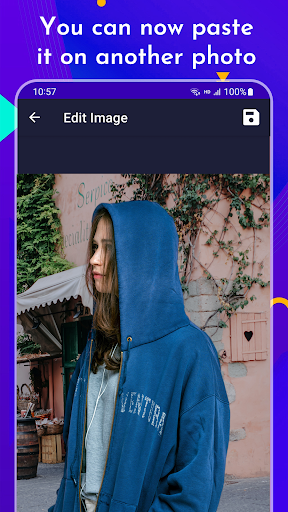
Want to swap or add faces? Cut ones face and add it into another photo. Make a collage with multiple images? Add multiple images and add them into a background photo of your choice.
EasyCollage comes with tools suitable for professionals and beginners:
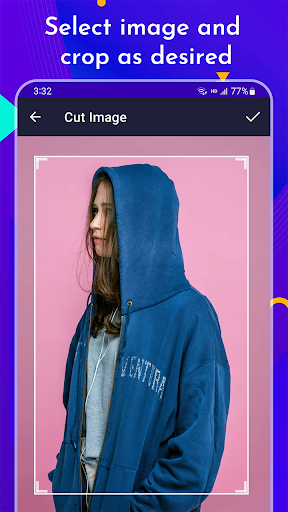
1. Cut photos:
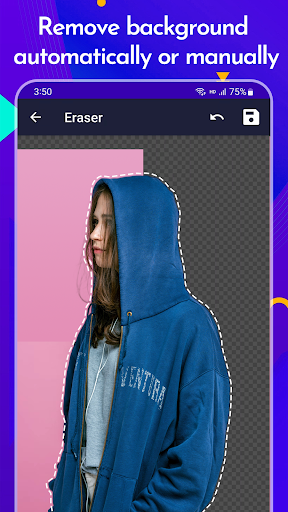
- Crop any part of an image with different shapes and sizes OR draw the path of the object manually
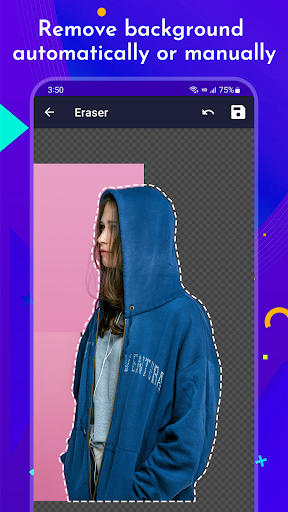
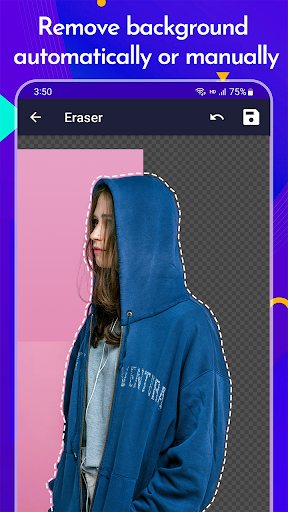
2. Background eraser:
- Erase any part of an image with our customisable eraser tool
3. Advanced photo collage and editing tools:
- Paste multiple copies of the cut photos into any background of your choice.
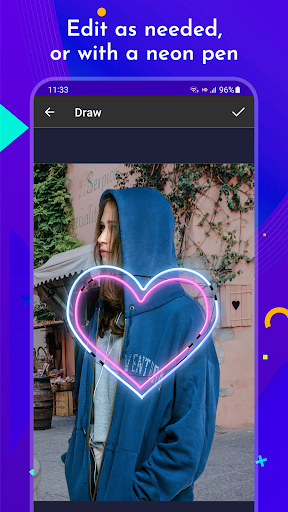
- Change the brightness, color and saturation of photos with our image editing tool.
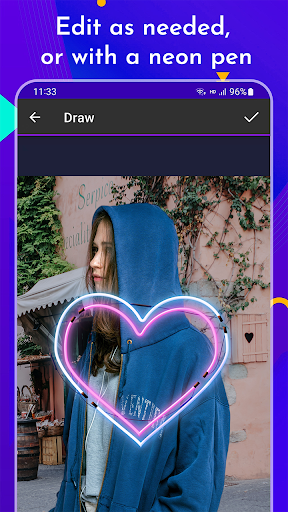
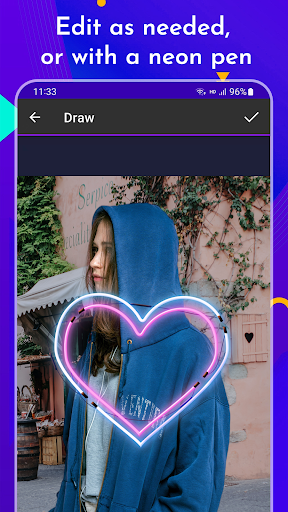
- Add words or draw items on the collage with various colors and sizes with our draw tool
You can keep the original photos resolution with the same quality OR save them with smaller size to save memory.