PDF + QR, All in One App
PDF QR Scanner combines everything you need - from document scanning to QR code creation - for both daily life and work.
[ This App is Essential For ]
- Those who save contracts, receipts, and business cards as PDF
- Those who need to merge or split multiple PDFs
- Those who want to extract text from images
- Those who share Wi-Fi and contacts via QR code
- Those who frequently scan shipping labels and product barcodes
[ PDF Scanner - 9 Core Features ]
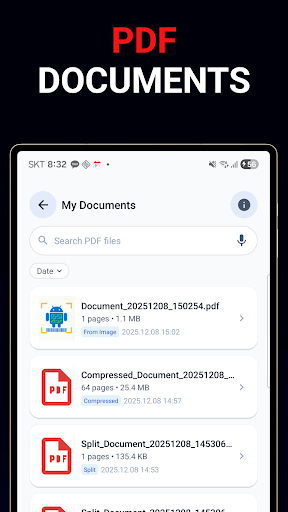
- Document Scan - Auto-detect and correct document area with camera
- Image to PDF - Select gallery photos and convert to PDF instantly
- PDF Merge - Combine multiple PDF files into one in order
- PDF Split - Extract only the pages you need into a new PDF
- PDF Compress - Reduce file size for easy email attachment and sharing
- PDF Edit - Reorder, rotate, delete pages, add signature
- OCR Text Extract - Multi-language support including English, Korean, Chinese, Japanese
- PDF to Image - Convert PDF pages to PNG, JPG, WebP
- PDF Viewer - View and manage saved PDF documents
[ QR Code and Barcode Scanner ]
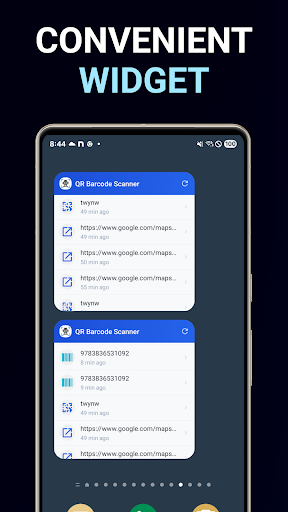
- Instant Scan - Camera activates on app launch, recognize in 1 second
- Gallery Scan - Recognize directly from screenshots and saved images
- Supported Formats - QR Code, Data Matrix, Aztec, PDF417, EAN-8, EAN-13, UPC-A, UPC-E, Code 39, Code 93, Code 128, ITF, Codabar
- Smart Recognition - Auto-detect URL, contact, Wi-Fi, email, phone number
[ QR Code and Barcode Generator ]
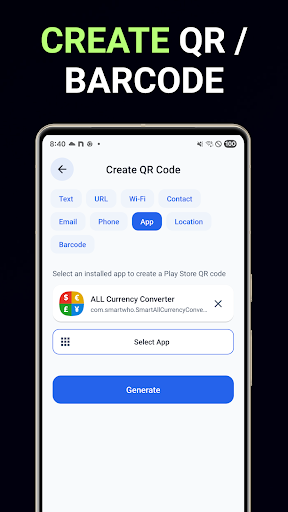
- Create QR Code - Text, URL, Wi-Fi, Contact, Email, Phone number
- Create Barcode - EAN-8, EAN-13, UPC-A, Code 128, Code 39, etc.
[ Why PDF QR Scanner? ]
- All-in-One - 9 PDF tools + QR/Barcode scan/create
- Offline - All features work without internet
- Minimal Ads - No interruption during work
- Privacy First - All processing on device, no server upload
- Fast Updates - User feedback actively reflected
[ Privacy Protection ]
- All data is processed only on your device
- Nothing is transmitted to external servers
- Camera permission: Used only for scanning
- Storage permission: Used only for saving PDF/images
From document management to QR codes, PDF QR Scanner handles it all.