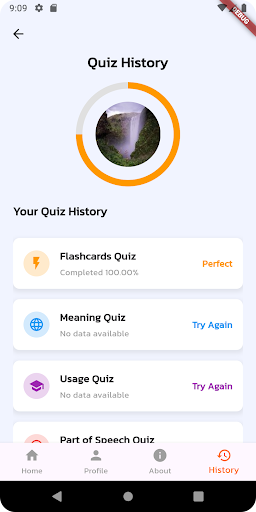
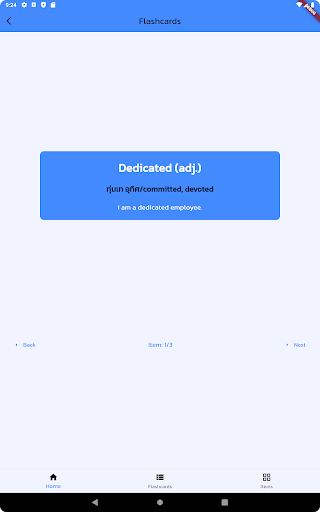
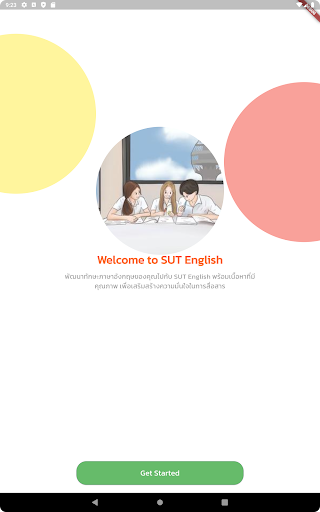
The application consists of 12 features, namely Reading, Part of Speech, Matching Quiz, Spelling Quiz, Usage Quiz, Meaning Quiz, Speaking, Video, Audio, Flashcards, Lessons, and News. Users can practice reading short passages by using the Reading which also contains multiple-choice questions to measure the users' reading comprehension skills. Part of Speech allows users to familiarize themselves with word forms such as noun, verb, adjective, adverb, etc. For Matching quiz, users learn the meaning of words by matching them to their meanings in Thai language. Some exercises let users match English words to English definitions. Spelling Quiz is for practice writing words. There are word meaning and hints. The users can use those to type in the word. Usage Quiz is for those who wants to learn using words in the right context. When users learn with Usage Quiz, they can see how words are put to use in the correct usage. Meaning quiz also has multiple-choice questions helping users to gain understanding of words senses in their own fist language. In Speaking, users can practice their oral proficiency by speaking, recording, playing, and uploading the file for an instructor to review. Video and Audio are similar in that they have provide listening practice for users. After watching the videos and listening to sounds, users answer questions to check their comprehension. In Flashcards, users learn word meaning and sentence examples. In Lessons, users can learn some knowledge from texts, videos, and images. In News, users can read some articles and look at pictures.