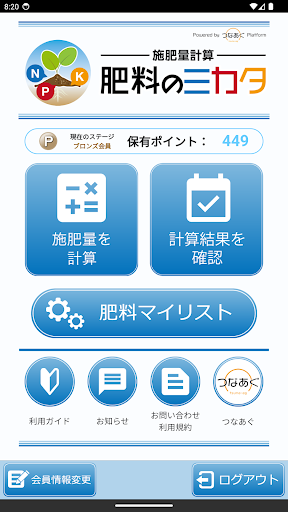
Fertilizer amount calculation "Fertilizer no Mikata" supports calculation of fertilizer amount according to fertilizer application standards.
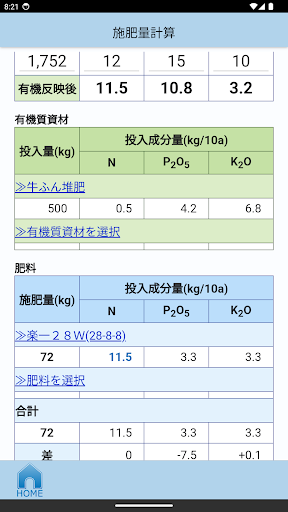
After setting the fertilizer application standards, you just need to select the fertilizer to be used and the fertilizer ingredients you want to adjust, and the amount of fertilizer to be applied will be automatically calculated. It's okay if you don't know the field area. Field area can be measured from map data.
Additionally, if you are using organic materials such as compost, this app allows you to easily reflect the amount of fertilizer derived from the organic materials in the fertilization standards. Please use it for waste-free fertilization.
[Function overview]
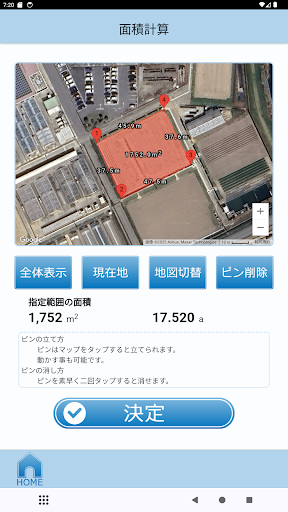
(1) Field area measurement
You can calculate the area by surrounding the field on the map. Google Maps is used for map data.
(2) Utilization of fertilizer registration information
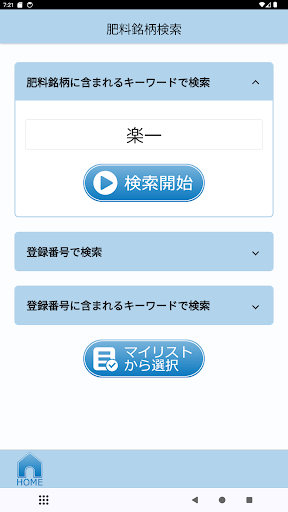
By simply entering the registration number of the fertilizer used, you can set the content rate of the fertilizer components (N, P2O5, K2O) required for calculation.
The fertilizer information you set is saved and can be used for the next calculation. Fertilizer registration information is obtained using the API provided by WAGRI (https://wagri.naro.go.jp/), a public agriculture-related cloud service.
(3) Reflection of the fertilizing effect of organic materials
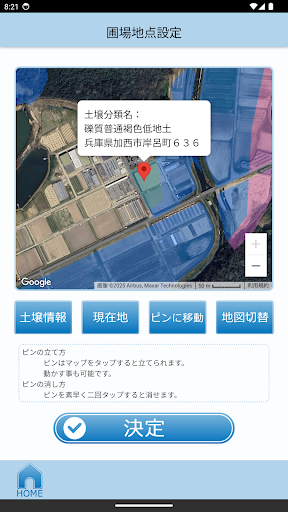
You can calculate the amount of fertilizer by simply setting the field location and inputting the type and amount of organic material input.
The calculated fertilizer effectiveness is reflected in the fertilizer application standards. We use the API provided by WAGRI to calculate the amount of fertilizer.
(4) Automatic calculation of fertilizer amount
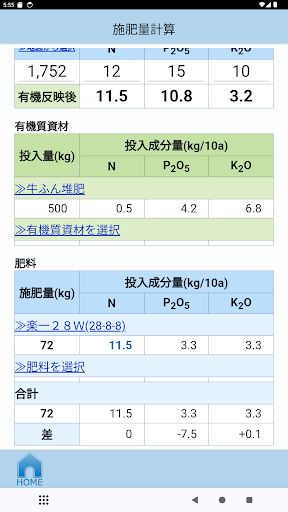
Once you select the fertilizer component you want to prioritize and adjust, the amount of fertilizer applied will be automatically calculated based on the field area, fertilizer application standards, and fertilizer component content.
(5) “Tsunaag ID” login privilege function
You can use convenient functions by logging in with your "Tsunaagu ID".
・You can save the results of fertilizer application amount calculation.
・You can collect points to connect