Swift Draw and Image Converter
Install Now
Swift Draw and Image Converter

Swift Draw and Image Converter

Canvas draw touch move and image converter for your Android Device

Developer: UlmDesign
App Size: Varies With Device
Release Date: Oct 4, 2014
Price: Free
Price
Free
Size
Varies With Device

Screenshots for App

Mobile
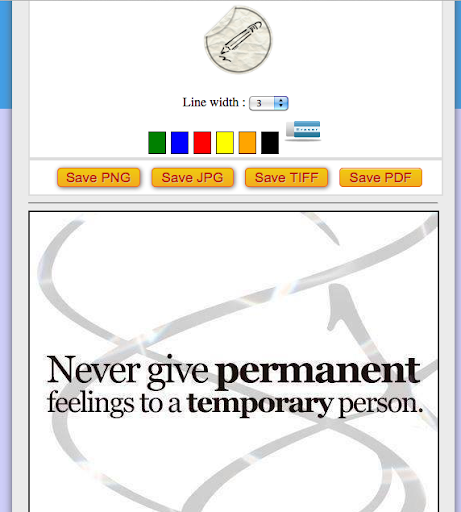
An essential and practical application for freehand drawing and for the conversion of images in multiple formats.

- For the drawing of the lines you can choose 6 different colors and thicknesses
- You can save in four convenient formats: jpeg, png, tiff and pdf
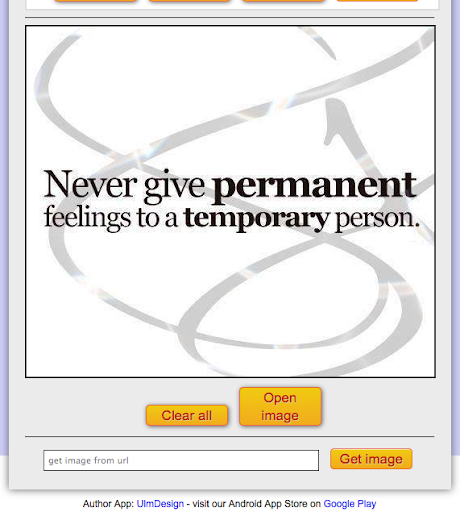
- You can withdraw your files directly from the file system of your device or from an input url
- In the application, available eraser tool to correct the drawings
=============
Important notice
To view files saved as image formats I suggest you use the Files by Google or File Manager (Explorer) applications. Unfortunately, the native file systems of some smartphones limit the complete display of folders and files
Thanks for your patience
=============
Show More
Show Less
Swift Draw and Image Converter 1.4.8 Update
2023-06-11 Version History
Application updated to API level 33

~UlmDesign
More Information about: Swift Draw and Image Converter
Price: Free
Version: 1.4.8
Downloads: 529
Compatibility: Android 4.0
Bundle Id: com.ulm.touchanddraw
Size: Varies With Device
Last Update: 2023-06-11
Content Rating: Everyone
Release Date: Oct 4, 2014
Content Rating: Everyone
Developer: UlmDesign


Whatsapp
Vkontakte
Telegram
Reddit
Pinterest
Linkedin
Hide