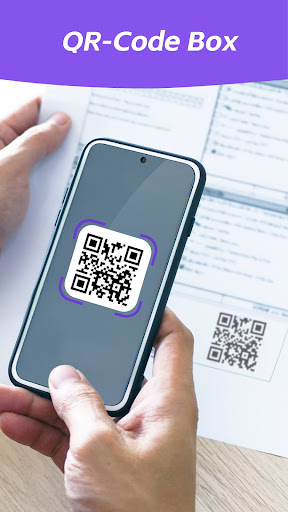
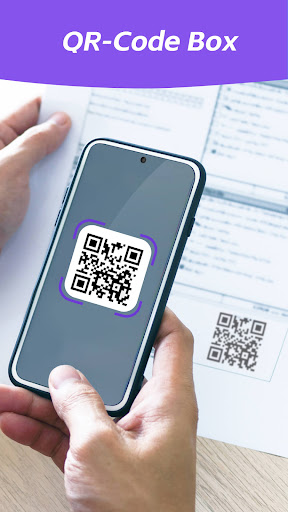
QrCodeBox can scan and read all types of QR codes, including text, urls, products, contacts, ISBNs, calendars, emails, locations, Wi-Fi, and many other formats. After scanning, the user is only provided with the relevant options of the personal QR or barcode type and can take appropriate measures.
Features:
- Easy to use and smooth
- QR Code Scanner
- Scan images from the gallery.
- Generate different types of QR codes
- Nice user interface
- No Internet connection required
- Support flashlight in low light environment
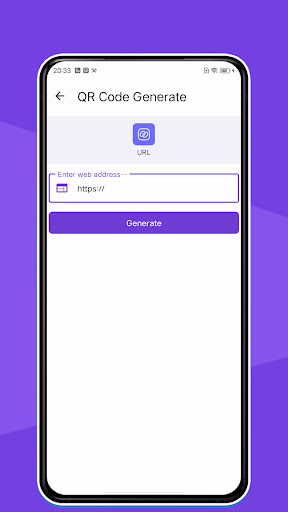
How to generate QR code?
· Select type
· Enter the content you want to generate
· Press the "Build" button to create
· You can save your QR code or share it with your friends!
How to scan QR codes and barcodes?
- Detect the code in the image file or scan it directly with the camera.
- Simply turn on the scan and align the mobile barcode, and it will automatically recognize, scan and parse the mobile barcode. After the scan is complete, the screen will provide several relevant options
This app respects your privacy. It does not contain any trackers and does not collect any data.