This application helps your students understand tales they have heard. After viewing each story, your students have access to various interactive games and graphic activities.
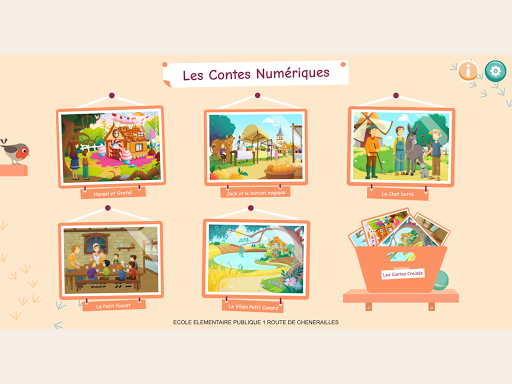
The five illustrated tales: Hansel and Gretel - Jack and the Magic Bean - Le Chat Botté - Le Petit Poucet - Le Vilain Petit Canard
SUMMARY
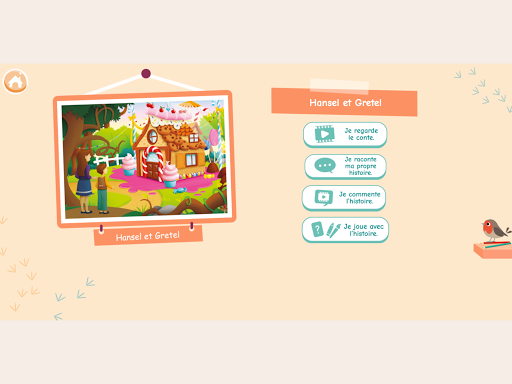
I tell the tale
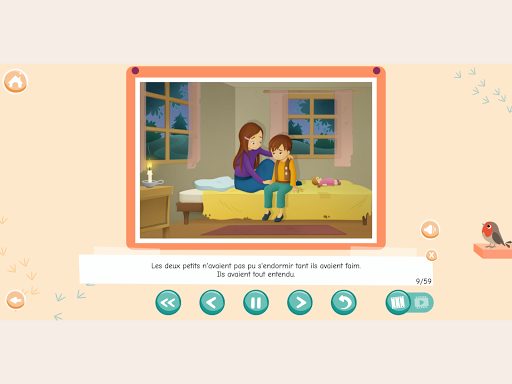
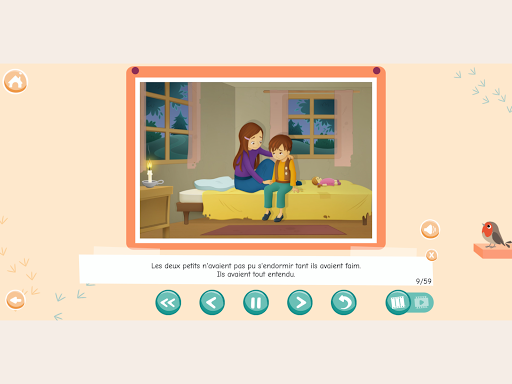
The story is told using sequential moving pictures.
The teacher can scroll through the story at a pace that suits them or let the story unfold. The text is saved and can also be read by the teacher.
I tell my own story
This mode allows the student to tell the story in their own words. The student's recording is stored for listening.
I comment on the story
The teacher has the tools to highlight or hide certain elements of the image.
I play with history - 5 exercises
Mixed story - The student puts the pictures in order to piece together the storyline.
Missing images - The student places one or more images in the course of the story.
Images to Repair - The student replaces the missing pieces of the image in the correct places.
Who ? What? Or ? - The student answers several comprehension questions about the tale.
Memory - The student must find the pairs of identical images.
For each game, 3 stages of increasing difficulty levels are offered.
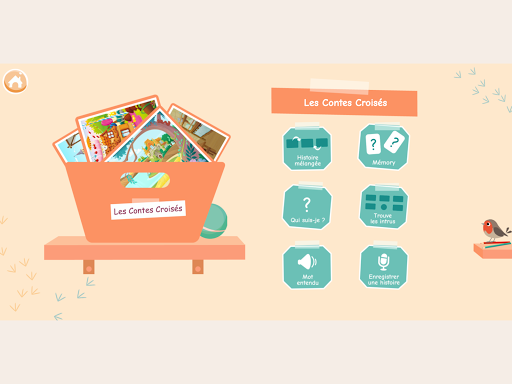
"Crossed Tales" mode
Other activities bringing together characters and objects from all the tales are offered:
Mixed story - The student assigns pictures to the tale to which they refer.
Memory - The student must find the pairs of identical images.
Who am I ? - The student must find the image that corresponds to the clues given.
Find intruders - The student eliminates images that do not match the clues given.
Word Heard - The student selects the image that matches a spoken word.
Recording a story - The student makes up a story in their own words from pictures of the different characters in the tales. The student's recording is stored for listening.
"Draw - Decorate - Trace" mode
The student has a variety of comprehensive tools for drawing, tracing, composing and coloring an image. Student creations can be saved and printed.
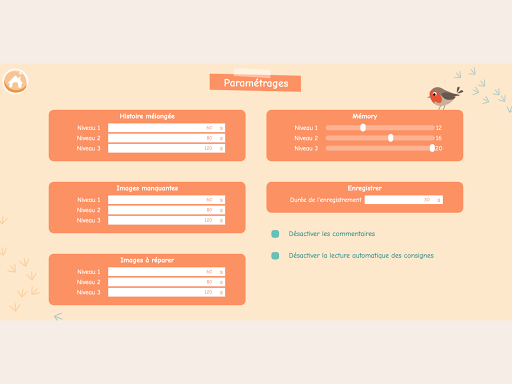
Settings
The teacher can configure the exercises: playing time for each level and exercise, number of attempts for the memory, possibility of deactivating the reading of instructions and audio comments.