Contents
The application is based on an educational base of 966 associations: word, group of words or phrase / graphic representation / sound recording and 31 phonemes.
Themes
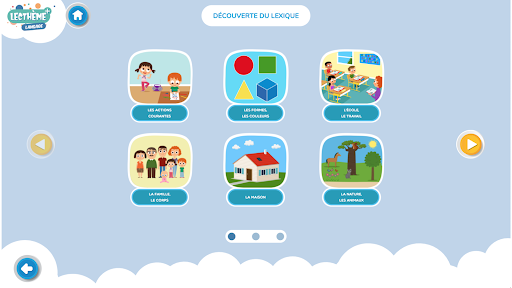
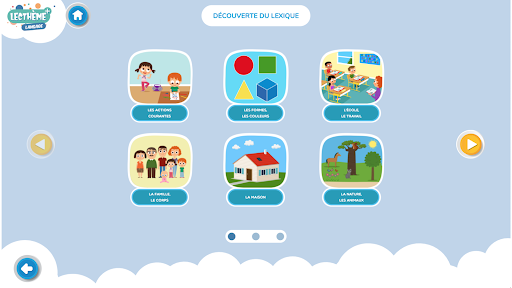
The 966 associations are divided into 17 themes: Basic words - Meals - Daily life - Games, sports - Home - Current actions - Nature, animals - School, work - Professions, the objects - The landscapes - The transport - The shapes, the colors - The city, the village - The leisure activities - The shopping - The family, the body - To wash, to dress.
Phonemes
31 phonemes are understood through auditory discrimination activities: [a], [ɑ̃], [e], [ɛ] [i], [ɛ̃], [o], [ø], [ɔ̃], [u] , [y], [b], [ʃ], [d], [f], [g], [j], [ʒ], [k], [l], [m], [n], [ ɔ], [œ], [p], [r], [s], [t], [v], [wa], [z].
Use
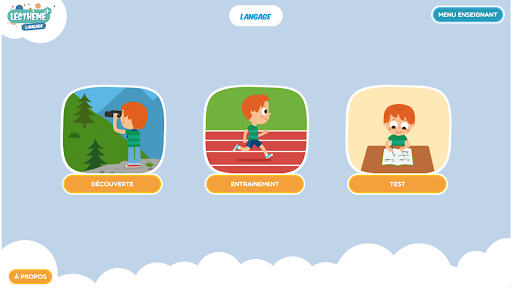
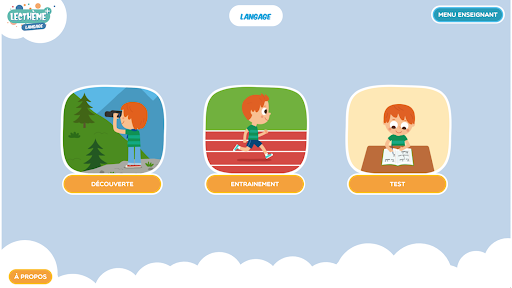
3 modes of use are available:
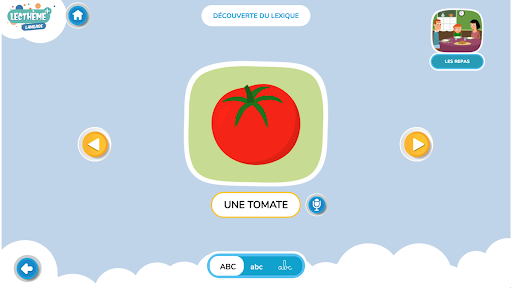
- Discovery: free discovery of the lexicon. The student has the option of recording and then listening to himself.
- Training: the student exercises freely and can call for help. It can revise words not found or misspelled.
- Test: the results are saved. They can be analyzed by the teacher.
Summary
Discovery mode has 2 activities:
1. Discovery of the lexicon
The student freely discovers the 966 text / image / sound associations.
2 entries possible: by text or by images
2. Memory
5 image / text pairs.
The student must associate the pairs of images with each other.
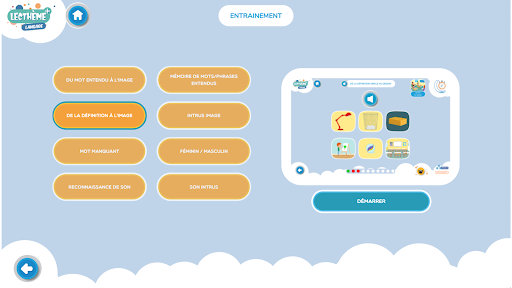
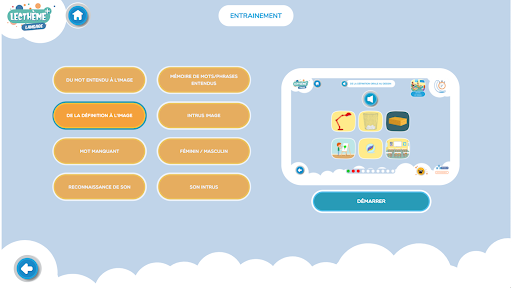
The Training and Test modes include 8 exercises, with 3 reading levels each time (level 1: simple words and phonemes / level 2: words or groups of words and intermediate phonemes / level 3: complex sentences and phonemes). Help is offered, it counts as a trial.
1. From sound to image
The student identifies the image that matches the sound they hear.
2. Memory of sounds / sentences heard
The student hears a sound or a phrase, then must select the image that corresponds to him among several displayed on the screen (auditory memory).
3. From oral definition to image
The student listens to a definition and then clicks on the image that corresponds to what he understands (inference).
4. Image intruder
The student makes the link between several images that appear on the screen, then selects the one that they believe is unrelated to the others.
5. Missing word
The student guesses the missing word in a sentence by selecting the picture that corresponds to it.
6. Female / Male
The student classifies the words he hears according to their gender.
7. Sound recognition
The student locates the words that contain the requested phoneme (auditory discrimination).
8. His intruder
The student finds the word that does not start with the requested phoneme (auditory discrimination).
Teacher menu
The teacher menu allows you to change the application settings.
- Selection of active modes;
- Selection of active themes;
- Selection of active phonemes;
- Selection of active exercises.
Settings for the exercises are possible:
- Choice of the font;
- Adjustment of the exercise time.
Sound settings can also be changed.
It also makes it possible to manage student results: group creation, access to individual reports for each exercise.