"Easy travel expenses .net IC card reader" is your dedicated app "Easy travel expenses .net".
https://rk2.mugen-corp.jp/
When holding up the traffic system IC card to the smartphone, it is possible to send a ride history to "Easy travel expenses .net", input work of a date and time and station name necessary to the settlement of travel expenses will be unnecessary.
■ Basic Usage
1. Turn ON the NFC reading function of the smartphone.
· Android 4.0 ~ 4.1: "Settings" - "Wireless and network Other" - ON the "NFC"
· Android 4.2 ~ 5.1: "Settings" - "Wireless and network Other" - "NFC / Osaifu Setting" - "Reader / Writer, P2P," the ON
· Android 6.0 ~: "Settings" - "View Wireless and network more" - ON the "NFC"
2. Start the app.
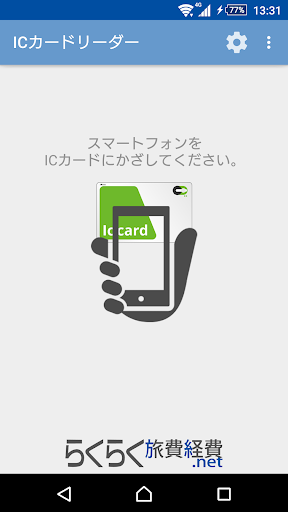
3. held up the traffic system IC card to FeliCa reading portion of the smartphone back.
4. ride history to "Easy travel expenses .net" will be sent.
■ Terms and Conditions
https://rk2.mugen-corp.jp/ic_card_reader/termsOfService.html
■ operating environment
Android 4.1 or later of the NFC-enabled terminal