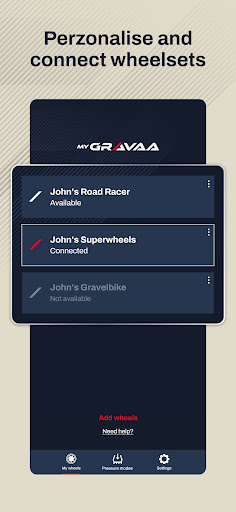
Raise the bar with Gravaa and experience adaptable tire pressure at the push of a button. Download this official Gravaa app to configure your device and settings.
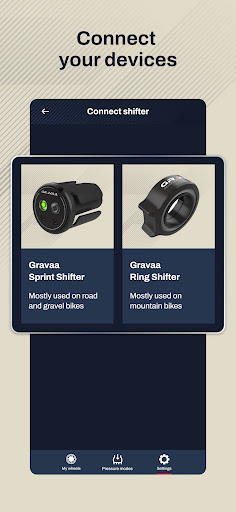
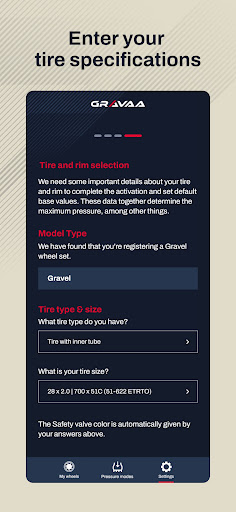
Once you have installed Gravaa on your bike, open the app to connect to the system via Bluetooth. As part of the onboarding flow, the app will ask you to enter your pressure preferences, including the maximum marked pressure of the tires on your Gravaa-equipped bike, the size of each pressure step when you increase or decrease your tire pressure from your handlebar, and a few other key settings such as language, measurement preferences and more. It’s an easy process and fun!
While this app lets you edit settings and change preferences, Gravaa also connects to your bike computer, enabling you to monitor the pressure of your tires during your ride in real time. It’s worth remembering that while you’ll see your tire pressures on your bike computer, you change Gravaa’s master settings on your phone.