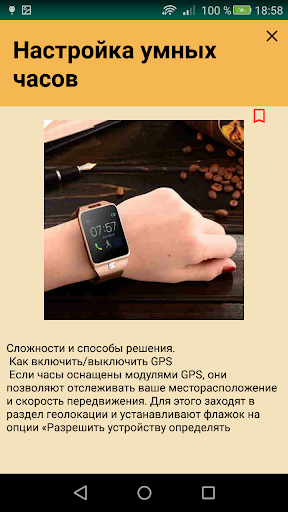
Smart watches are a compact replacement for a phone. When they are on hand, there is no need to hold the mobile phone anymore or be afraid to drop it. With them, do not miss an important call or message. And it's easier to see the time on a smart watch than on a phone. Next is a step-by-step instruction on how to set up a smart watch.
Connecting a smartwatch to a smartphone is necessary for the full operation of the device and access to a number of functions: receiving notifications about calls, SMS, mail, controlling the player and camera, blocking or searching for a smartphone, tracking actions on a children's phone and much more. You only need to configure the connection once. In the future, the connection and synchronization are carried out automatically. Let's look at how to connect devices for iOS and Android. Setting up a smart Watch is not a complicated, but responsible process. The correct functioning of the device depends on the proper execution of all these actions. The application discusses ways to configure the Watch clock, and eliminate possible problems.
The application consists of sections:
Getting started, turning on the smart watch;
Connect the SIM card;
Setting the time;
Sync with your smartphone;
Synchronization via Wi-Fi;
Connecting to an Android smartphone;
How to set up the Internet on a smartwatch;
How to call and send messages;
How to increase the working time;
How to reset to factory settings;
Possible difficulties and solutions;
How to turn on GPS;
Cannot be configured or an error message is displayed;
The app does not see the connected smartwatch;
There is no connection between the smartphone and the watch;
The problem of lack of network;
How to launch an app on an Android phone;
Camera control.