Mixonset Mix Music Clips
Install Now
Mixonset Mix Music Clips

Mixonset Mix Music Clips

AI DJ for Spotify+Apple Music

App Size: 146.7 MB
Release Date: Jan 19, 2020
Price: FREE
4.7
2633 Ratings
Size
146.7 MB

Screenshots for App

iPhone
iPhone X
More Screenshots for iPad
People skip half of the songs they play, like more than 500,000,000,000 songs every year. Why? Because songs are too long, shuffle ruins the vibe, and you listen to the same playlist over and over again.

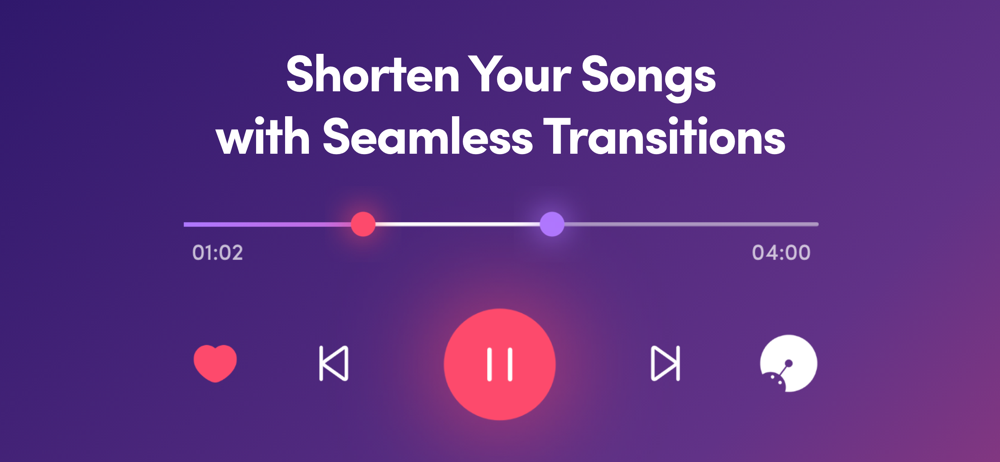
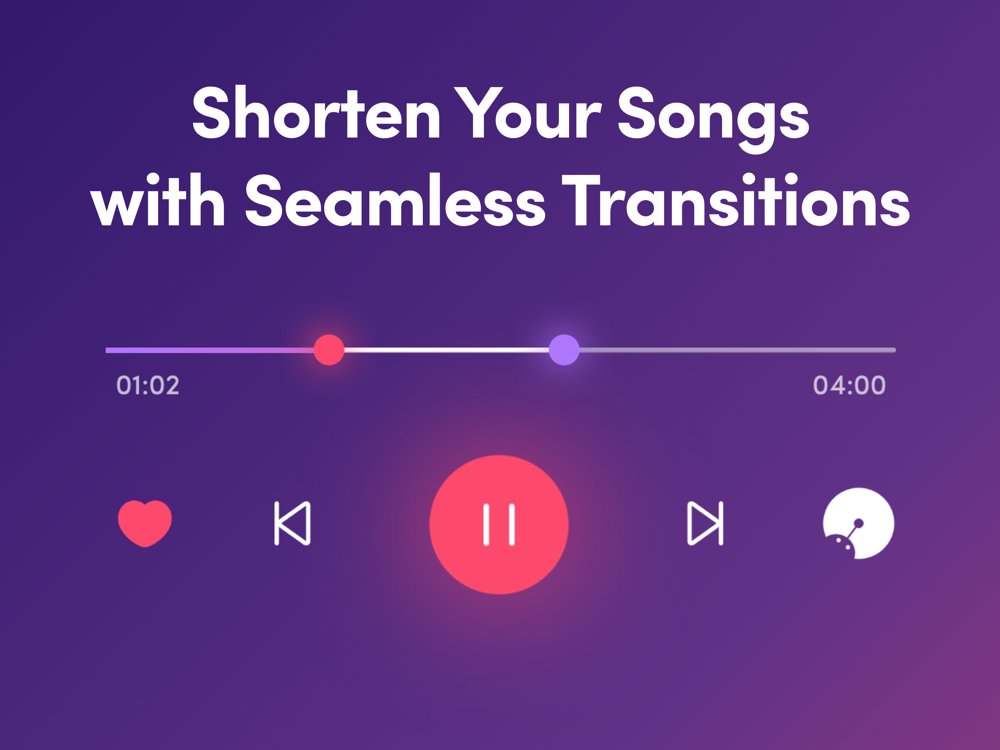
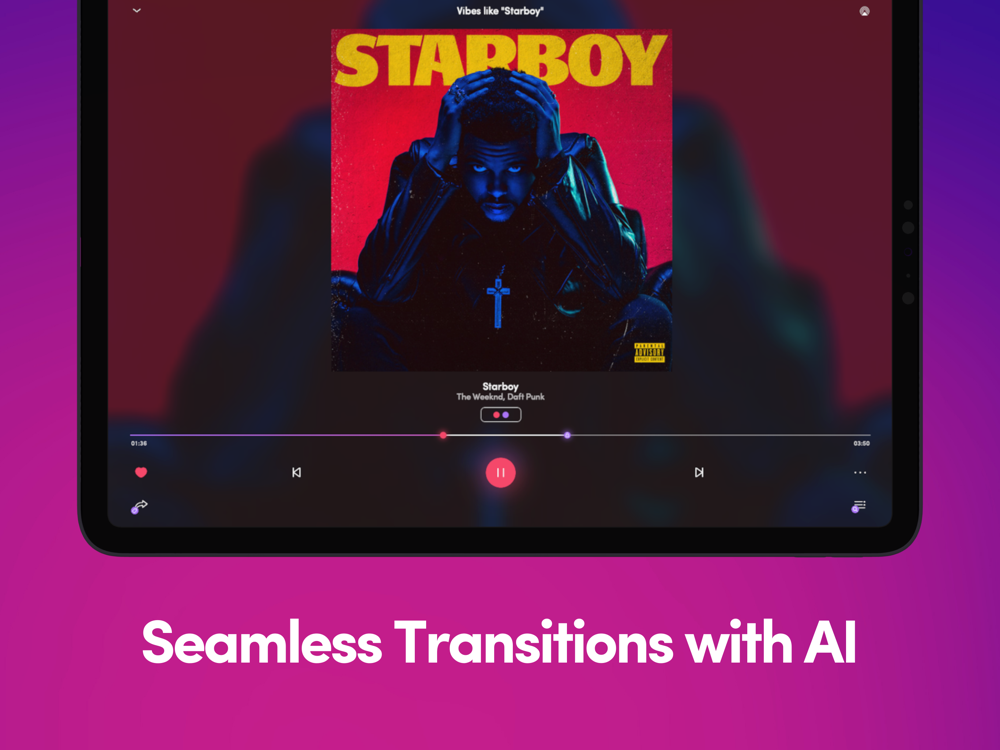
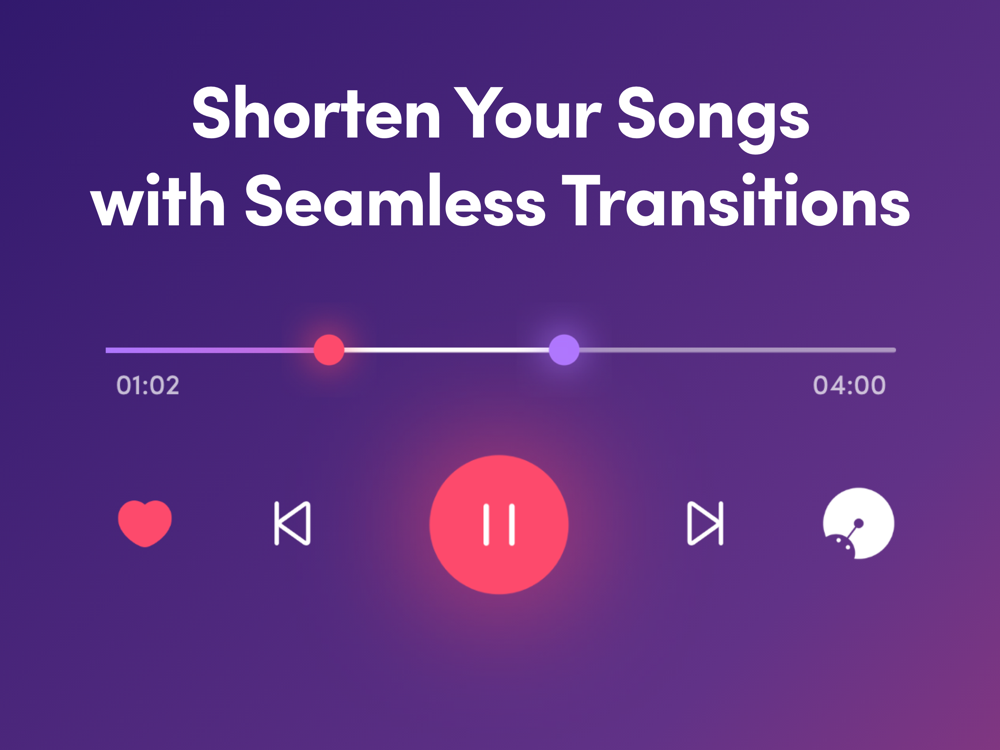
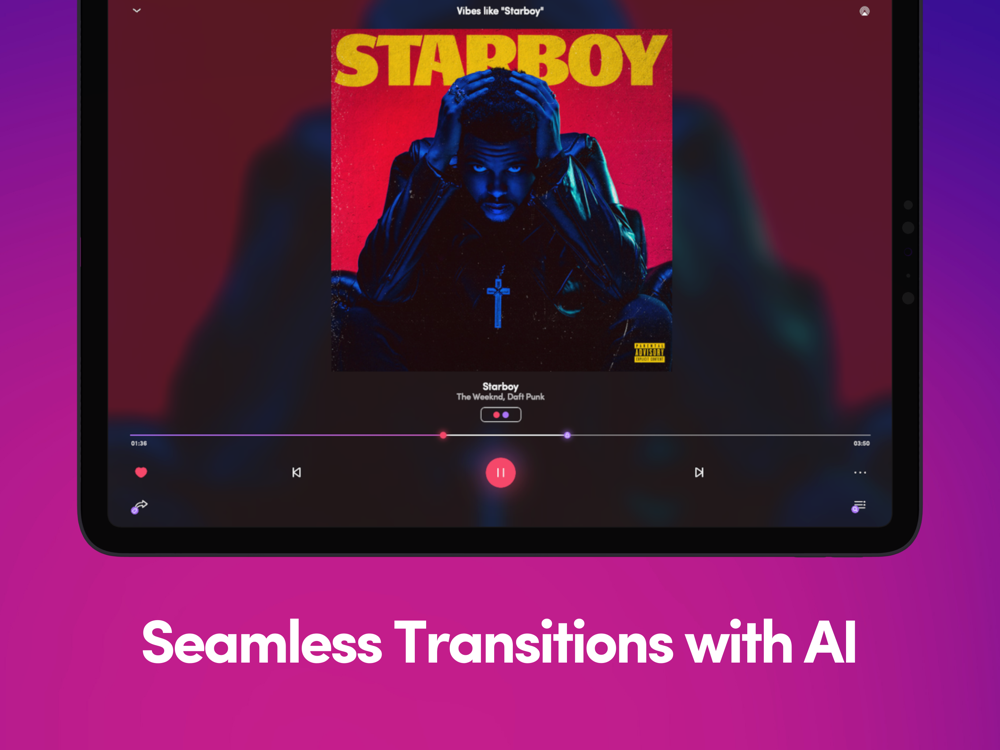
Listen seamlessly with your AI DJ. Shorten your songs with smooth transitions so that your music will come to life.

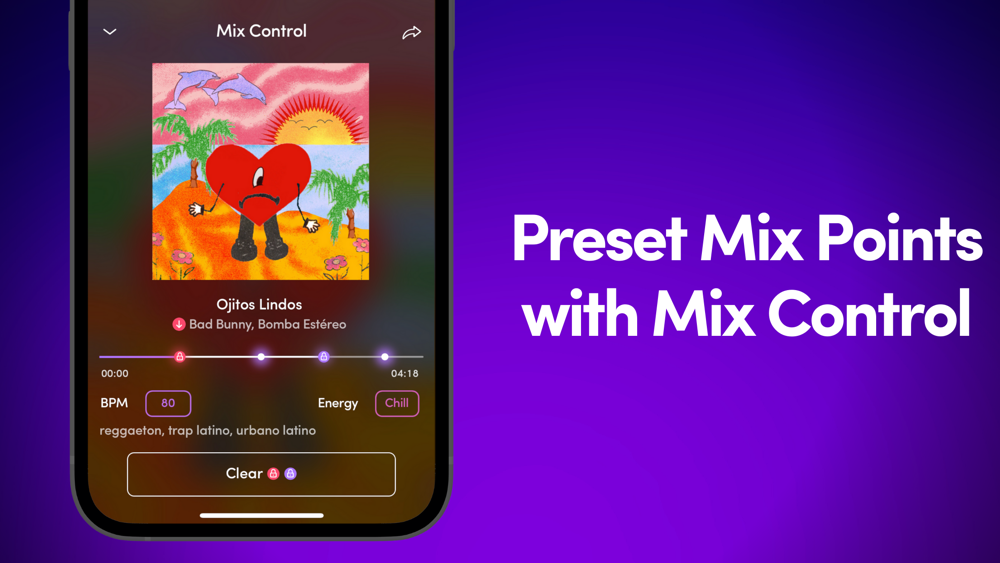
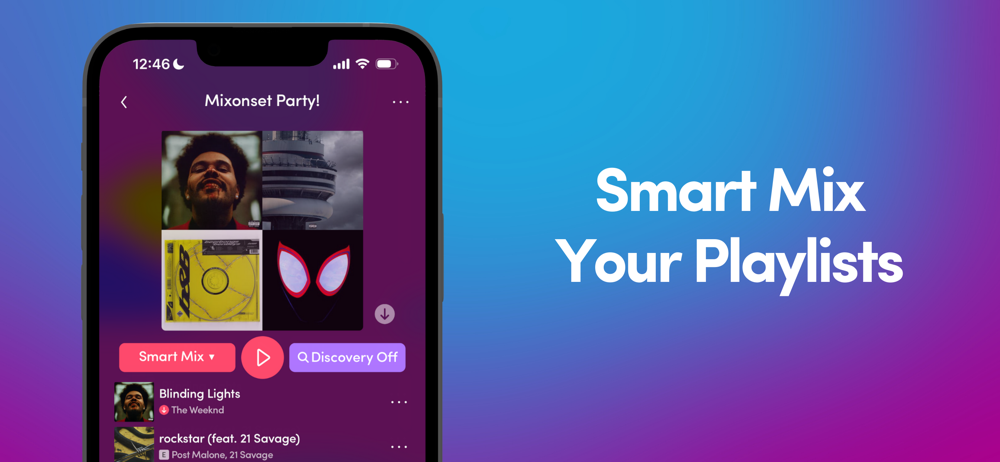
The party doesn’t stop between tracks so why should the music? Mixonset picks the best fade-in and fade-out points, then seamlessly transitions automatically between tracks. Since most songs are too long, Mixonset plays the best 25-50% of a song as a highlight. Swipe to the queue page and you’ll see that the song order has already been optimized for you. There’s a surprise waiting for you every time you Smart Mix® with unique transitions and refreshing song mashups.

Making a mix with your own music has never been easier. Simply sync with your streaming service, press Smart Mix® and vibe out to your personal mix. Mixonset works with Spotify Premium, SoundCloud Free, TIDAL, Apple Music or your local library, and on Apple CarPlay.

So relax and enjoy your seamless mix while barely lifting a finger. Let your AI DJ take care of the music.

Mixonset Integrations
• Spotify Premium: Partial catalogue with ~80% of songs in popular playlists
• Apple Music: Partial catalogue with ~80% of songs in popular playlists
• TIDAL HiFi: Full catalogue of 100 Millions of HiFi tracks
• SoundCloud Free: Mix with 200 million tracks with your SoundCloud Free account (Go+ tracks currently unavailable)
• Local Music Library: Mix and beat-match local tracks
• iPhone/iPad/Apple Silicon/M1/M2 Macs
• Apple CarPlay

Mixonset is the only app today that works with Spotify Premium and Apple Music with limited number of tracks. We recommend that you switch to TIDAL HiFi if having the full music catalogue is important for you.

The optional Mixonset Pro subscription allows you to subscribe once and use Mixonset Pro across your Mac and iOS devices to gain access to all Mixonset Pro features. You can cancel anytime – there is no cancellation fee.

Please check our FAQ page www.mixonset.com/faq for more information, or contact [email protected] for support.

Mixonset Terms of Service:
https://www.mixonset.com/tos/

Mixonset Privacy Policy:
https://www.mixonset.com/privacy/
Show More
Show Less
Mixonset Mix Music Clips 3.10.0 Update
Jan 5, 2024 Version History
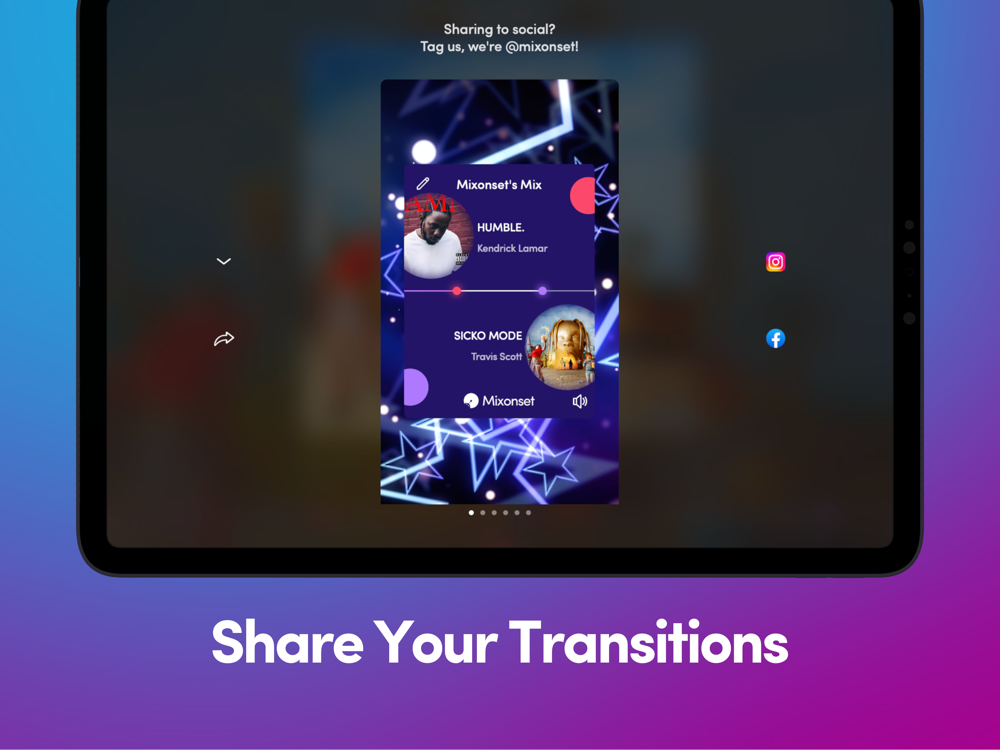
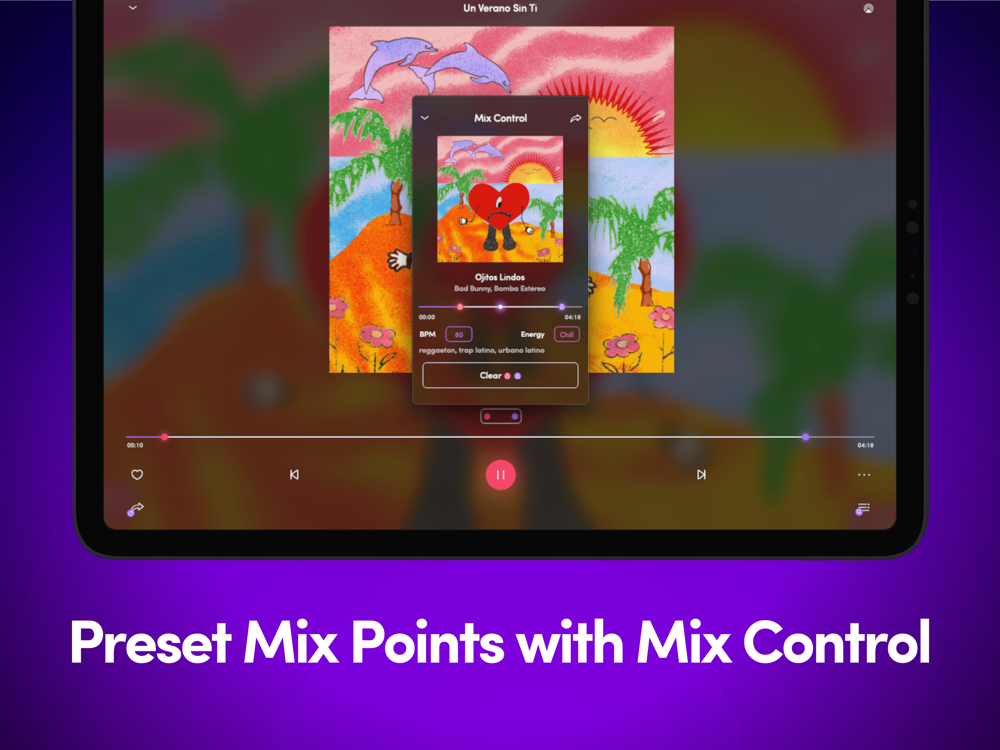
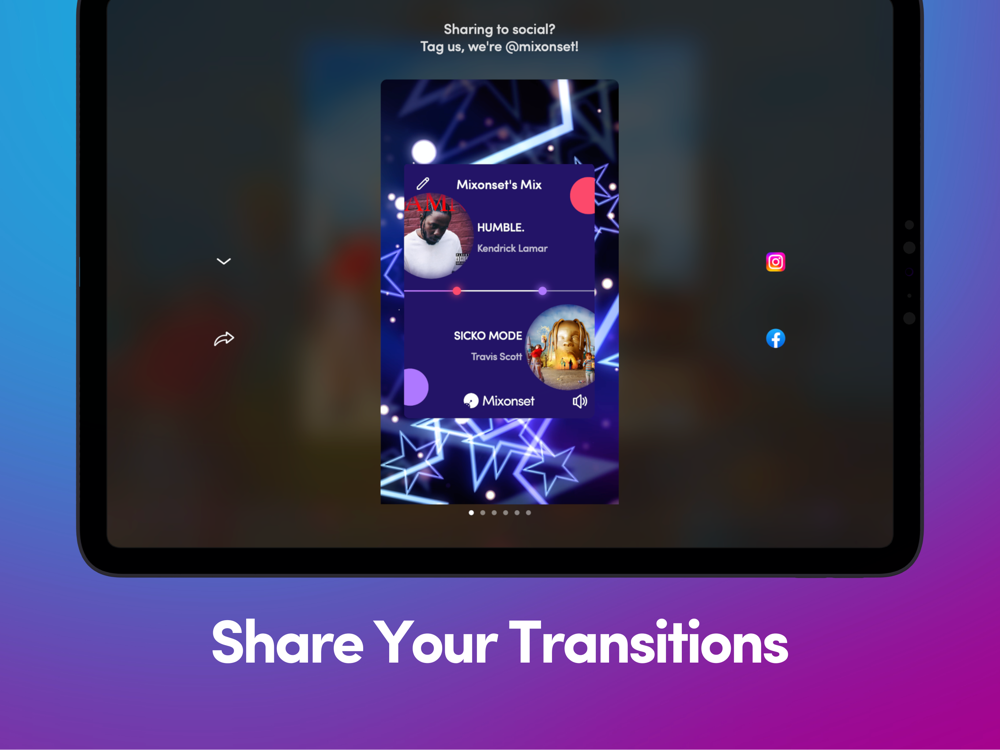
Mixonset is updated regularly. Please turn on automatic app update for the best experience.New in 3.10:- Transition now- Bug fixesNew in 3.9:- Transition videos- Find My Vibe/Smart Mix Now improvementNew in 3.8:- Mix control- Share Facebook/Instagram stories- AirPlay buttonNew in 3.7:- New Smart Mix/discovery/highlight mode UI- CarPlay menu- Share mix link on Apple MusicNew in 3.6:- Smart Mix Now- Moving red dot saves transition- Skip/rewind 32 beats on Spotify- Volume control- Download songs on Spotify & Apple Music- Larger player dots when dragging- Cocktail barNew in 3.5:- CarPlay integration- Larger text support- Genre filter/mixNew in 3.4:- Unlimited highlights with announcements- Save transitions anywhereNew in 3.3:- Mix history- VoiceOver support- Audio soft start after interruptionNew in 3.2:- SoundCloud integration- Display Energy/BPM when adding songs- Rolling song titleNew in 3.1:- Fully offline mode- Clear storageNew in 3.0:- Apple Music Integration- Faster Smart Queue for TIDALNew in 2.10:- Annual Pro subscriptionNew in 2.9:- Always play a song in full- Faster mix creationNew in 2.8:- Artist filter- Longer highlights- Scroll to the edge of screenNew in 2.7:- Universal player- Change next song after transition is created- Help menuNew in 2.6:- Daily mixes- Instant app launchNew in 2.5:- Instant Spotify mix creation when availableNew in 2.4:- Recent searches- Filter reorganization- Save filters- Keep player progress- Instant navigation- Customize library order- Filter search resultsNew in 2.3:- Transition suggestions- Battery conservation control- Preload track analysis info when availableNew in 2.2:- Skip/rewind buttons- Artist page mix optionsNew in 2.1:- Transition manipulation- Immediate Highlight switch- New font look- Display song length/Vibe/BPM in queueNew in 2.0:- TIDAL integration- Smart Queuing progress- Octave-agnostic BPM control- Add songs to playlist- Keep manually added songs- User notifications- Mix search results options- Artist bio- Lock screen menuNew in 1.14:- Customize mix order- View playlist order- Show vibe/BPM- Stop gracefully when internet is downNew in 1.13:- App Clip- Mix Playground- iTunes search tab/add songs- Proper handling of disconnection- Dropdown menu- Preview on long press- First come first serve queue- New ReleasesNew in 1.12:- Smoother transitions- Support for Apple Silicon Macs- Churn feedback- Referral Offer- New in-app tutorialNew in 1.11:- Mix from the middle of the song- Instant navigation in iTunes- Split view on iPad- Streamlined settings pageNew in 1.10:- Mix search results- Edit Queue button- Rearranged filters- Consistent mixingNew in 1.9:- Scrub anywhere- BPM Filter- Clear Filters- Filter discovered songs- Show number of filtered songsNew in 1.8:- View friends- Streamlined mix options and filtersNew in 1.7:- Mix Maker- Renamed Mixonset Premium to Mixonset ProNew in 1.6:- Basic Siri commands- Push notificationNew in 1.5:- Orbital Player- Like song & slider on lock screen- Reload queue- View played songs- Search for artists and albums in iTunes- Questionnaire- New PlaylistNew in 1.4:- Smart mix tutorial- Privacy policy updateNew in 1.3:- View artists and albums of song- Find my vibe overhaul- Save progress after app exits- Vibe filterNew in 1.2:- Colourful Mode- Introducing Mixonset Premium- Switch queue- Save mix- Merge playlists- New discovery options- Search playlists- Search in library- Vibes like a song- Discovered on Mixonset playlistNew in 1.1:- iPad support- Horizontal mode- Mix overview screen- Share mix link- Offline navigation- Playlist/artist/album menu- Song options- Discovery optionsNew in 1.0:- Welcome to Mixonset- Automatic Mixing- Fill in the Gaps- Smartly order playlists- Filter out duplicate songs- Search tab- Spotify Integration

~Mixonset Inc.
More Information about: Mixonset Mix Music Clips
Price: FREE
Version: 3.10.0
Compatibility: Requires Requires iOS 12 or later
Size: 146.7 MB
Genre: Music
Release Date: Jan 19, 2020
Last Update: Jan 5, 2024
Content Rating: 12+
Developer: Mixonset Inc.
Language: English -

Related Apps
Mixonset Mix Music Clips

Whatsapp
Vkontakte
Telegram
Reddit
Pinterest
Linkedin
Hide