This is a trial version of the "Diamond X2" app.
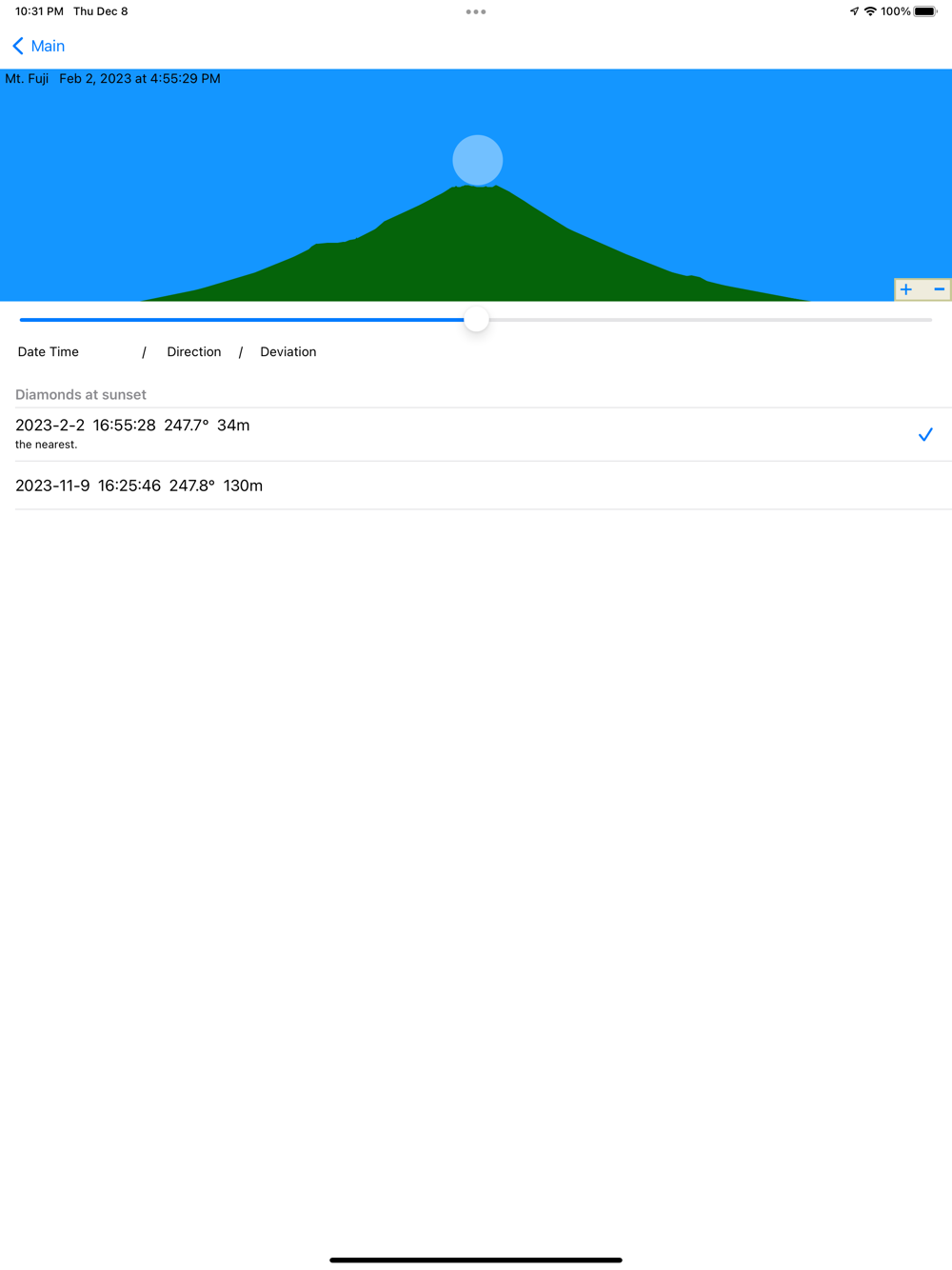
"Diamond X2" makes it easy to find the date and time of Diamond Fuji.
By setting your "Viewpoint" to the Tokyo Metropolitan Building North Observatory or Tokyo Metropolitan Building South Observatory, you can experience and check all of its features without any restrictions. Select "List" from the "Viewpoint" view, tap "Select from Facilities, etc. (Built-in Data)," and select either the Tokyo Metropolitan Building North Observatory or Tokyo Metropolitan Building South Observatory.
We would appreciate it if you would purchase "Diamond X2" after trying out this app.
You can use GPS and web maps to create diamonds from any location.
Diamonds other than Mt. Fuji are also possible.
The app includes built-in data for over 1,200 mountains across Japan, as well as the Tokyo Metropolitan Building Observatory, Tokyo Tower, Tokyo Skytree, and more.
Like "Yamaotaku for Mac (Yamac)," it takes into account the curvature of the Earth and atmospheric refraction to produce highly accurate results.
It supports both Japanese and English display, automatically switching based on your iPhone's language setting.
Location data files can be shared with Mac and Windows.
Differences from "Diamond X"
1. Diamond-eligible locations are now marked with a checkmark in the location selection list. This allows you to quickly find diamond-eligible locations. Calculation speed has been significantly improved, allowing for stress-free use of this feature.
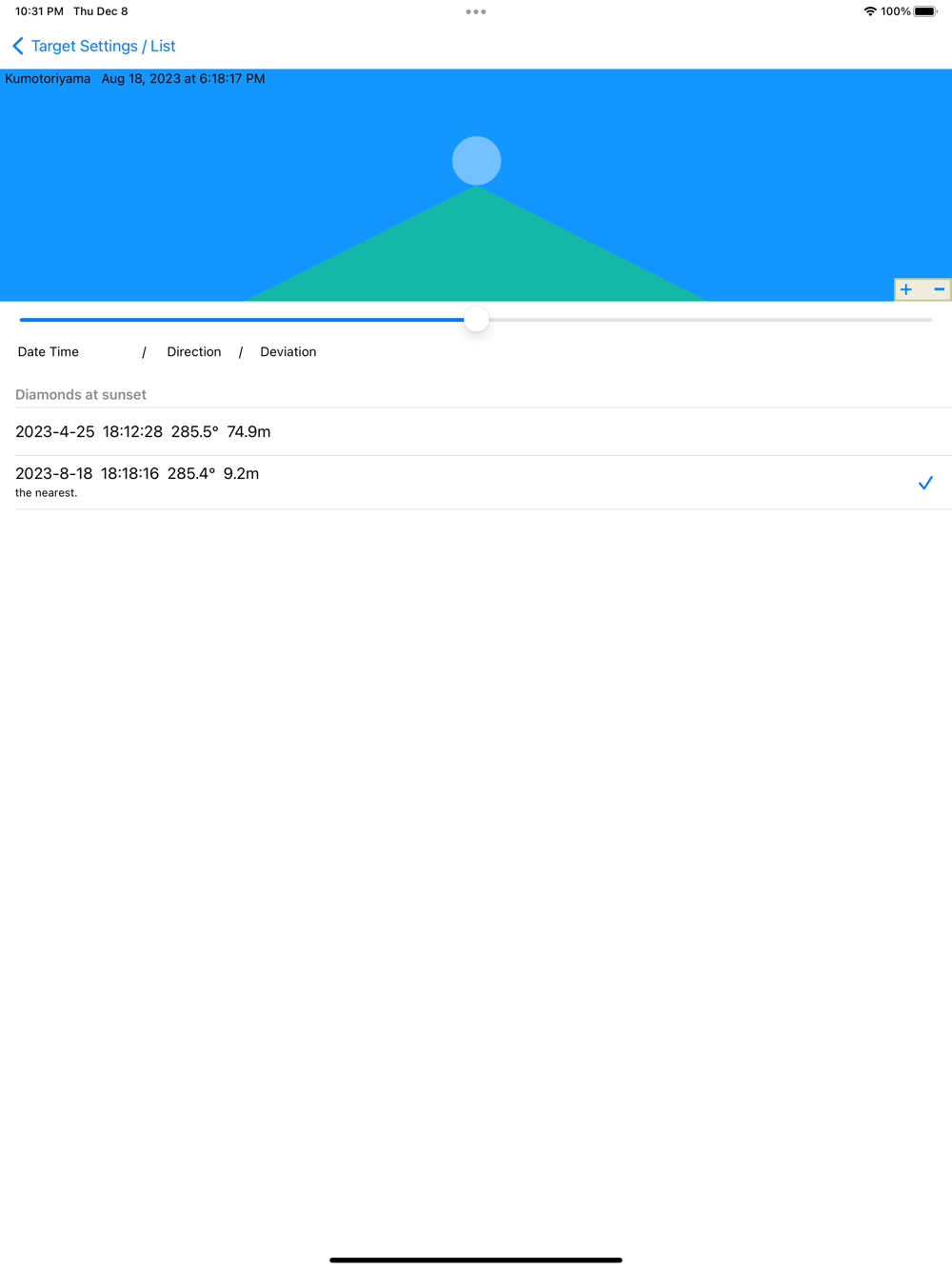
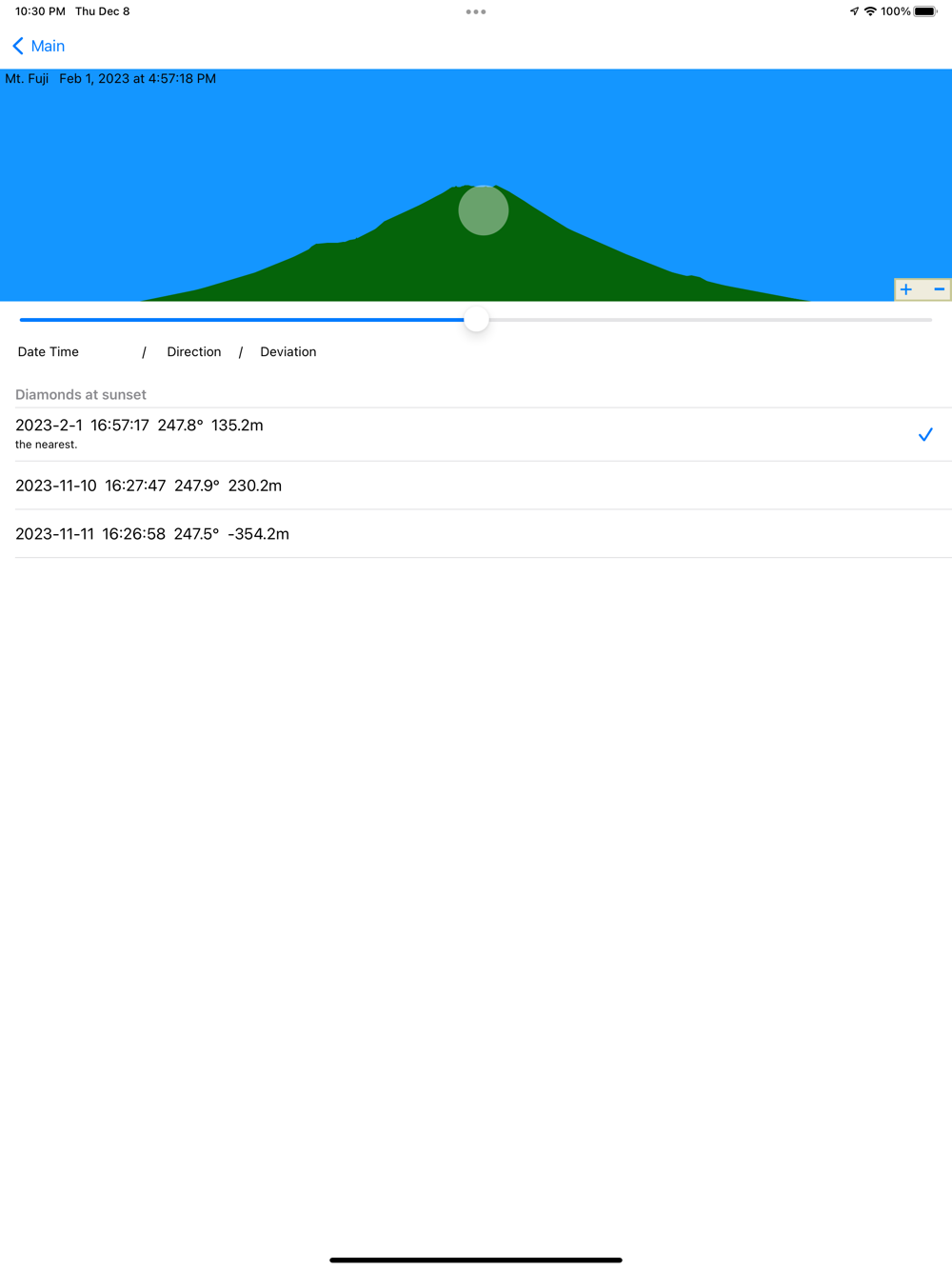
2. Mount Fuji can now be displayed from any location, regardless of whether diamonds are available.
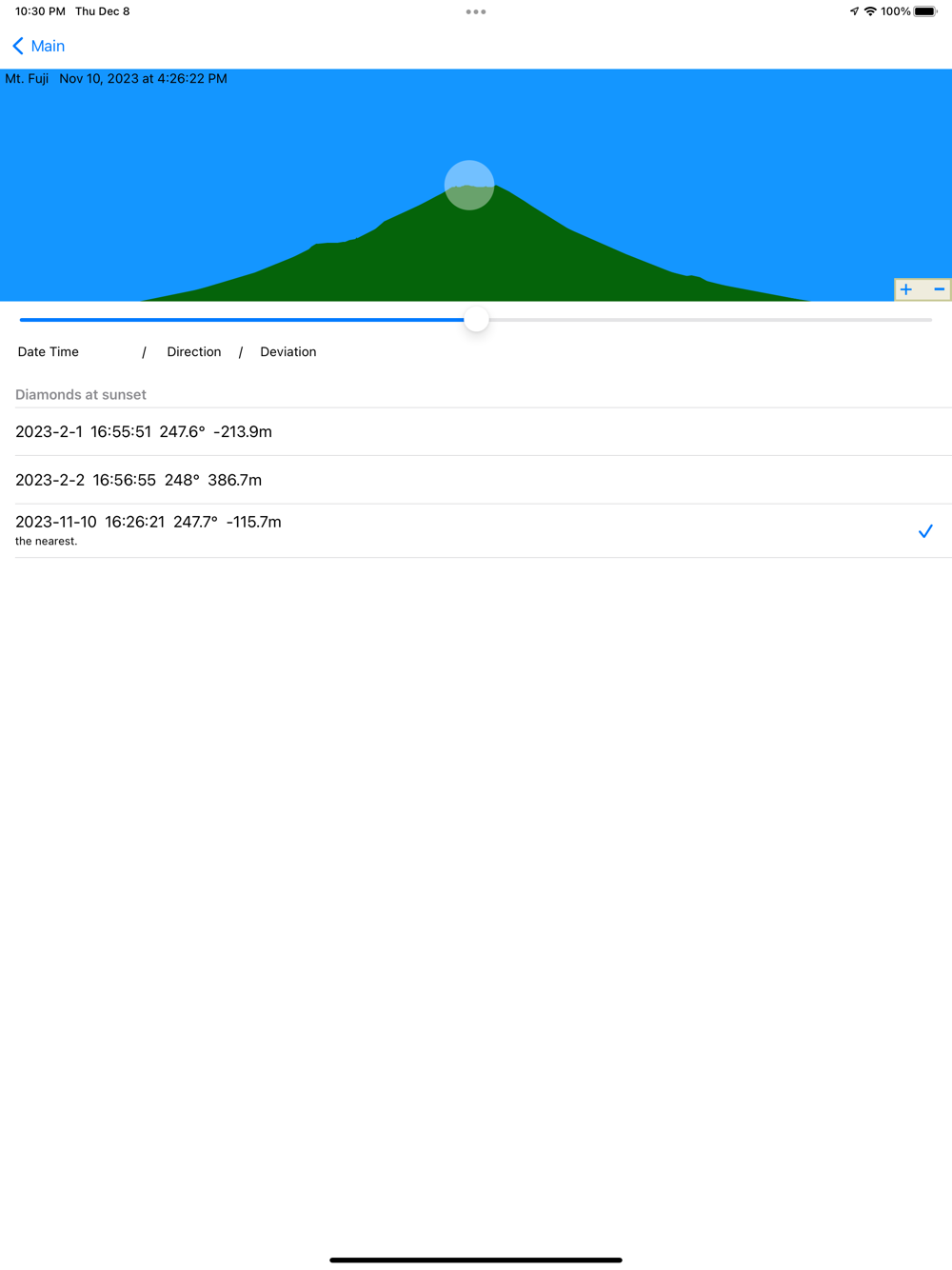
3. The sun's altitude and shape reflect atmospheric refraction. (At low altitudes, the display will be vertically compressed.)
4. Sunrise and sunset times for a specified period can be displayed in a list.
5. Improved support for calculation errors.
6. Improved calculation accuracy.
7. Multi-core support significantly improves calculation performance.
8. Added the ability to transfer calculation results to other apps.
9. The UTC offset corresponding to the viewpoint's time zone can now be set automatically or manually, allowing support for time zones other than Japan.
10. Help is now available for some functions. (Tap the ? icon to display it)
11. Instructions for sharing files with your PC, such as myData, are now displayed.
12. More languages are now supported.
13. An on/off switch for transparency has been added.
14. Diamond misalignment display can now be selected between "m" and "degrees."
15. A new switch has been added to reset settings.