***** Introduction *****
calc.pw generates passwords based on a single strong password and a service-dependent information. Use individual strong passwords for all of your devices and online services without reusing the same password, having to remember random passwords or having to care for password database backups. With the same password and the same information you will always generate the same password again. Easy and secure, directly on your mobile device.
***** How to use *****
1.) Enter a strong password that you can remember.
2.) Repeat the same strong password to make sure that you entered it correctly.
3.) Enter a service-dependent information. This can be anything that you can easily remember, like the domain of an online service, your account name for that service, etc.
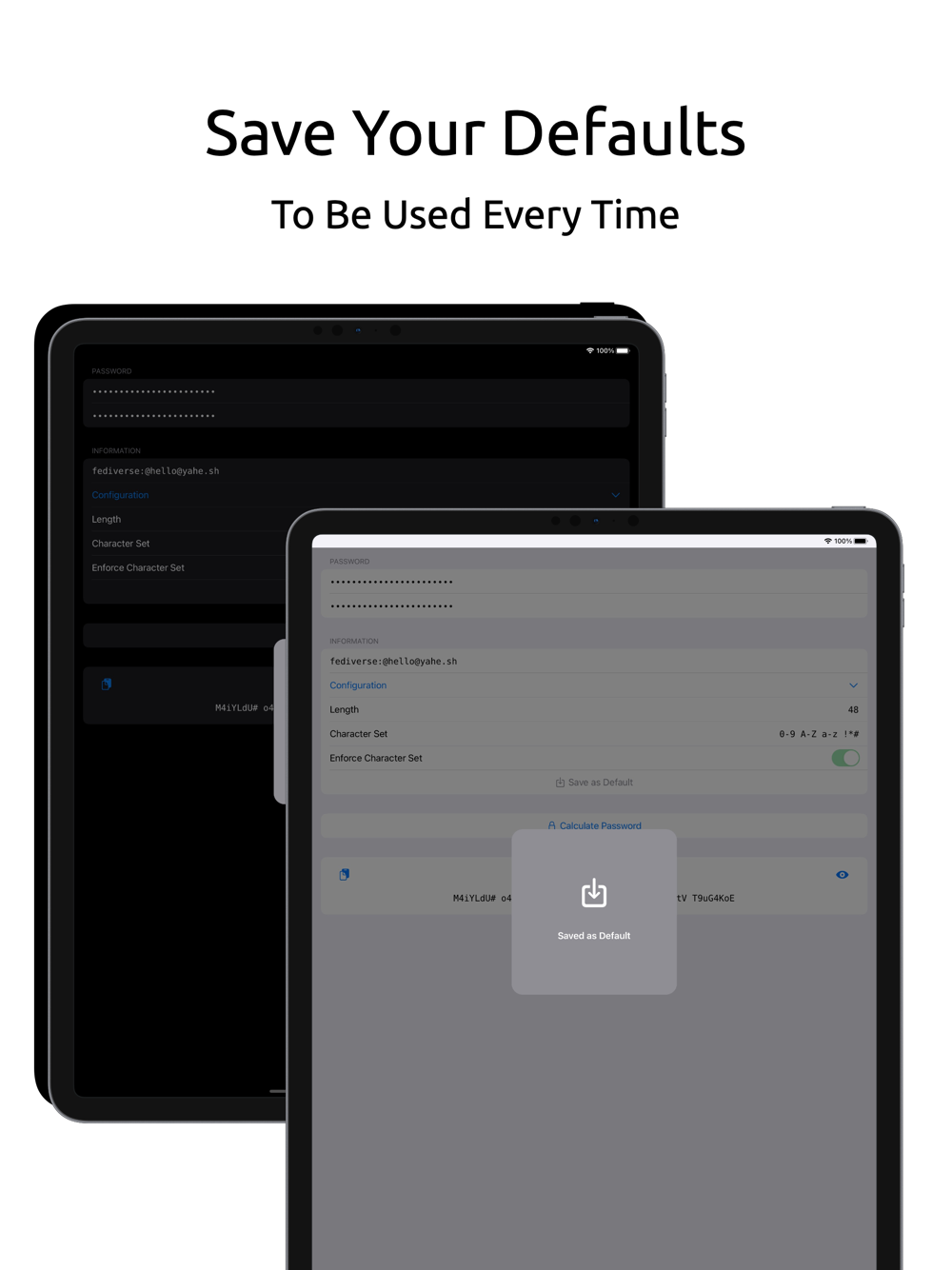
4.) Configure the strength of the generated password: Set the length of the calculated password. Set the character set of the calculated password. This way you can decide which characters can occur in the generated password. You can define single characters or whole ranges by connecting them with a minus sign (e.g. "0-9" or "A-Z" or "a-z"). Character sets consist of groups that are separated by spaces. Enforce that all defined character groups of the character set are contained within the calculated password. If you require a special character in the password, then add it as a new character group to the character set (e.g. "0-9 A-Z a-z !*#"). After a password has been generated, the default will be preset again or you can save your configuration as the new default.
5.) Generate the password by tapping the "Calculate Password" button.
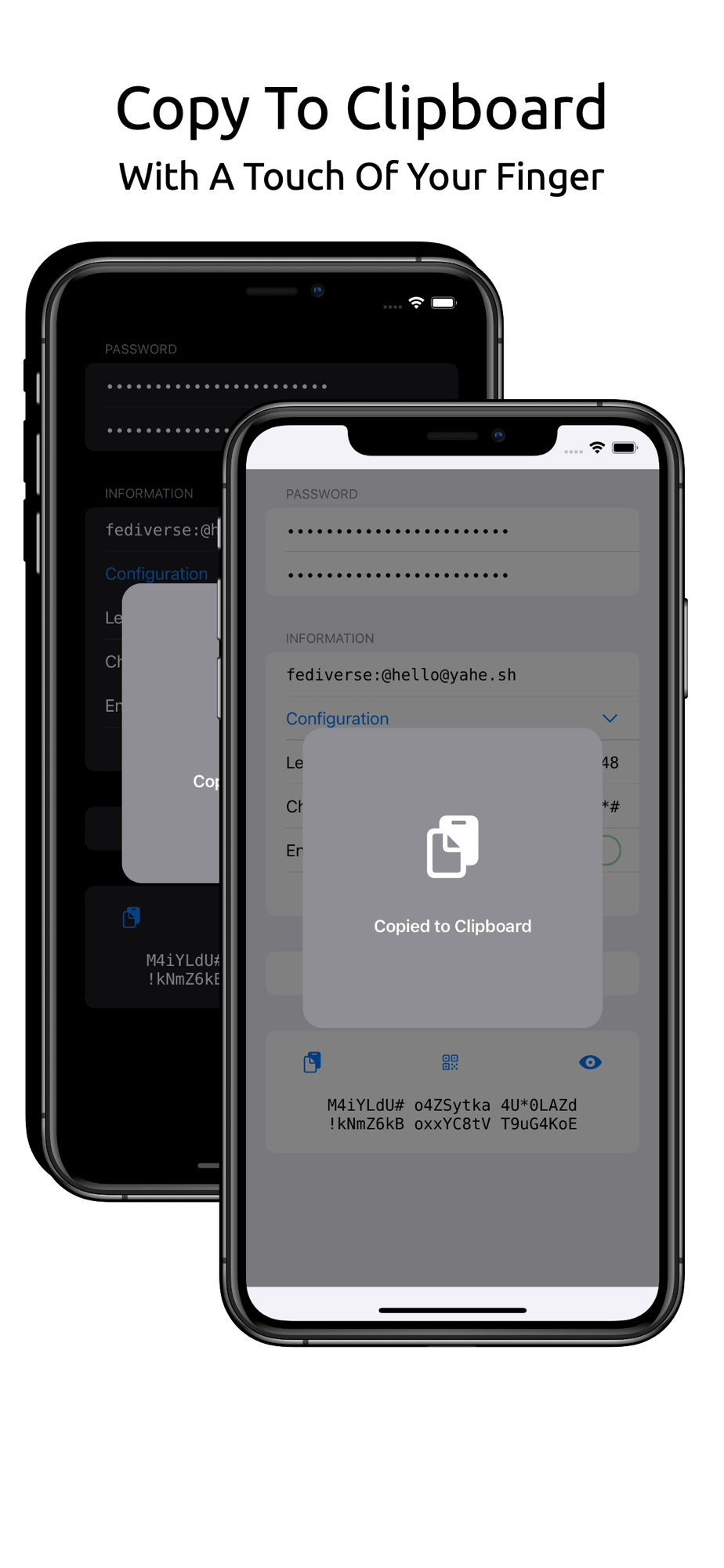
6.) Copy the calculated password to the clipboard by tapping on the copy-to-clipboard button.
7.) Display the calculated password by tapping on the eye button.
8.) Generate a QR code by tapping on the QR code button to transfer the calculated password to another device.
***** Acknowledgements *****
This app uses the DejaVu fonts 2.37 (c) 2004-2016 DejaVu fonts team.