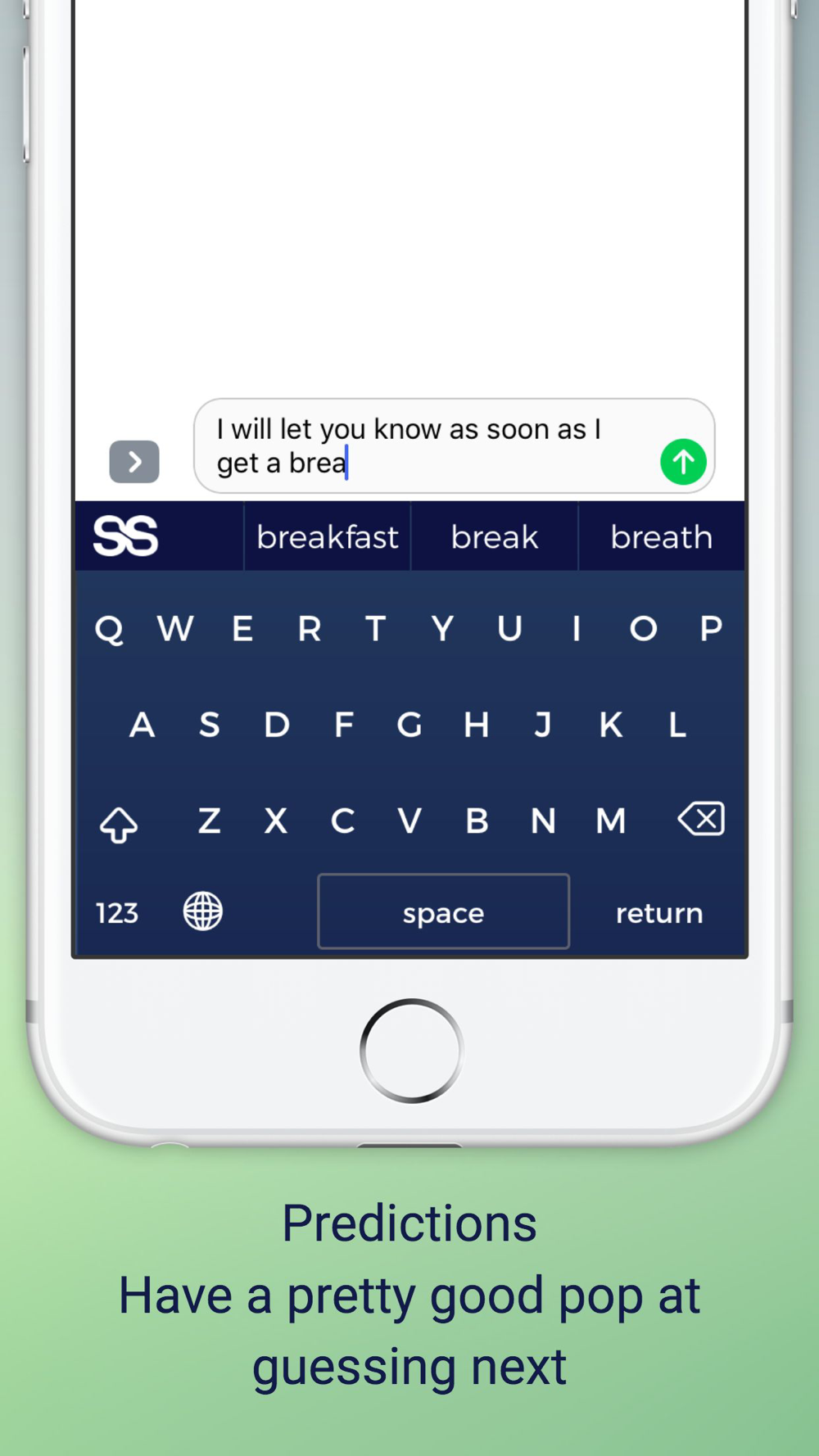
SS Keyboard for iPhone is the keyboard dedicated to giving you better, faster and intelligent word predictions.
SS Keyboard learns to the way you input text and creates your own personalized language model.
Delivers you everything you’d expect from a world-class smart keyboard app for FREE !!!
Everything about the SS Keyboard
** Type faster with Artificial Intelligence predictions
** Correct your spell, for smarter and faster typing with Autocorrection
** Always learning your personalized slangs & phrases
** Get smarter suggestions for your thoughts while typing
** Change the keys with smaller cases
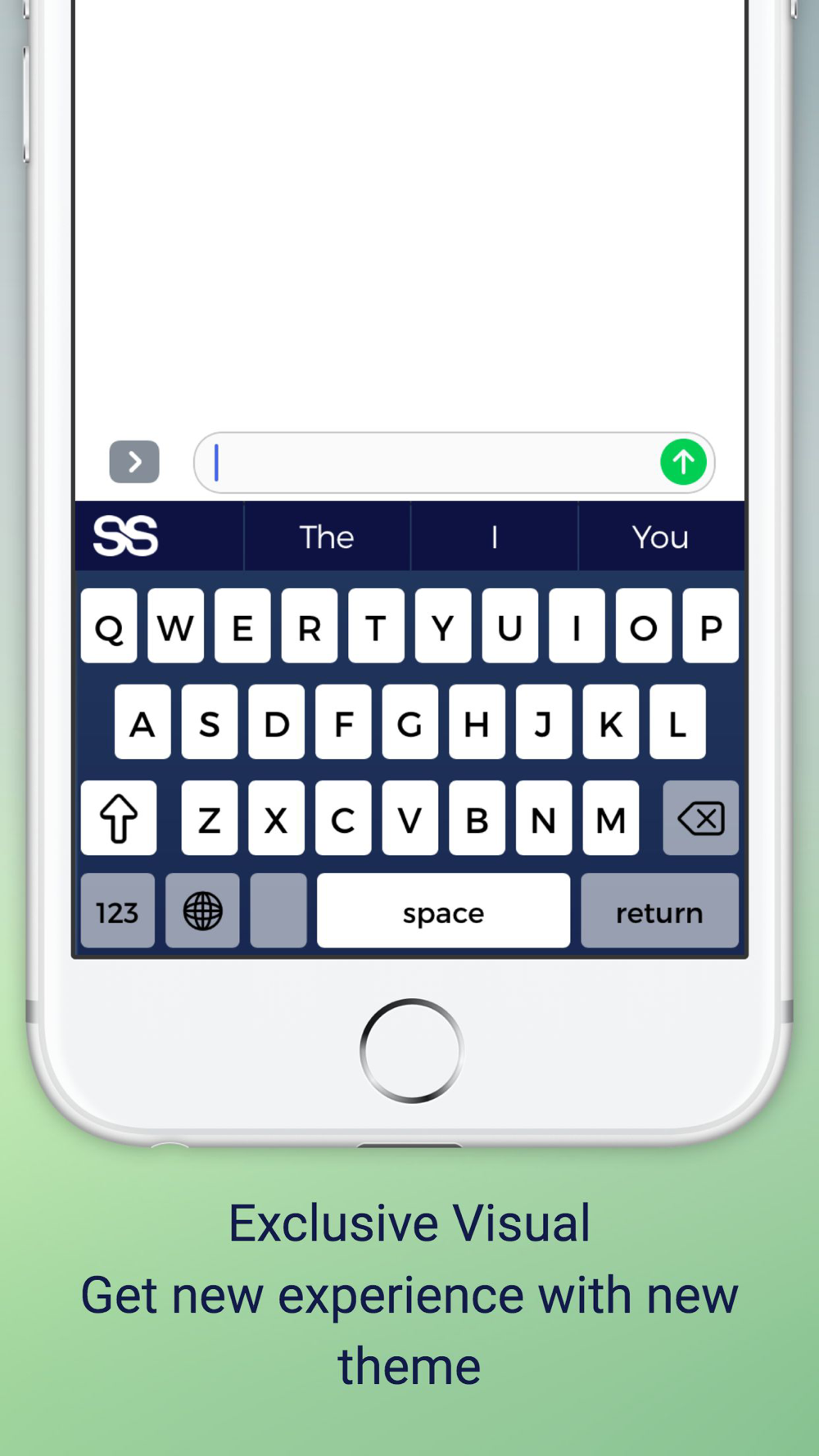
** A visual keyboard theme with different experience
HOW TO ACTIVATE THE SS KEYBOARD
1. Go to System Settings > General > Keyboard
2. Tap on ‘Keyboards‘ > Add new keyboard > Select SS from THIRD-PARTY Keyboards List
3. Click ‘SS Keyboard- SS’ > Allow Full Access
4. Go back and switch to SS Keyboard when typing from any messaging application.
Keep Texting, Keep Enjoying …