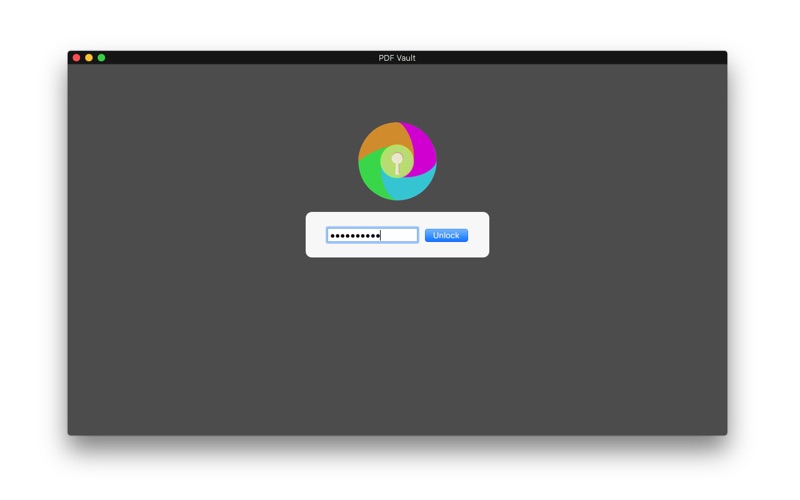
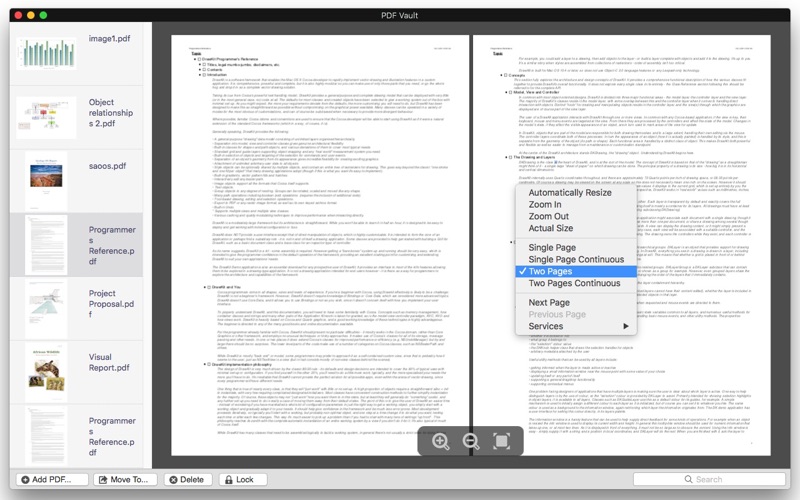
PDF Vault is an easy to use utility to store and encrypt your PDF files.
Store and encrypt PDF files - 2 Steps:
1. Launch "PDF Vault", set your password. (First time required).
2. Click the 'Add PDF...' button to add PDF files. If you choose a directory, you will add all the PDF files below.
After adding pdfs to the app, they are password-protected and can only be accessed by entering a user-defined password. This helps to prevent other people from seeing private pdfs and ensures higher protection against thefts. 5 PDFs can be stored and encrypted for free. Unlimited PDF files storage and encryption.(in-app purchase required, $1.99).
Decrypt and move PDF files - 1 step:
1. Click the ’Move to…’ button to decrypt and move the selected PDF files to other directories.
Delete useless PDF files - 1 step:
1. Click the ‘Delete’ button to delete the useless PDF files.
Lock the Application - 1 step:
1. Click the ‘Lock’ button to lock the app immediately.