Transparent Ruler
Install Now
Transparent Ruler
Transparent Ruler

Transparent Ruler

Developer: Charles Moore
App Size: 13,9 MB
Release Date: 2017-01-14
Price: FREE
3
5 Ratings
Size
13,9 MB

Screenshots for App

iPhone
More Screenshots for iPad
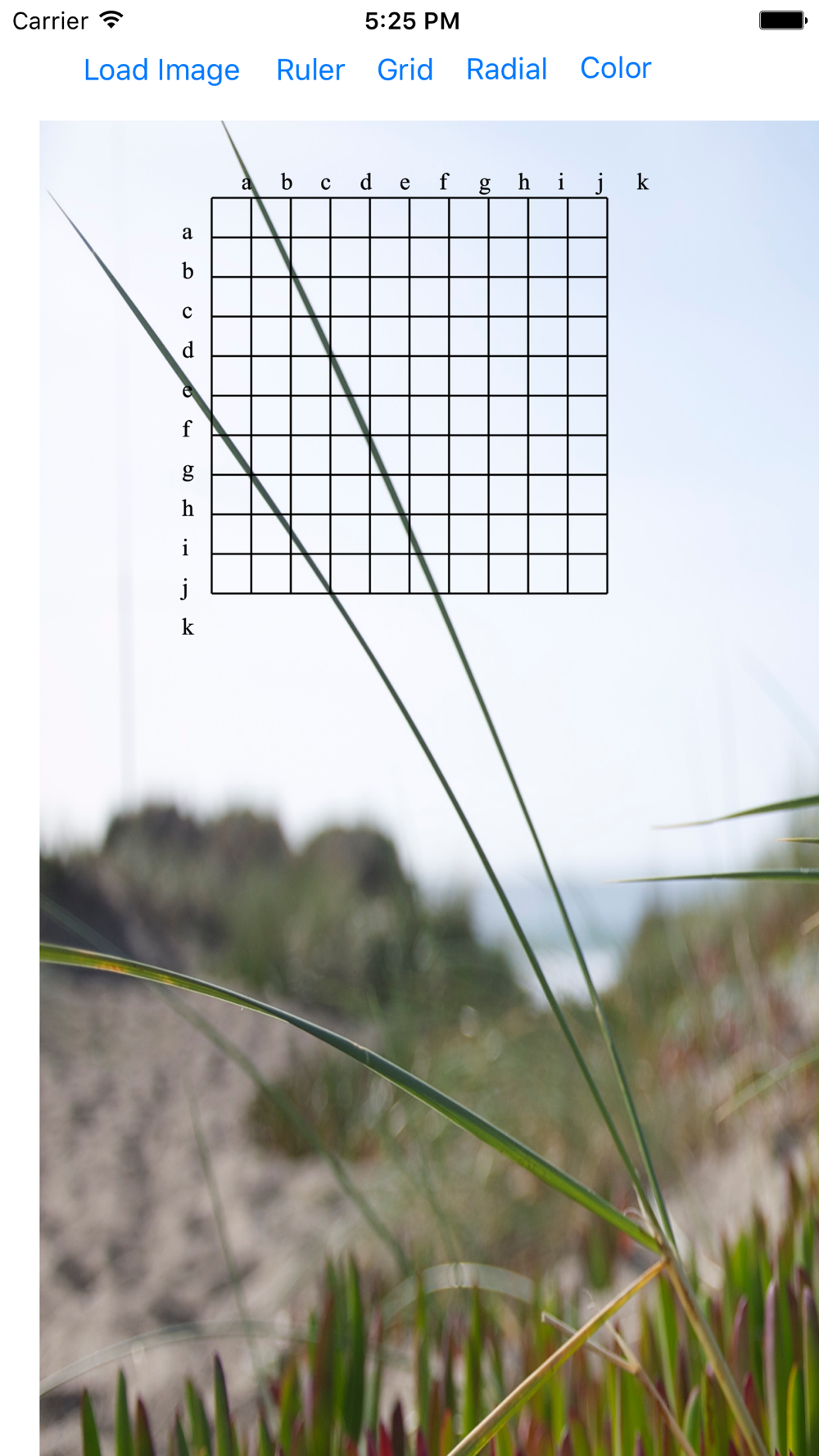
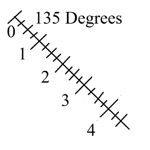
Load an image from your photo library. Display a Ruler or Grid or Radial over the image. tap the screen and the end of the Ruler closest to the tap will snap to that position. Drag the and where you want it. Tap close to the other end and drag it where you want it. for Grid, the upper left corner is the beginning and the lower right end is the end. For Radial, the center is the start and near the outside edge is the end. Choose different colors and Opaqueness for each Ruler type. Change the parameters for each Ruler type to customize the Ruler type. Display numbers are in Pixels.
Show More
Show Less
Transparent Ruler bản Update
Corrected Aspect Ratio on displayed Image.

~Charles Moore
More Information about: Transparent Ruler
Price: FREE
Version: bản
Compatibility: Requires Yêu cầu phiên bản iOS 9 or later
Bundle Id: com.chuck.Transparent-Ruler
Size: 13,9 MB
Genre: Utilities
Release Date: 2017-01-14
Last Update:
Content Rating: 4+
Developer: Charles Moore
Language: Tiếng Anh -


Whatsapp
Vkontakte
Telegram
Reddit
Pinterest
Linkedin
Hide