How to use
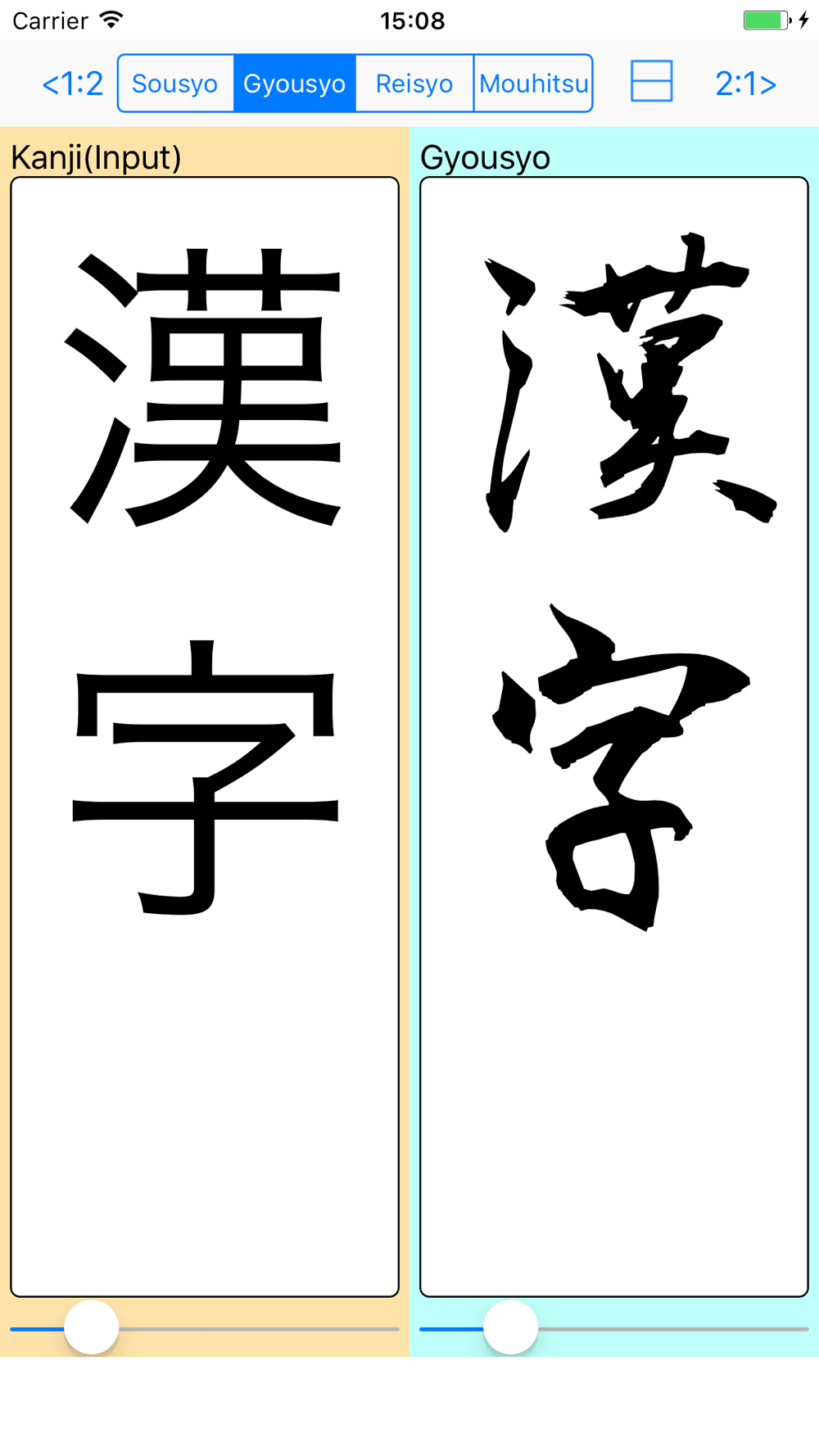
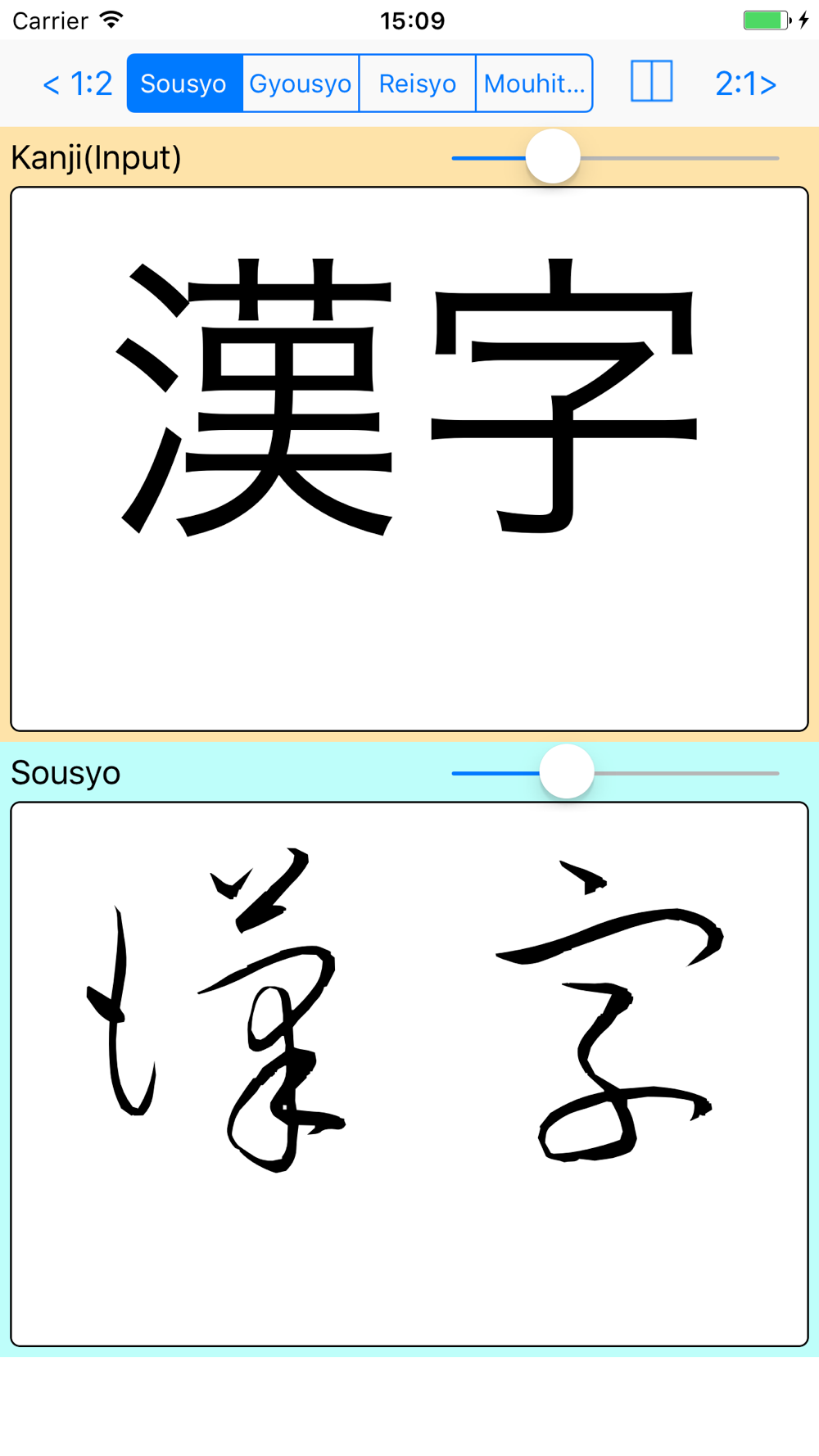
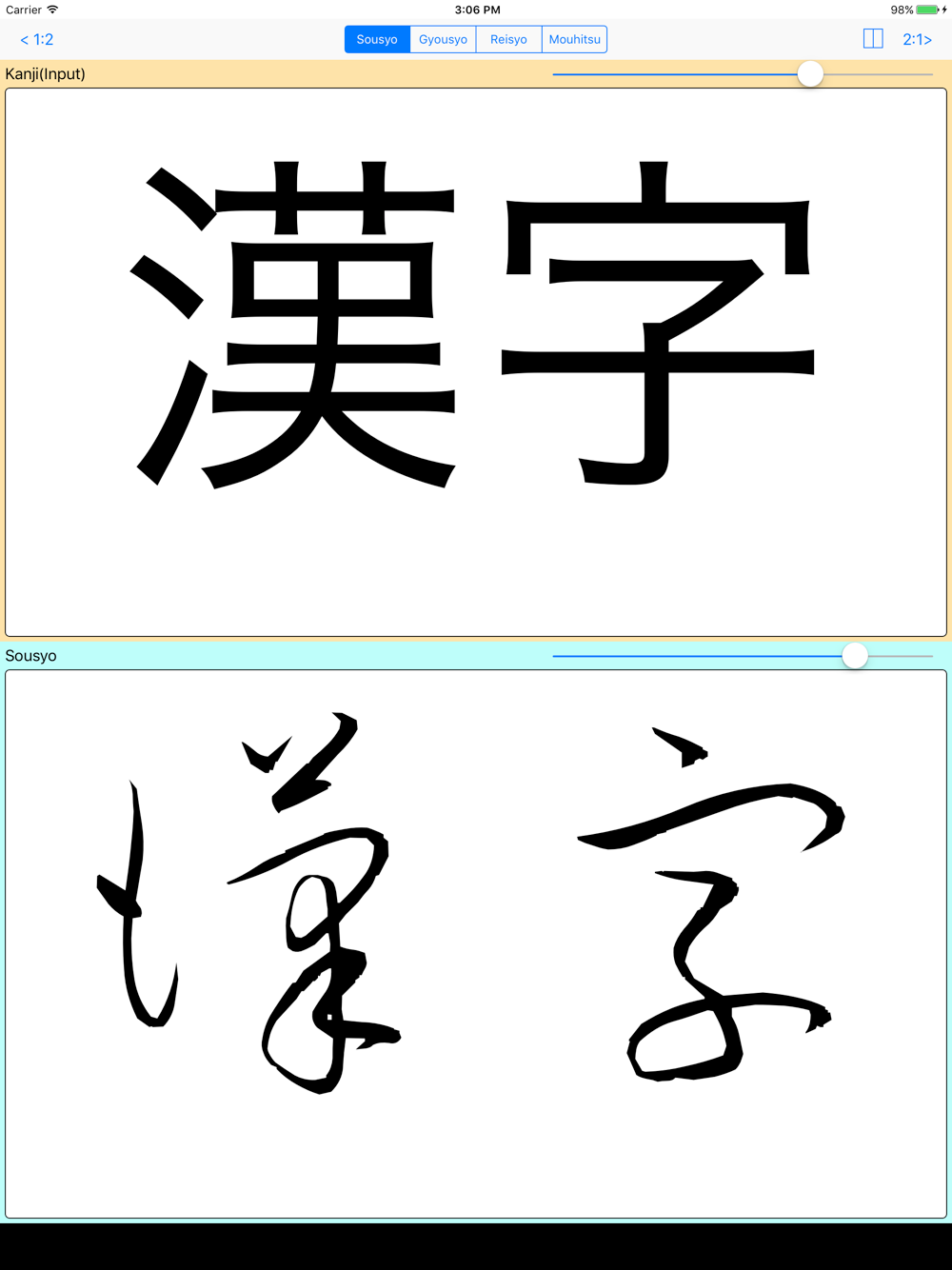
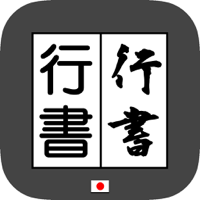
Enter the Kanji characters.
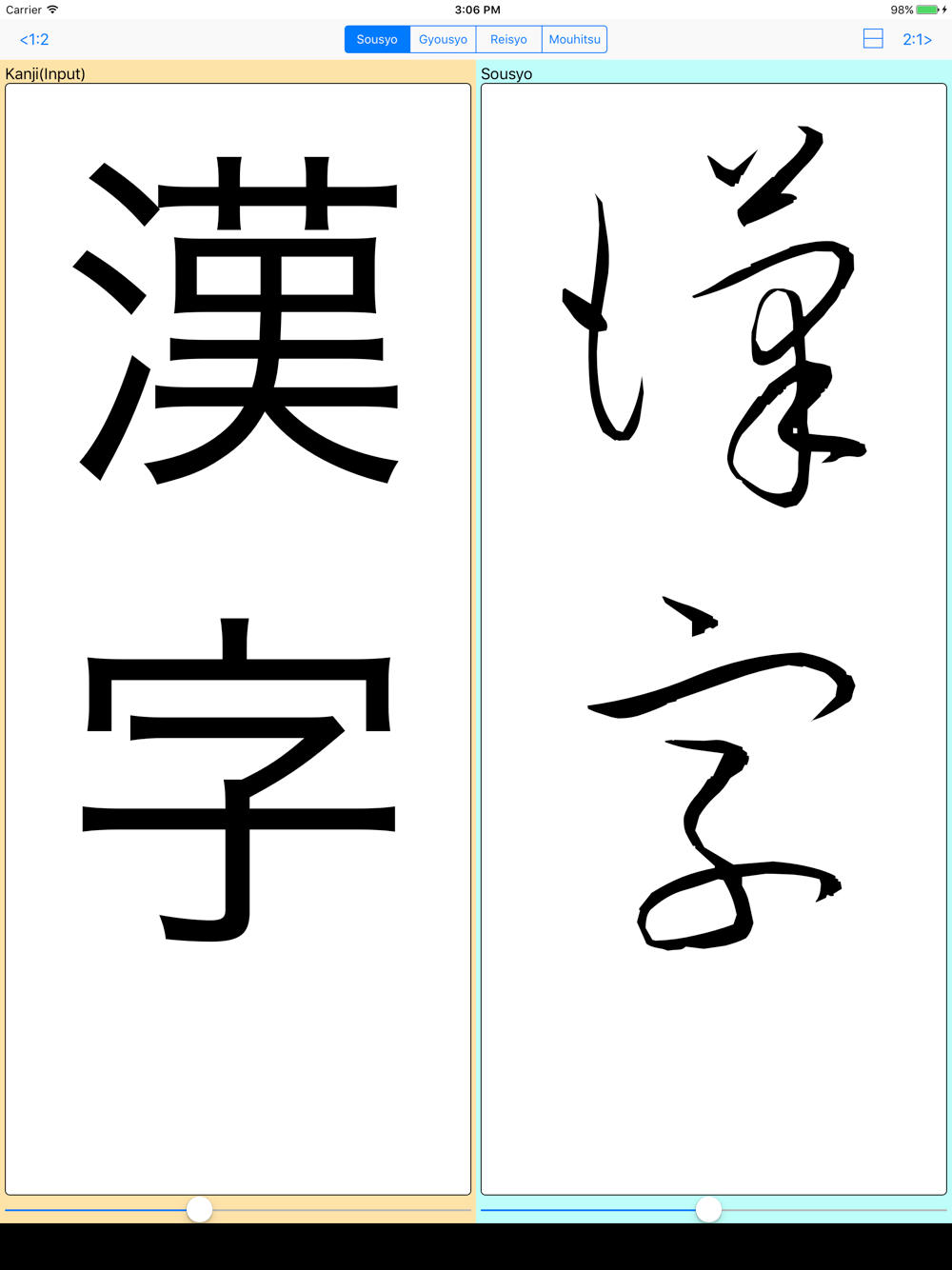
Sousyo is displayed.
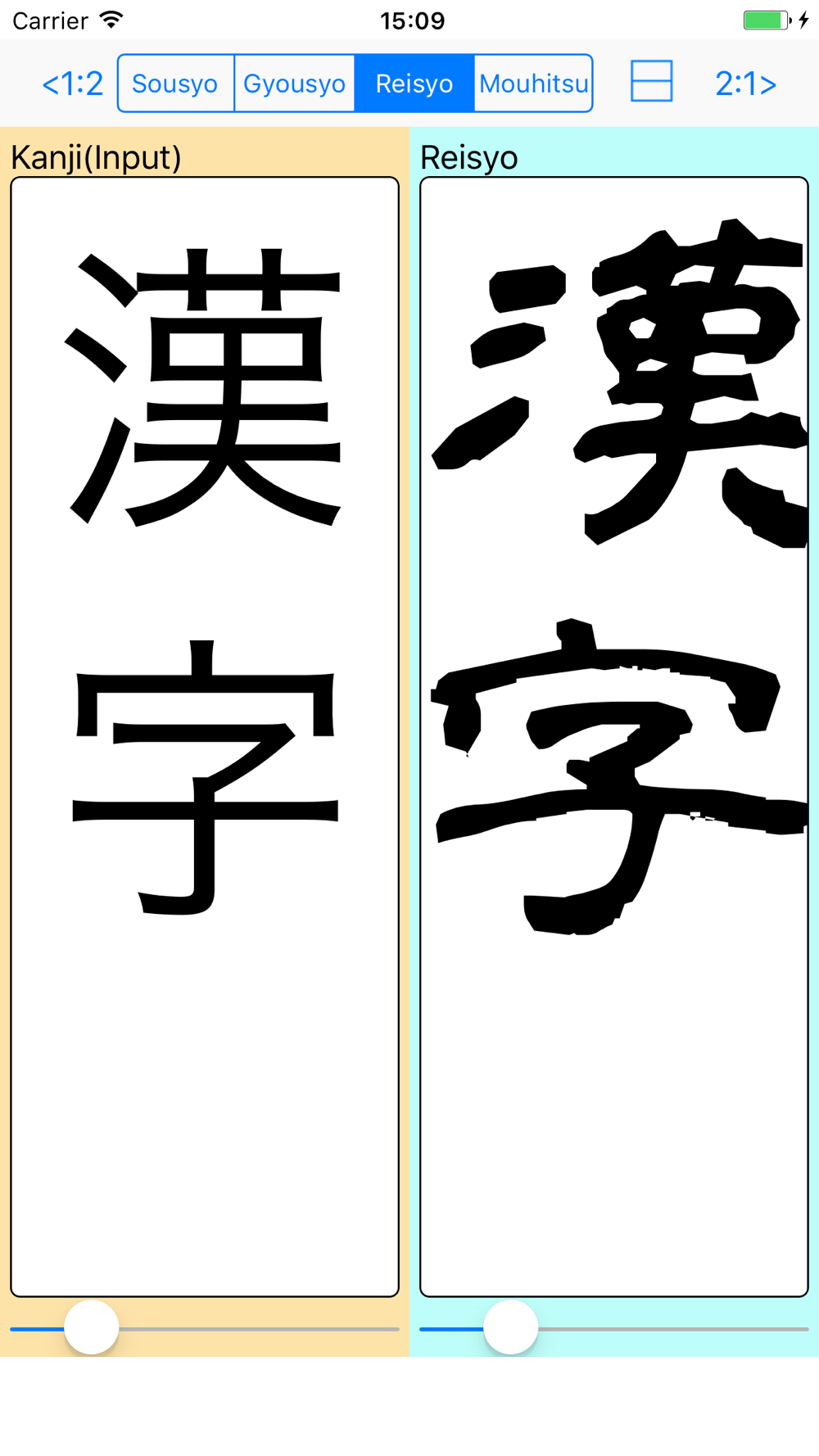
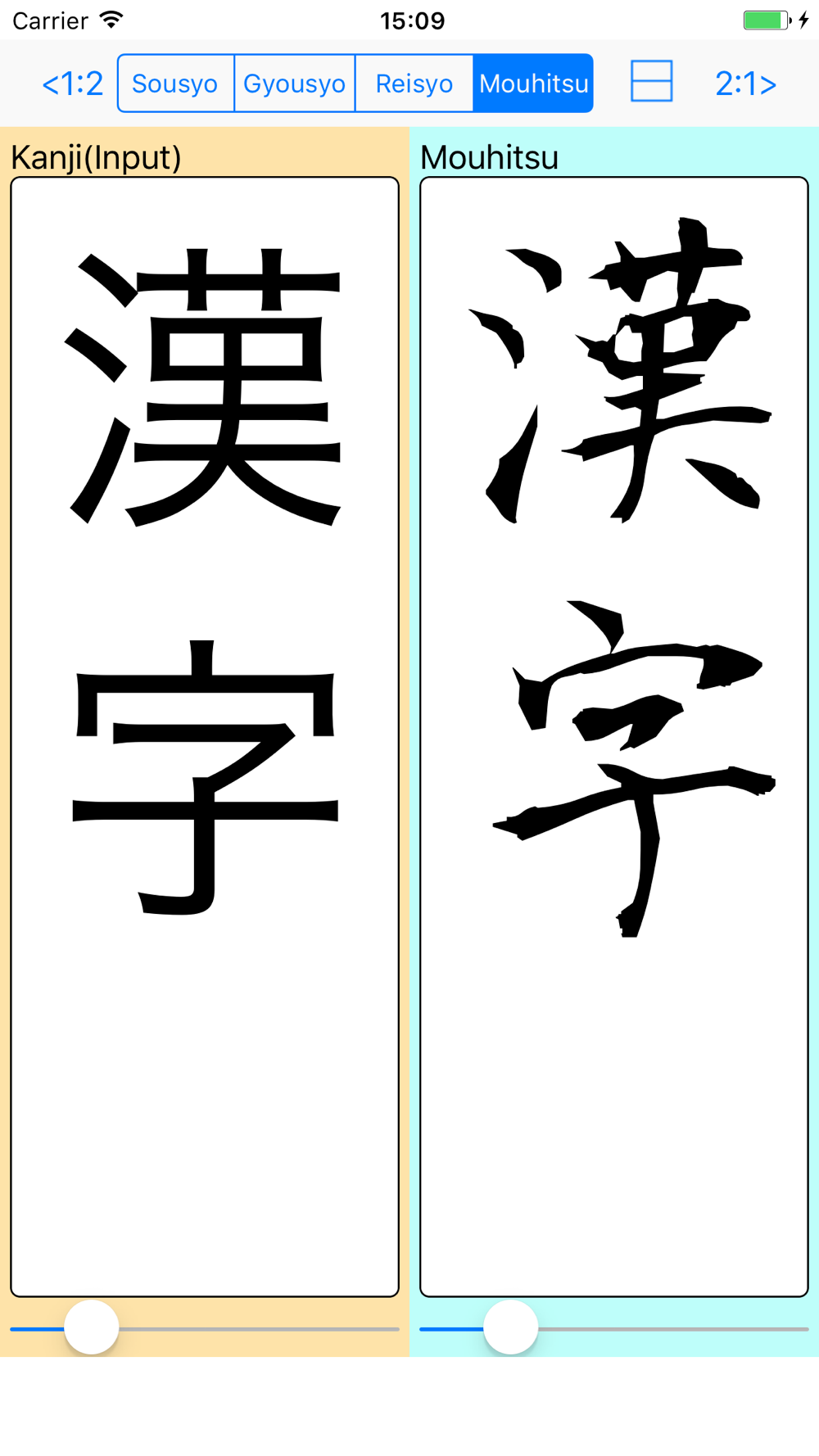
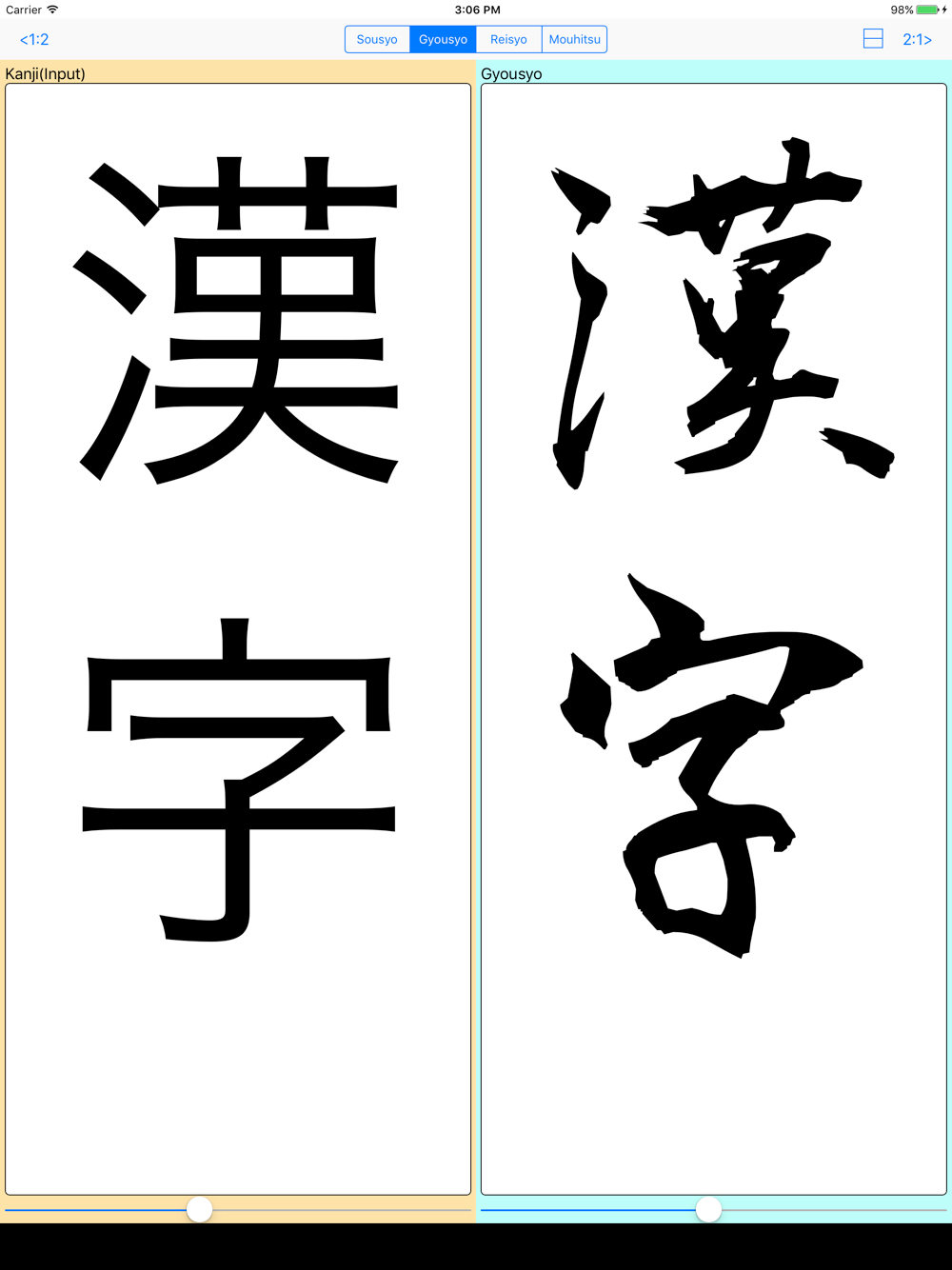
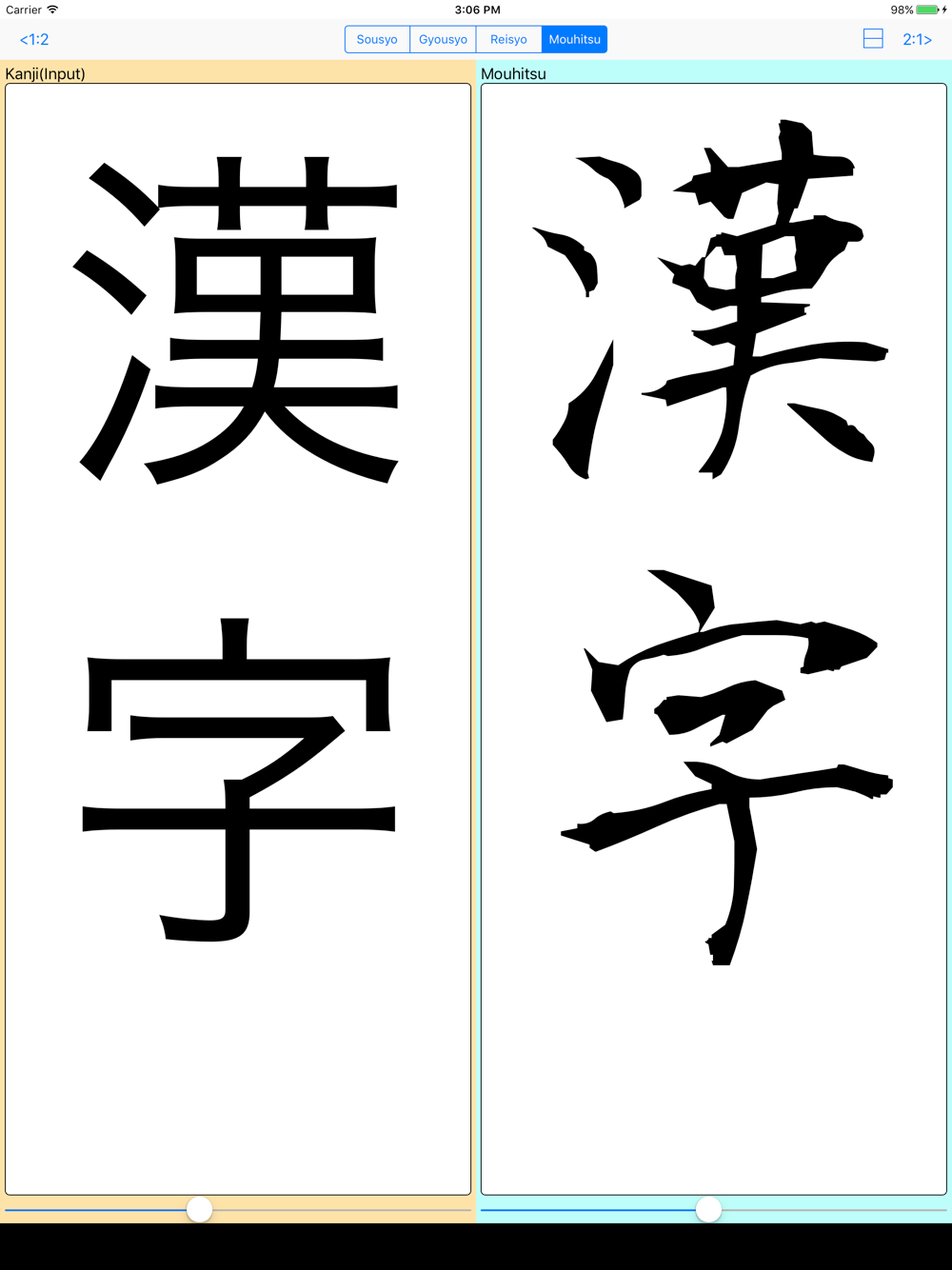
You can select Gyousyo,Reisyo or Mouhitsu
Function
Text size can be changed.
You can select the placement in the left-right and top-bottom.
You can change the ratio of left and right.
Please post your request reviews.
It corresponds as much as possible.
Sousyo letters are those that were created using the Kouzan brush font cursive.
http://opentype.jp/kouzansousho.htm
Gyousyo letters are those that were created using the KOUZAN brush font gyousyo.
http://opentype.jp/kouzangyousho.htm
Reisyo letters are those that were created using the Aoyagi brush font reisyo.
http://opentype.jp/aoyagireisho.htm
Mouhitsu letters are those that were created using the Kouzan brush font.
http://opentype.jp/kouzanmouhitufont.htm