*** This is an unique application on the app store that can convert any popular .SRT subtitle files into Netflix-compatible or general .DFXP subtitle formats. Now you can watch Netflix with your custom subtitles! ***
Do you want to watch Netflix with Subtitles in Any Language?
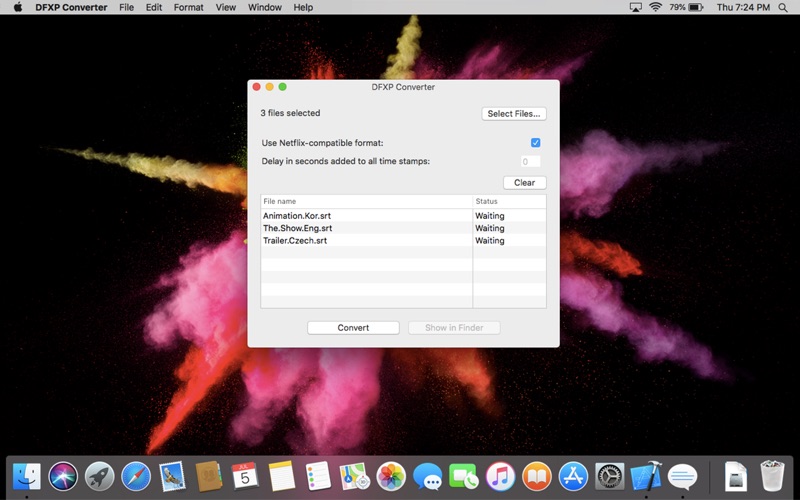
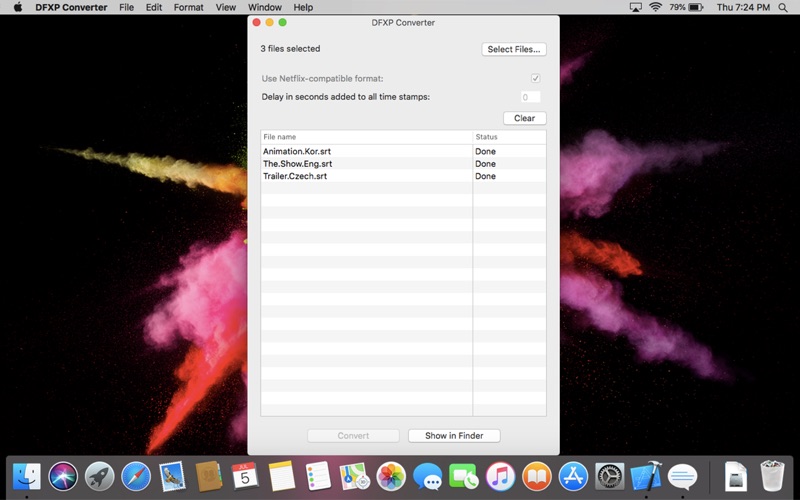
Since Netflix can’t read the popular .SRT subtitle format and has strict requirements for their subtitle format, you have to convert your SRT file to the Netflix-compatible DFXP format before loading it into a Netflix video. This app can help you complete this conversion, and it’s very easy to do. Just drag and drop your SRT file into this converter and press the ‘Convert’ button. That’s it!
Key Features:
* Convert any .SRT subtitle to the Netflix-compatible DFXP subtitle format.
* Convert any .SRT subtitle to a general DFXP subtitle format.
* Add Time Delay to the output DFXP subtitle.
* Batch Conversion.
* Drag-and-Drop Support.
Do you know how to load your .DFXP subtitle into Netflix’s video?
1. Open your browser, and play a video on Netflix.
2. When the video starts playing, press the Ctrl+Option+Shift+T keyboard shortcut. A Select File dialog box will open. Select the DFXP file you just converted using this app.
3. Start watching Netflix with your custom subtitles!
Note: This app is not associated or affiliated with Netflix, Inc. Netflix is trademark of Netflix, Inc.