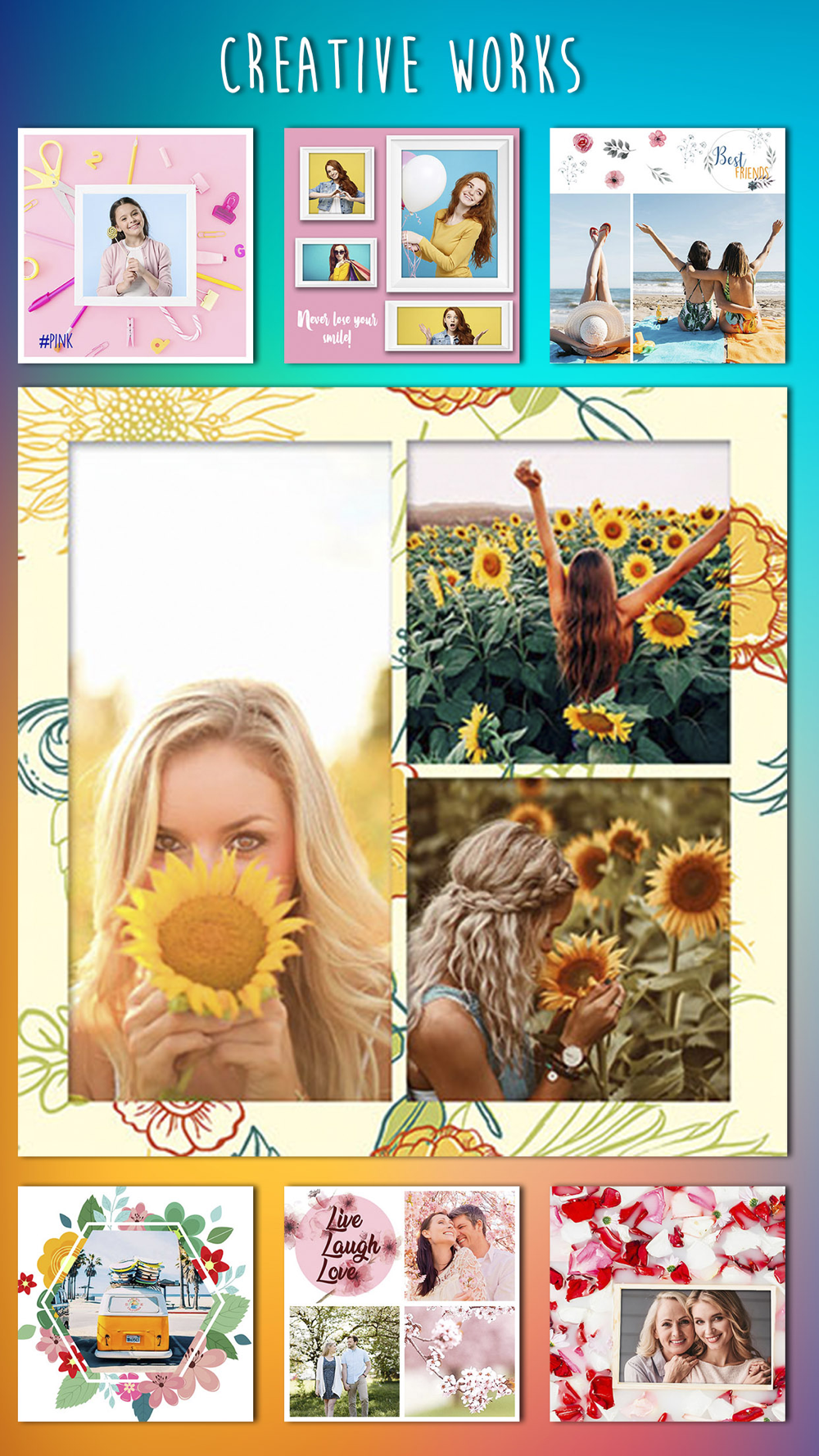
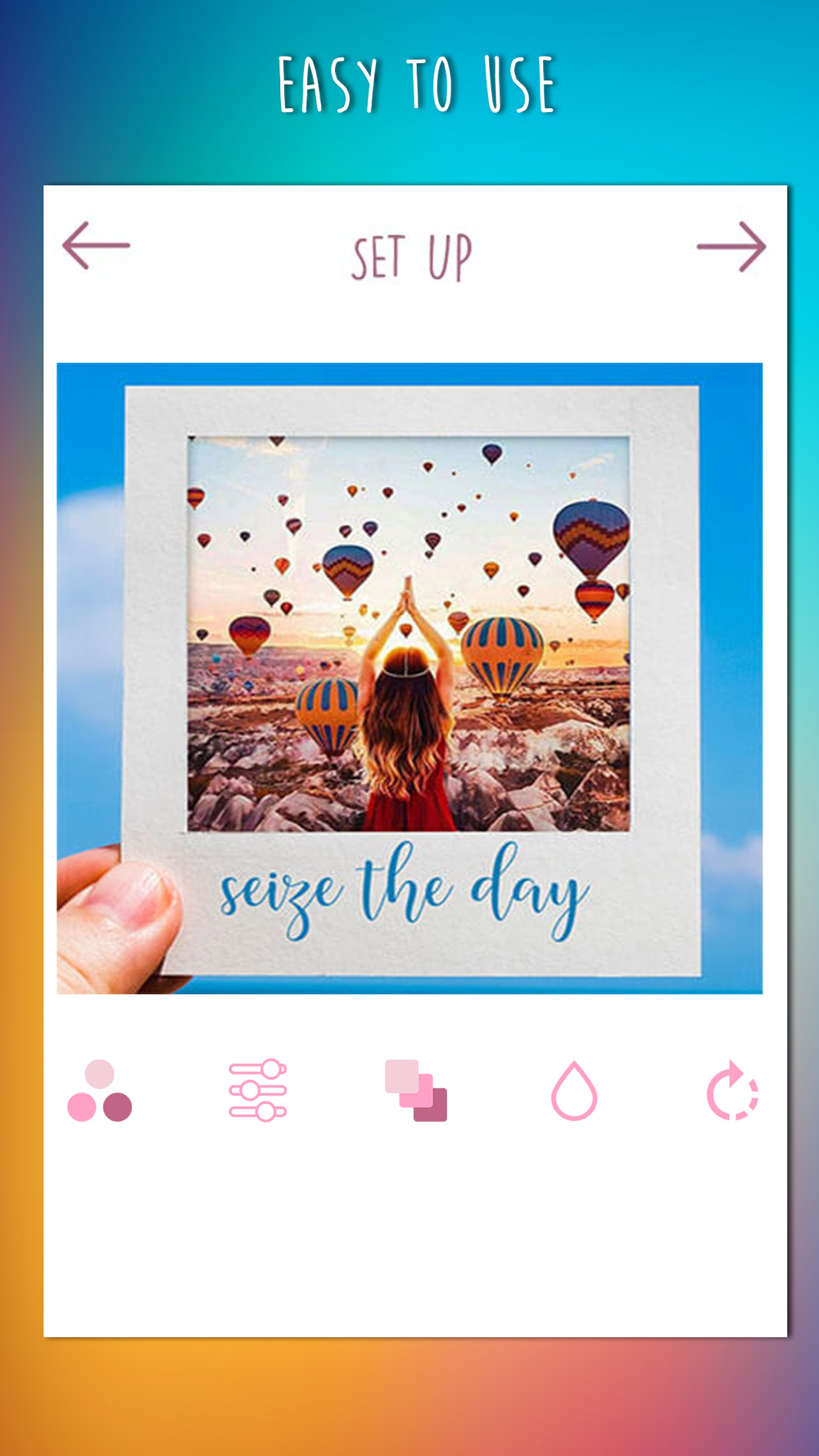
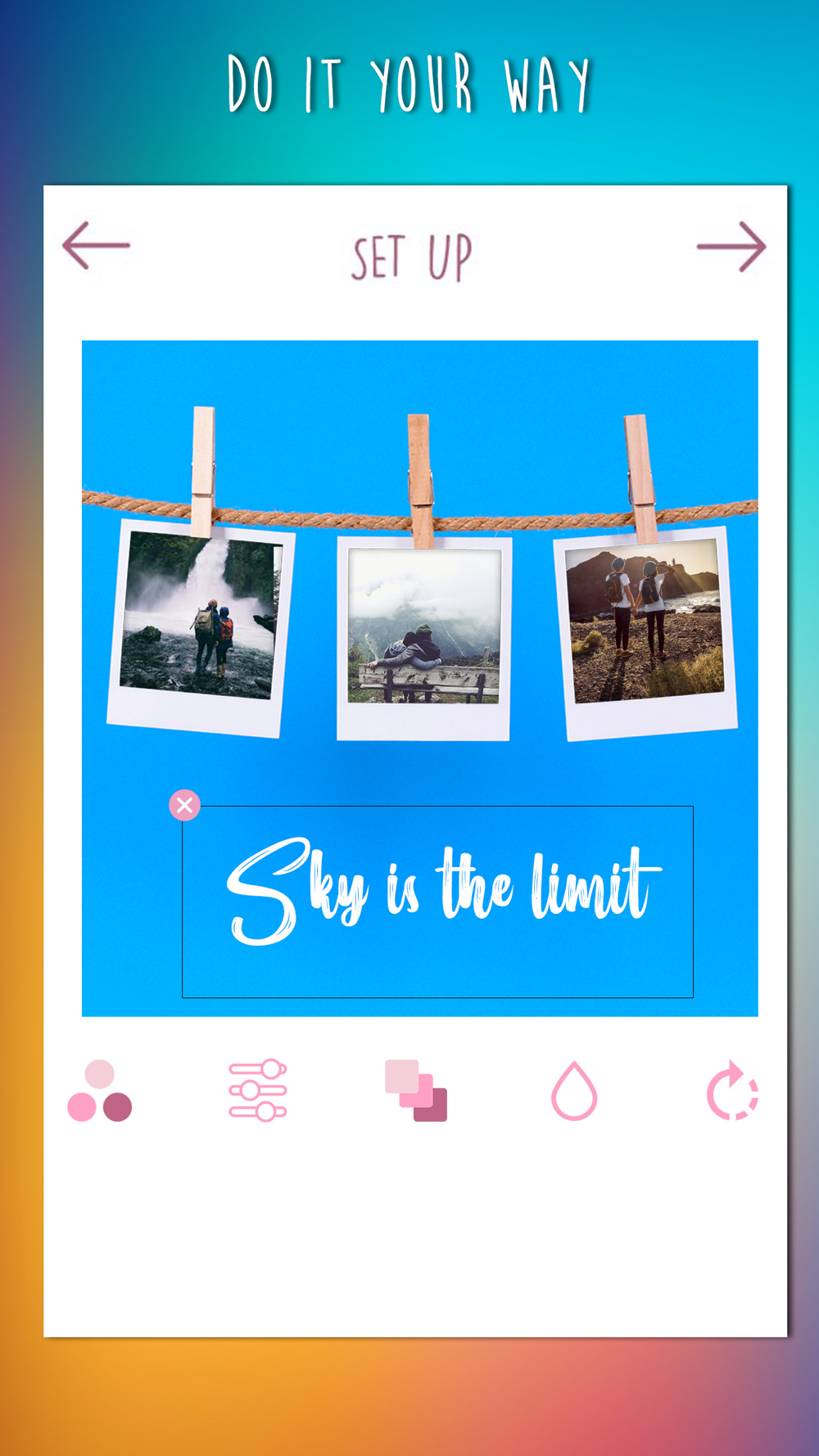
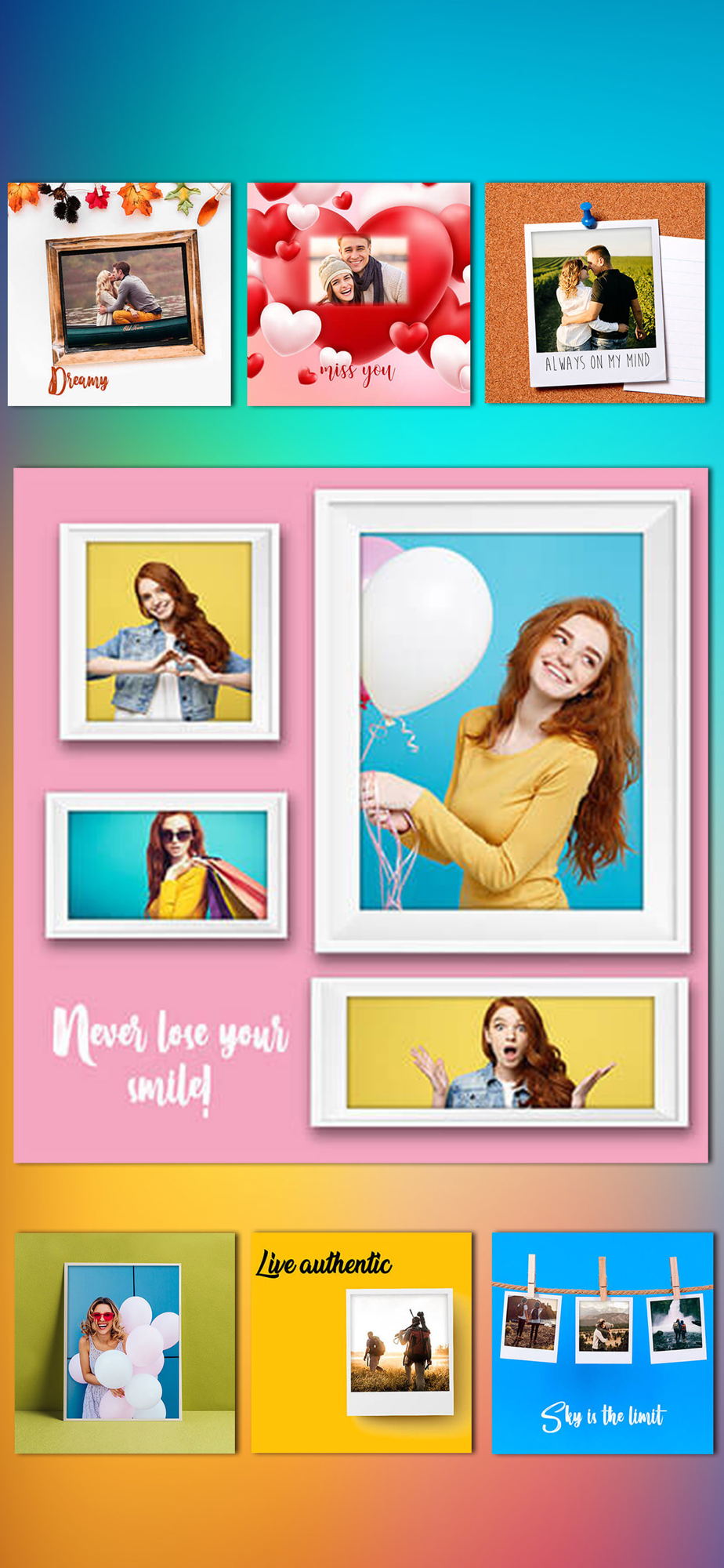
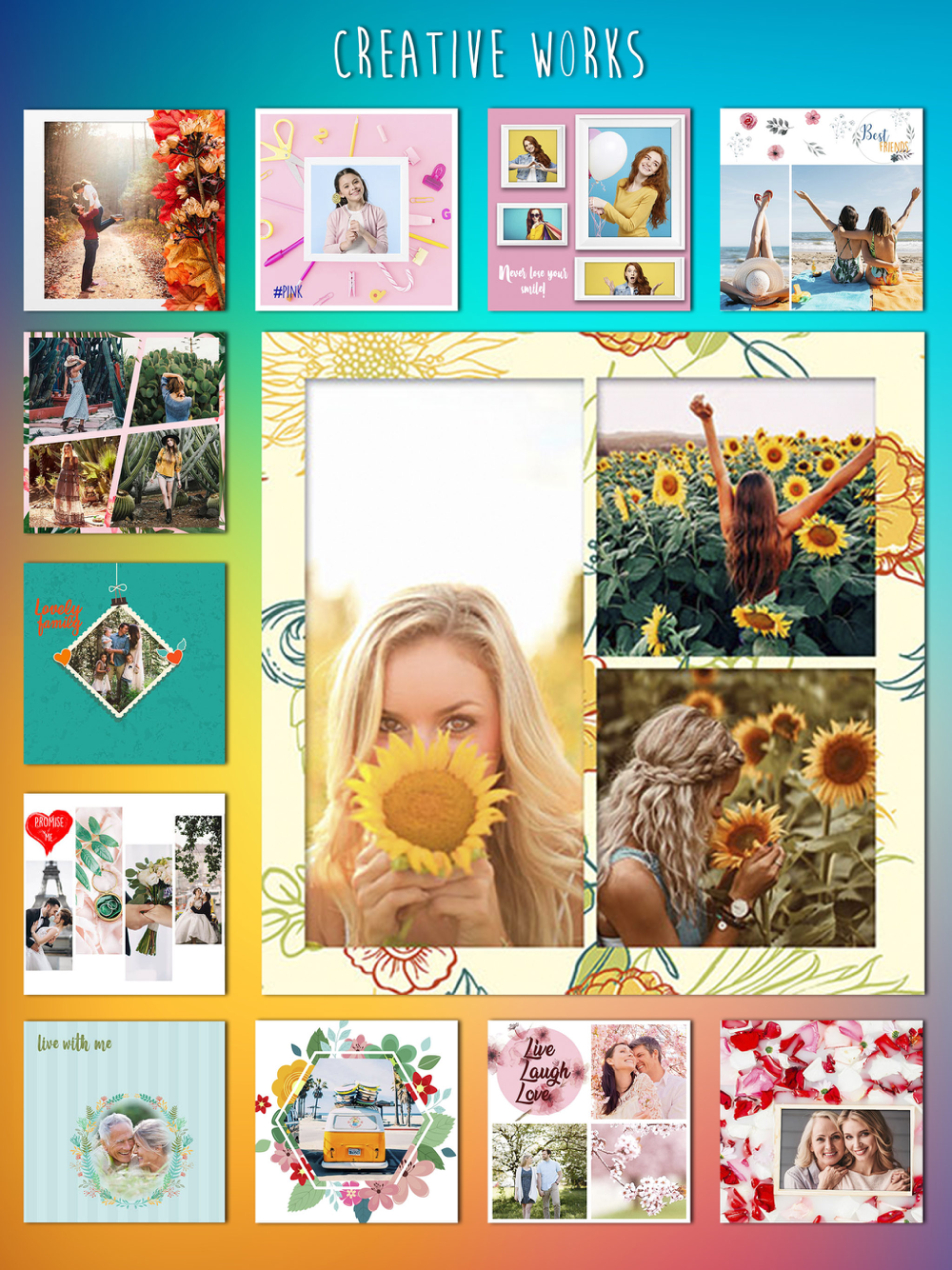
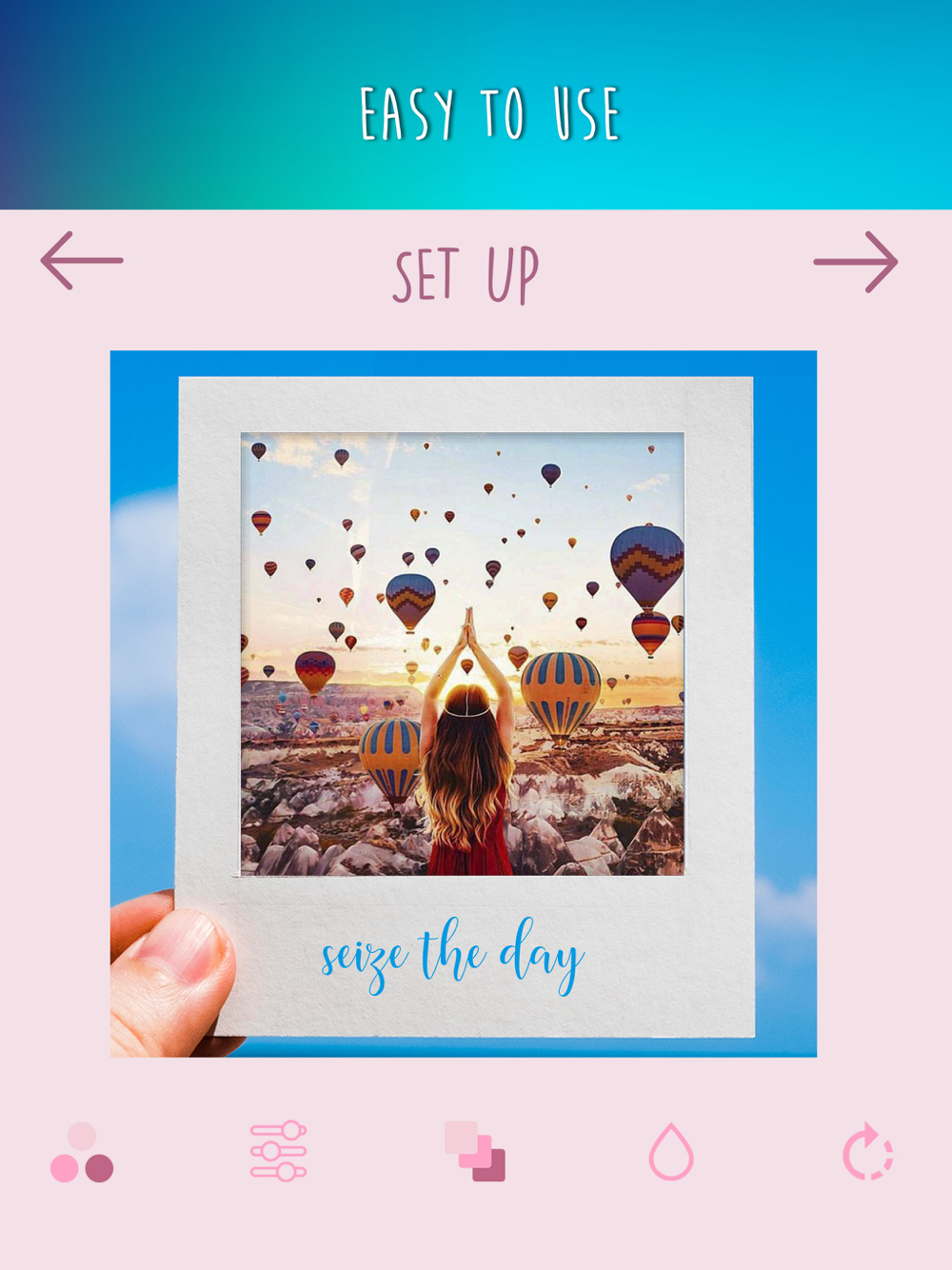
"Edit your pictures in a single photo collage grid with various layout options, shapes, frames and photo effects!
You can create fun custom edited images to improve the quality of your pictures. We offer you the latest pic stitching tools and simple photo editing options with filters and effects in trend to join multiple photos into a beautiful collage. With our pic stitching app, you can stitch or join multiple photos together and edit them.
A quick and easy way to create photo collage and pic stitch!
• Choose grid layout and join photos together.
• Choose your special shape collage layouts or frames.
• Add custom tilt shift blur effects or vignette effects
• Apply tilt shift blur effects or image background blurring effect
• Resize your photos; pinch to zoom in or zoom out the image.
• Crop the image and format the pictures
If you like our app, please rate and comment to help us improve!"