GoodTimeKeeper - TimerandAlarm
Install Now
GoodTimeKeeper - TimerandAlarm

GoodTimeKeeper - TimerandAlarm

Time management for meeting

Developer: Toru Shinnae
App Size: 18.2 MB
Release Date: Dec 20, 2018
Price: FREE
3.5
2 Ratings
Size
18.2 MB

Screenshots for App

iPhone
iPhone X
More Screenshots for iPad
GoodTimeKeeper is time management app for meeting/conference.

- Basic how to use
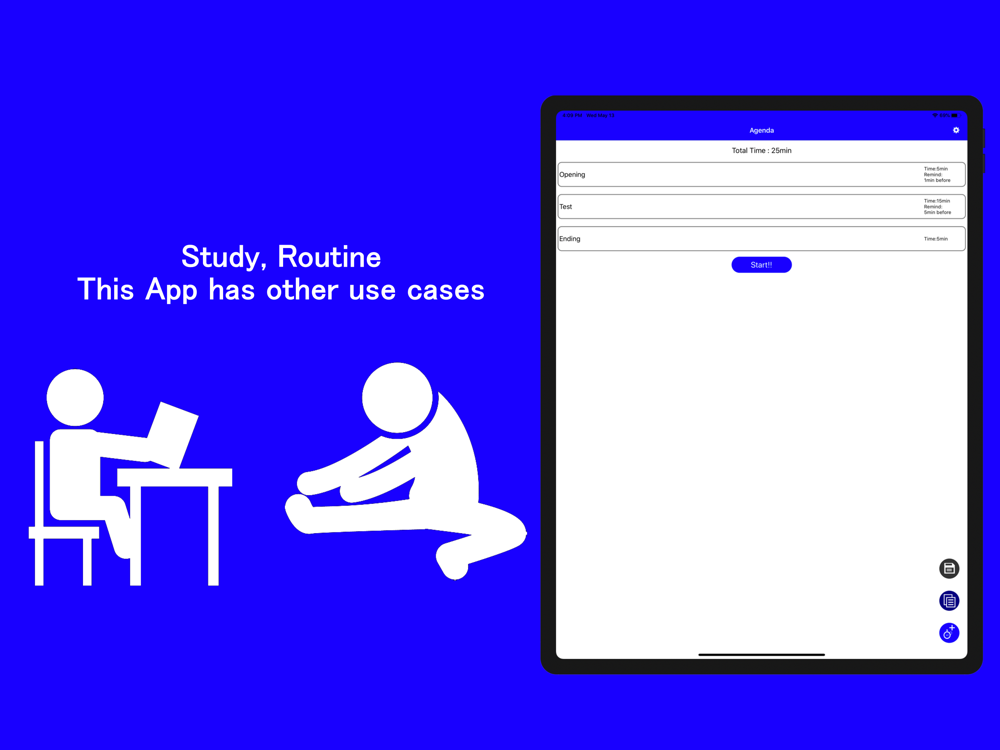
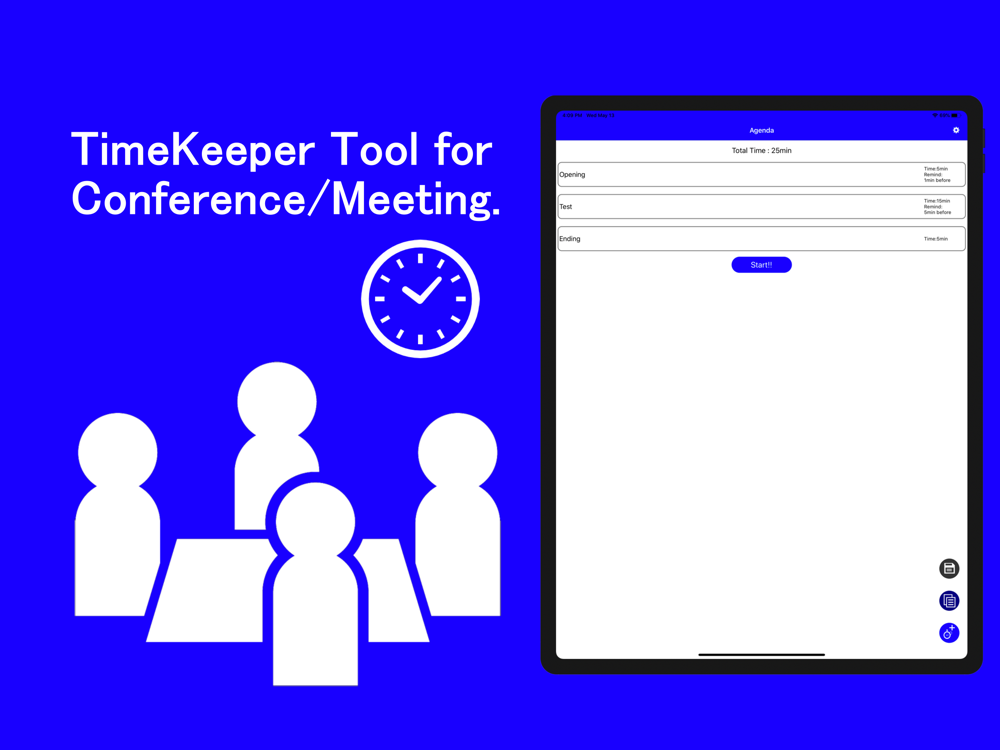
1. Select Add(+) button.
2. Input agenda name, select time and alarm sound for agenda.
3. Select Create button.
4. Repeat Step1~3 for agenda of your conference.
5. Select Start
Timer Start
6. If time up, select extend or next
7. If select extend, start stop watch function.
If select next, will start timer for next agenda.
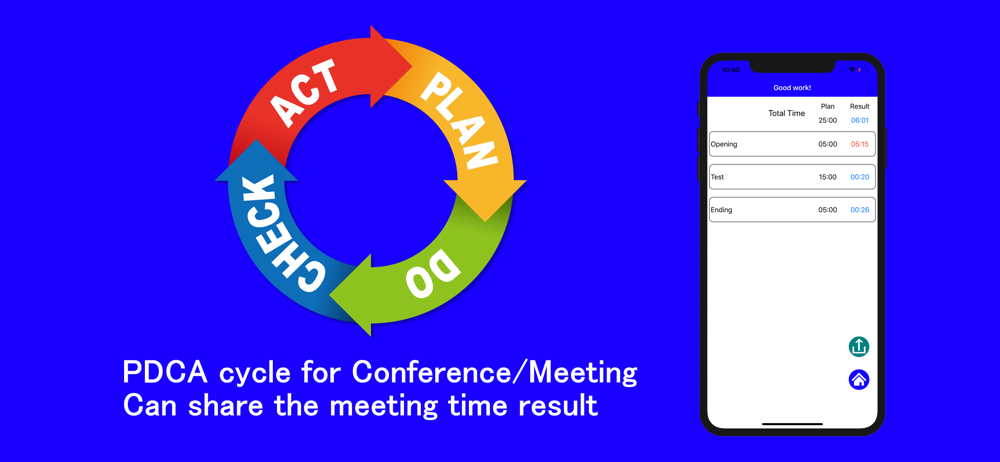
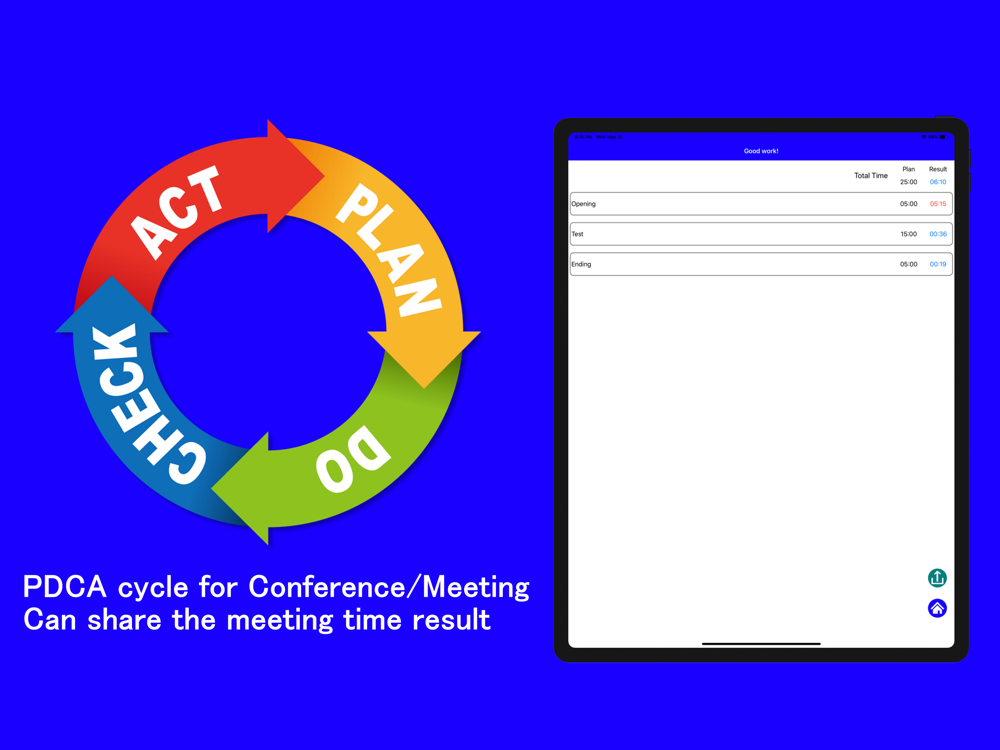
8. If final agenda was finished, result is displayed.
User can find plan and result for each of agendas.

- Save/Apply template setting
Can save current setting by pushing save button (like a floppy disk)
Can apply template setting by pushing apply button (like a list)

- Setting
Can check current notification setting.
If notification setting is ON, this app can notify alarm end even if this app was gone to background.
Show More
Show Less
GoodTimeKeeper - TimerandAlarm 1.14.0 Update
Jul 6, 2023 Version History
Change favorite function and icon. - If you select star mark on most used favorite timer setting, the default timer setting will be set with selected one when you booted up this app.Add button for deleting all agendas.

~Toru Shinnae
More Information about: GoodTimeKeeper - TimerandAlarm
Price: FREE
Version: 1.14.0
Compatibility: Requires Requires iOS 15 or later
Size: 18.2 MB
Genre: Business
Release Date: Dec 20, 2018
Last Update: Jul 6, 2023
Content Rating: 4+
Developer: Toru Shinnae
Language: English - Japanese -


Whatsapp
Vkontakte
Telegram
Reddit
Pinterest
Linkedin
Hide