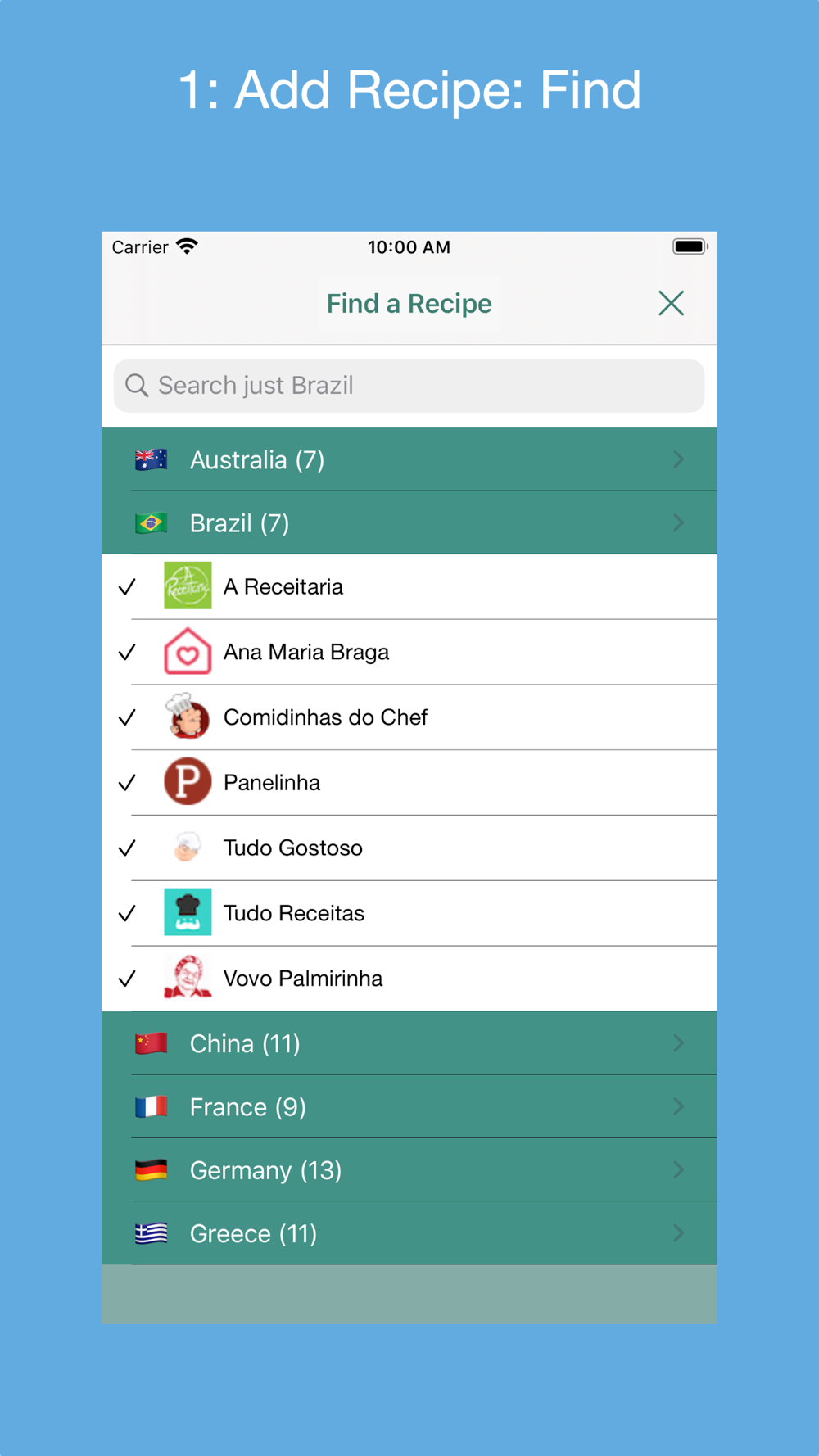
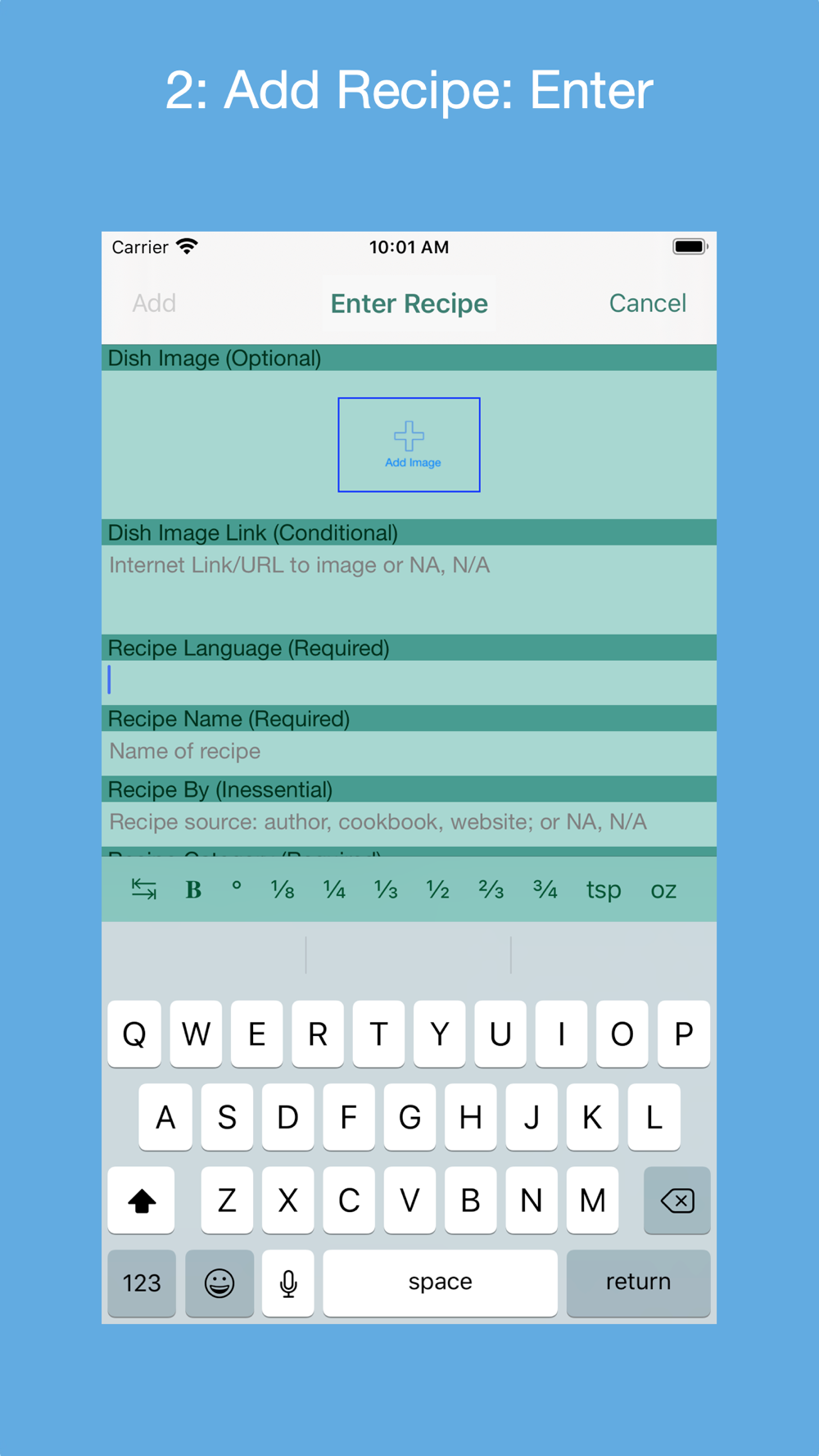
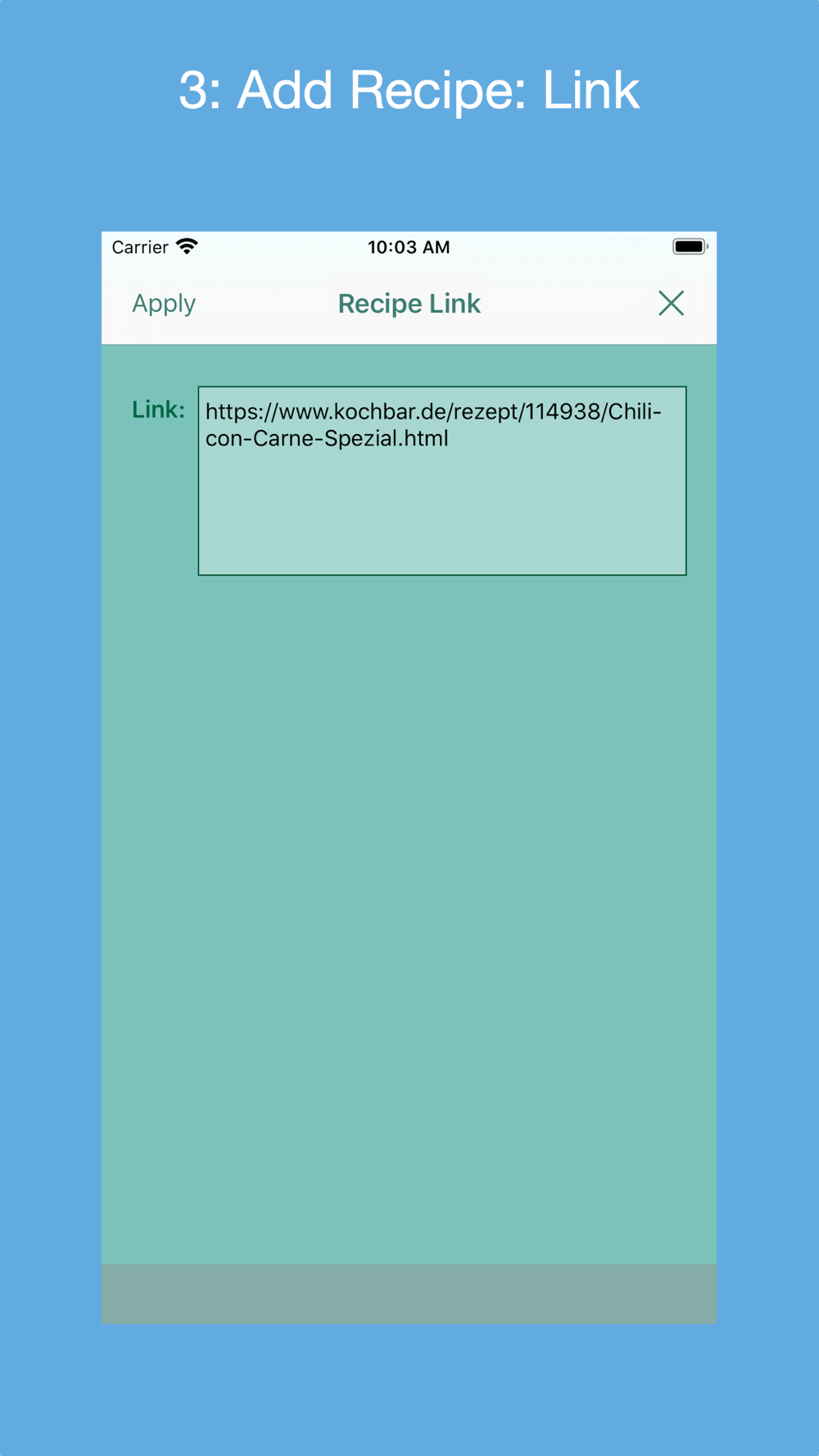
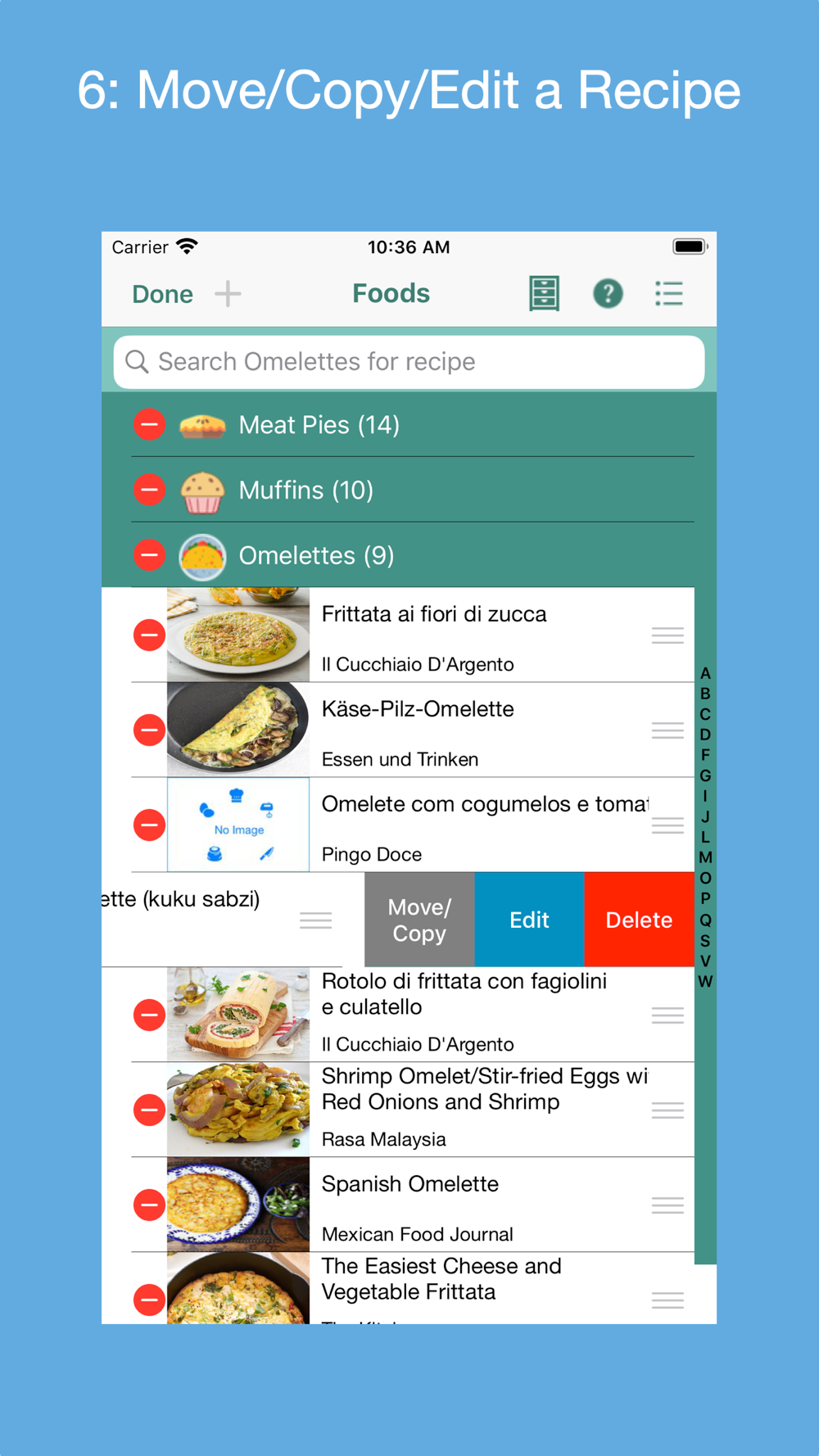
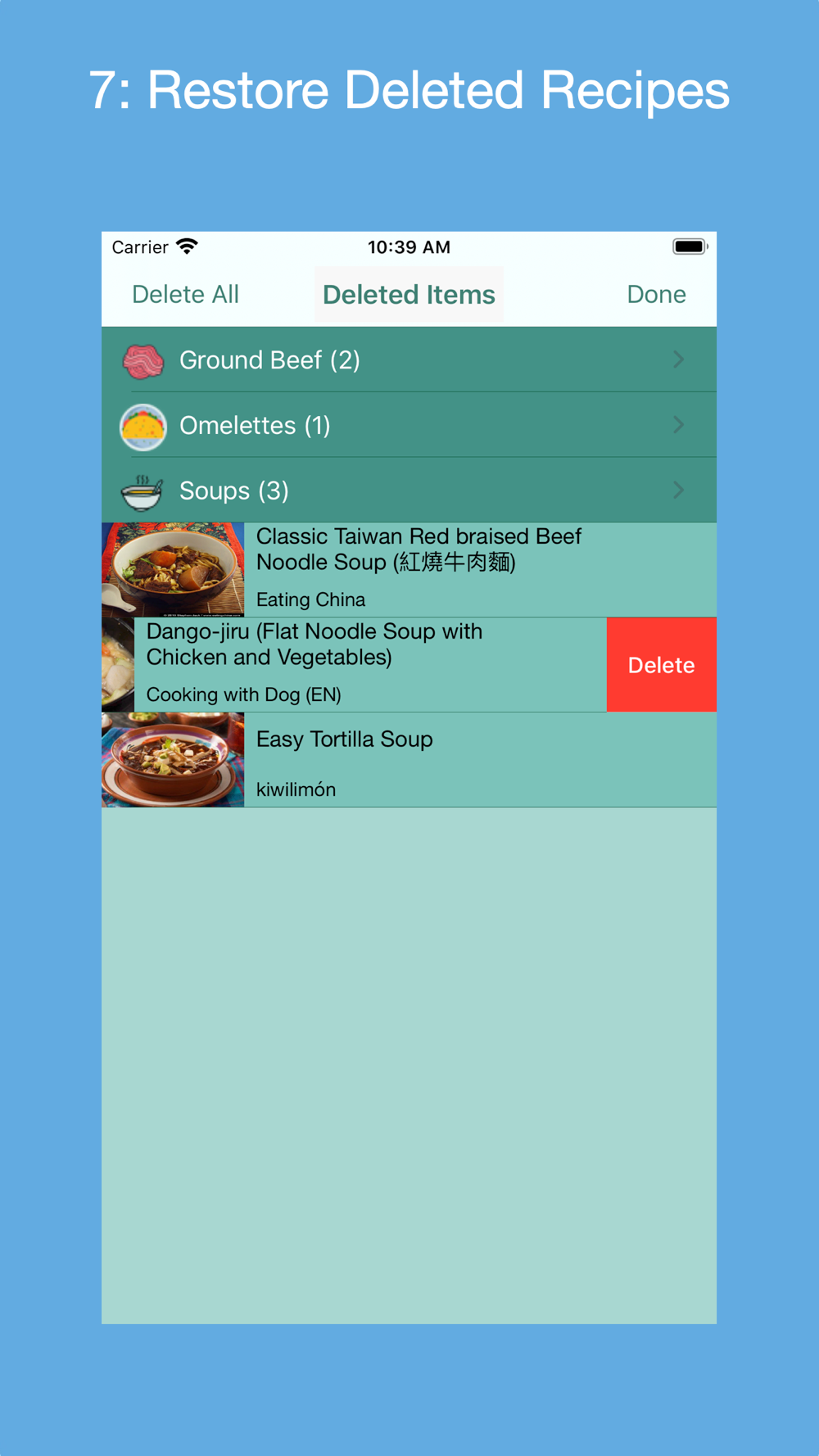
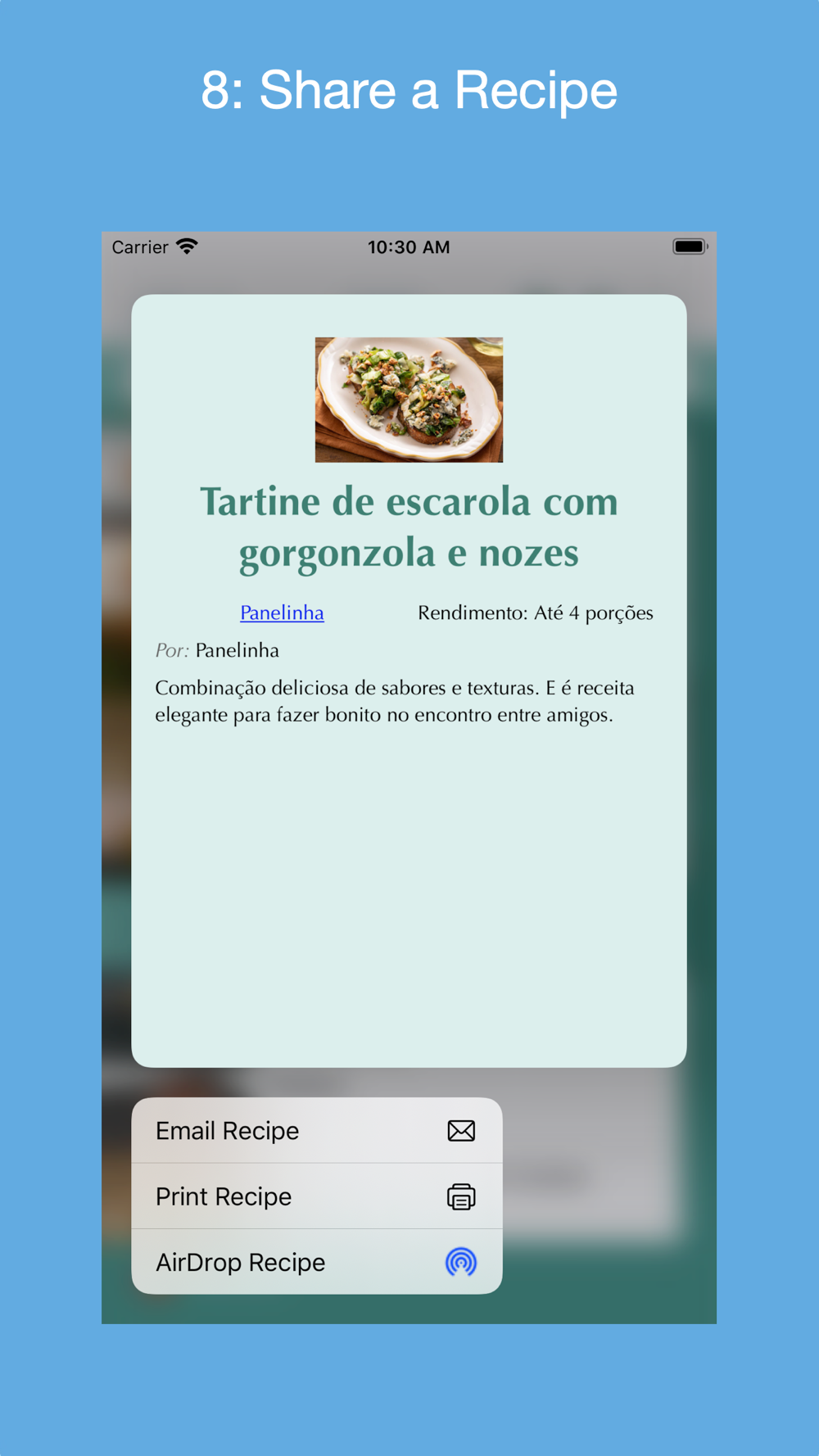
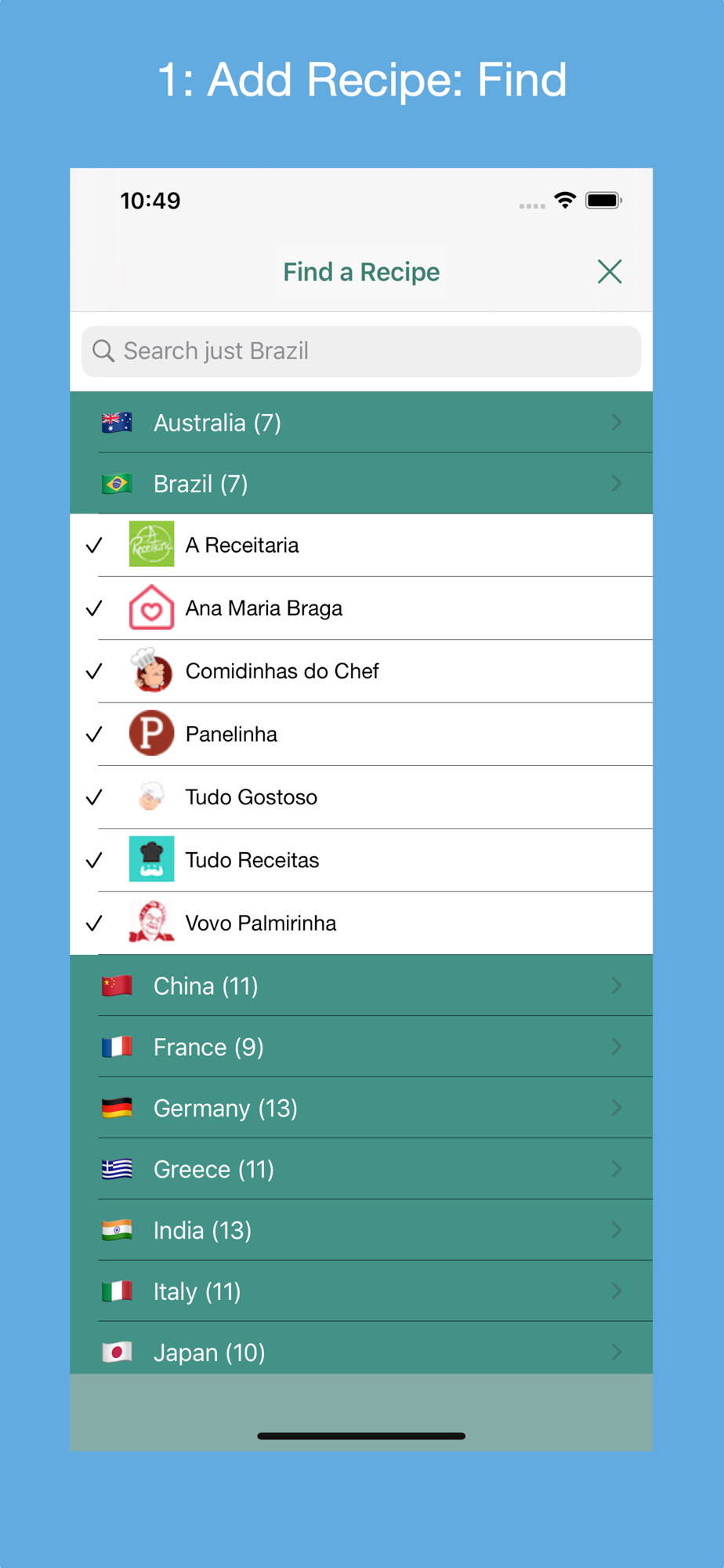
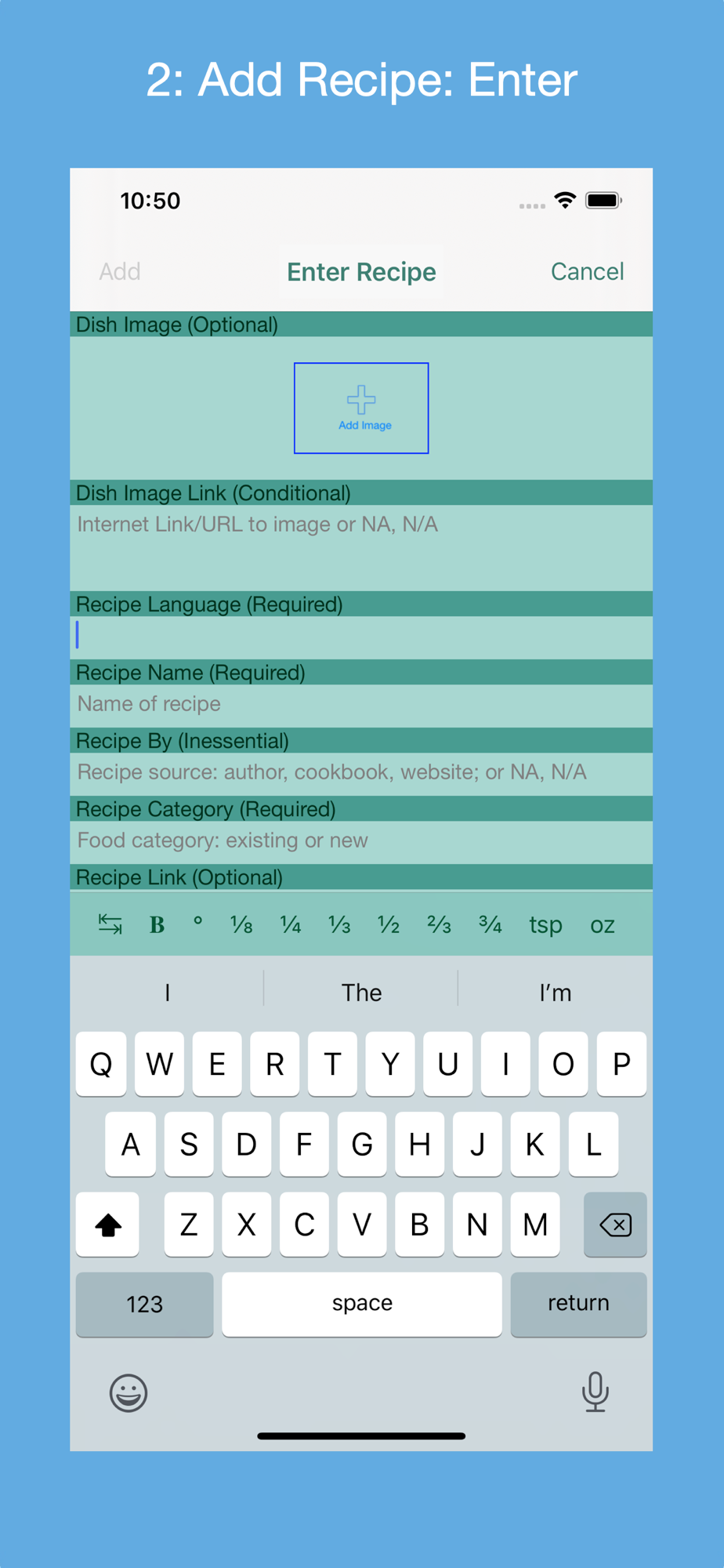
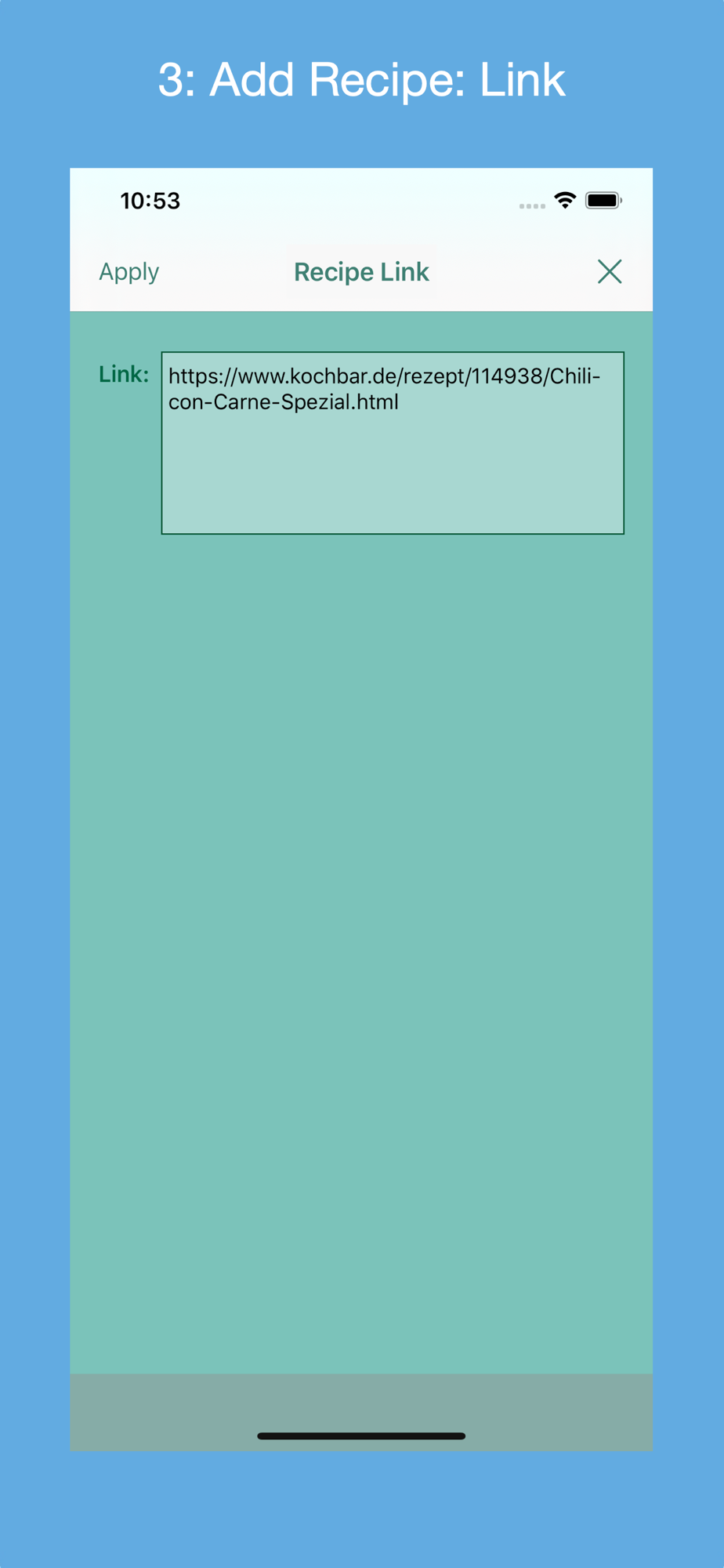
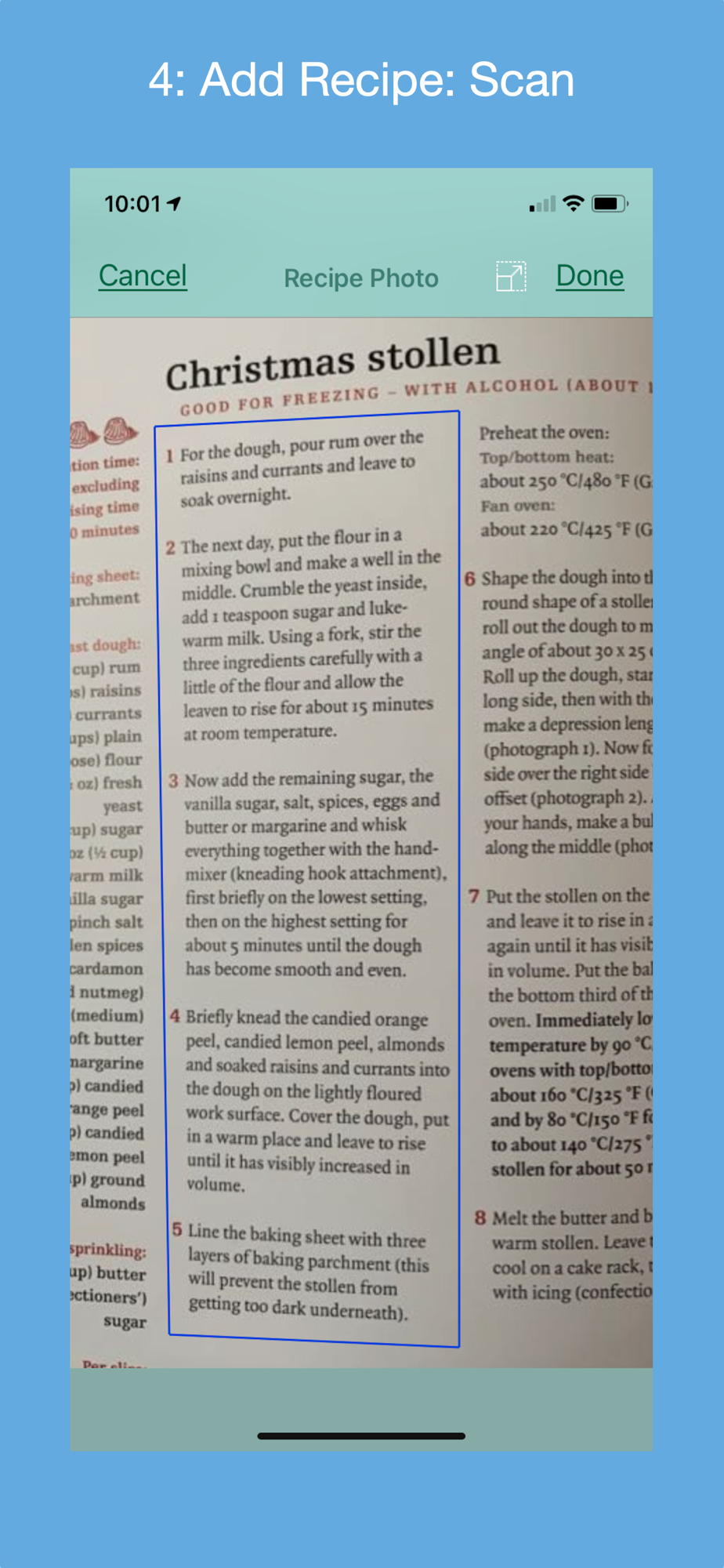
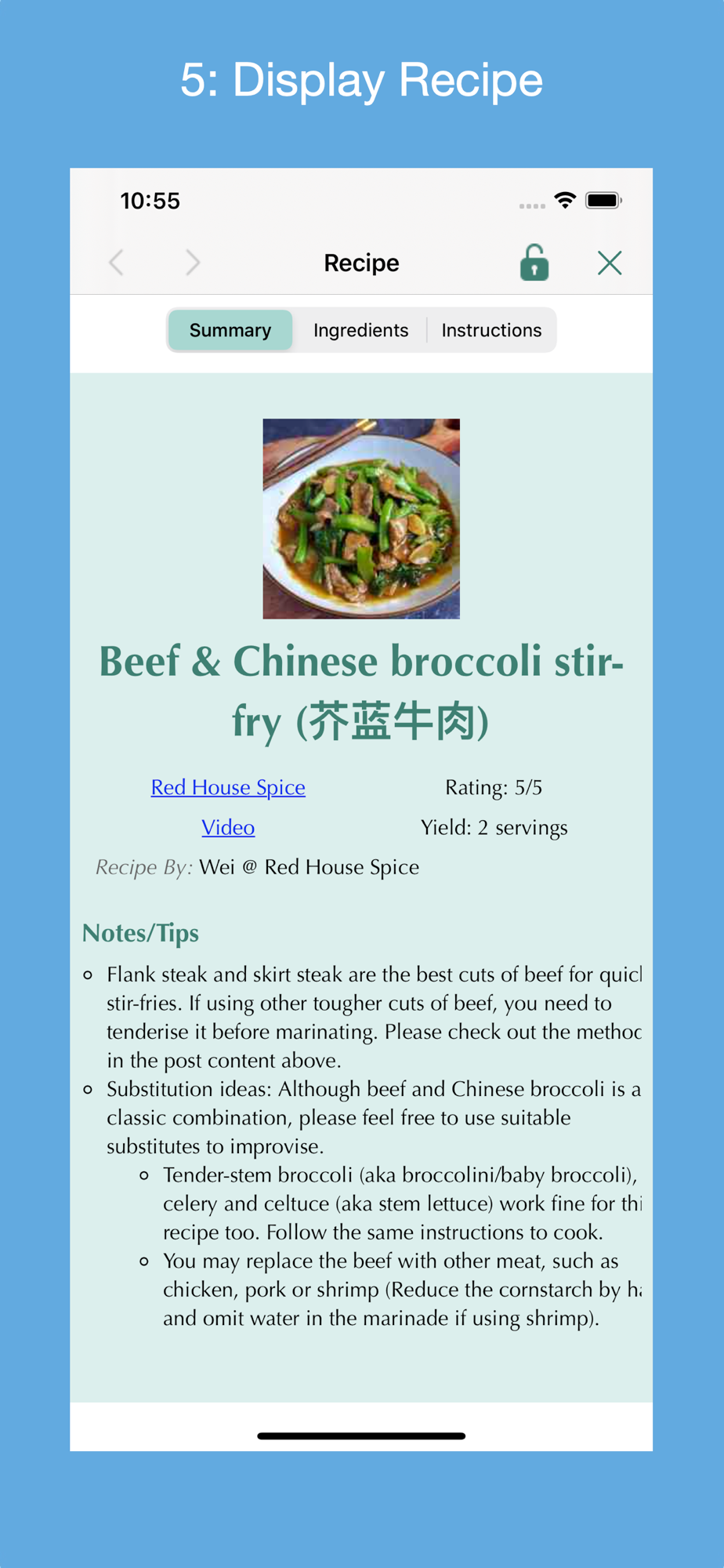
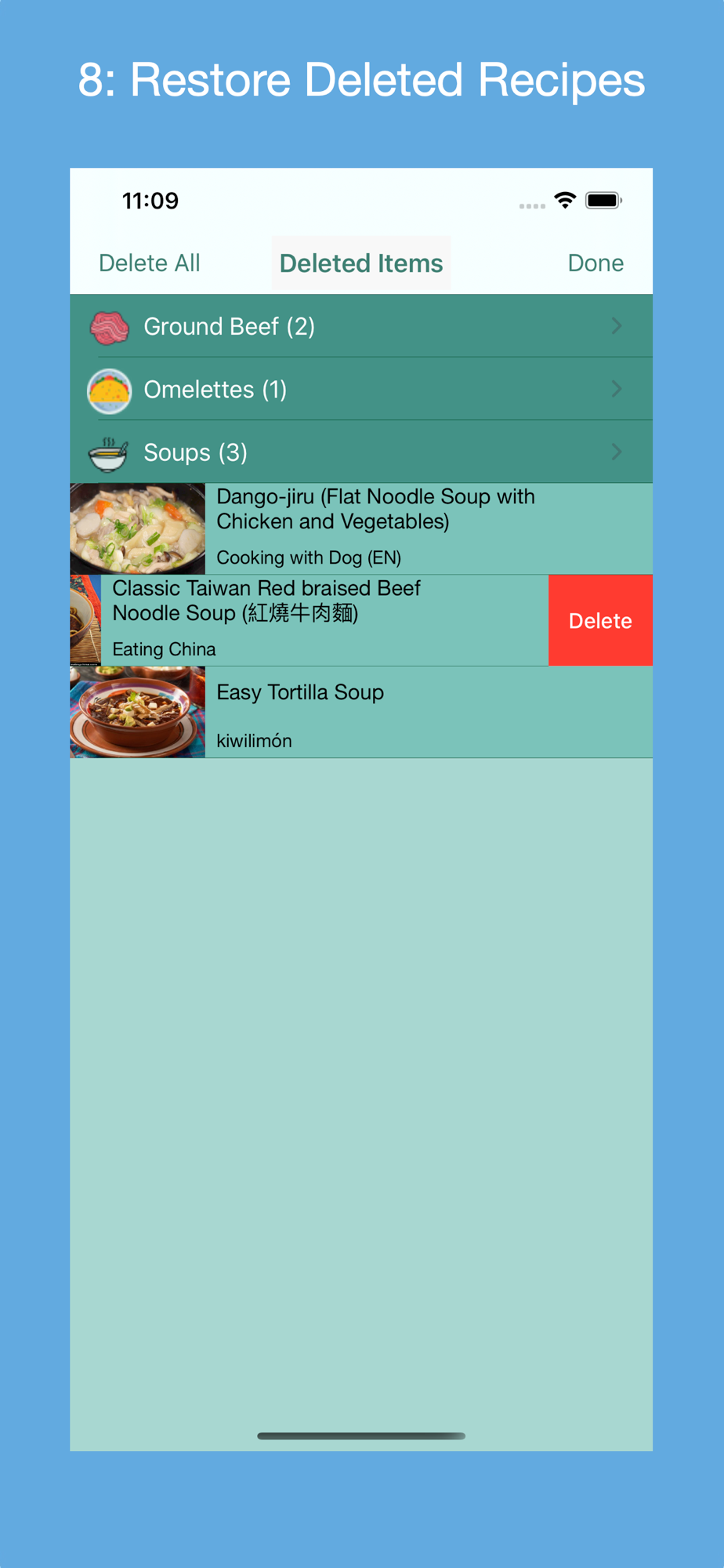
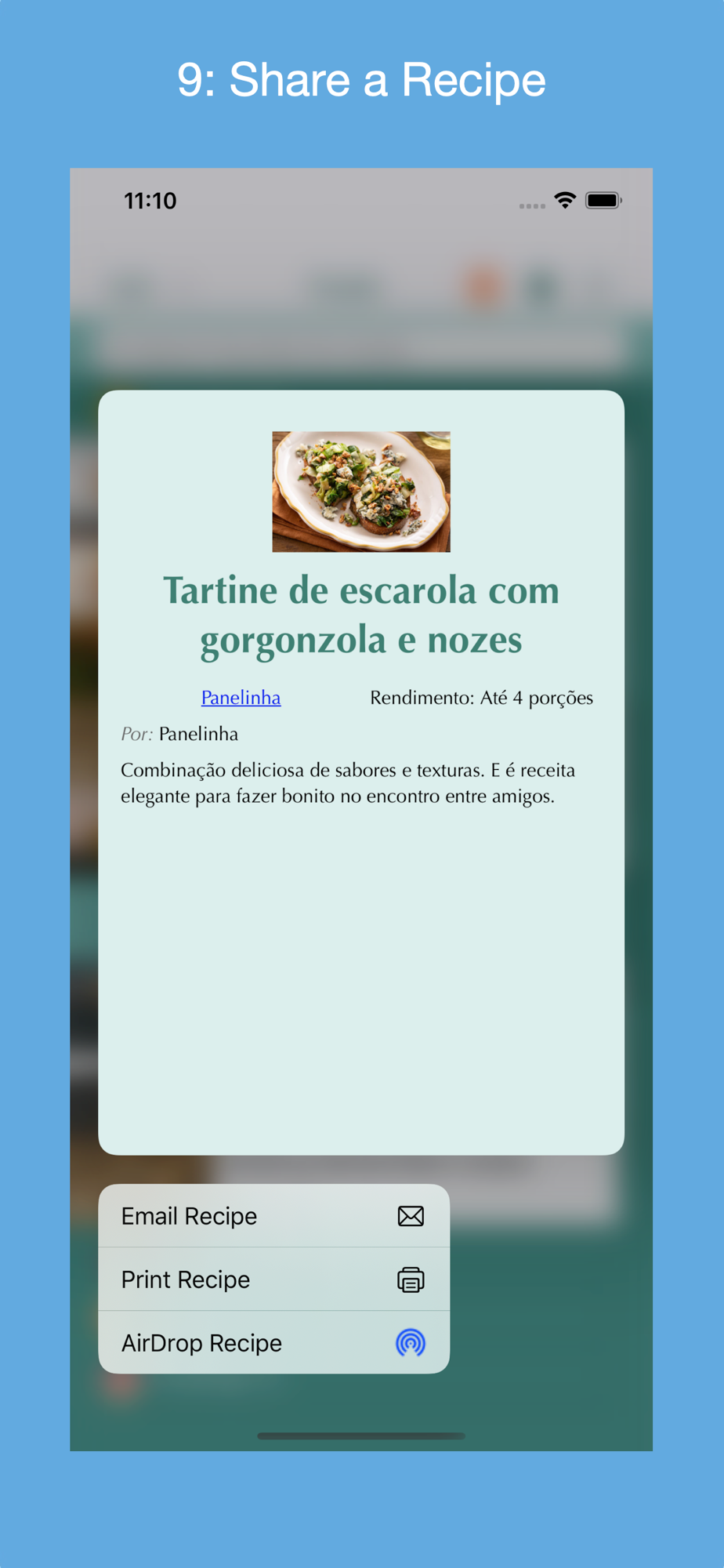
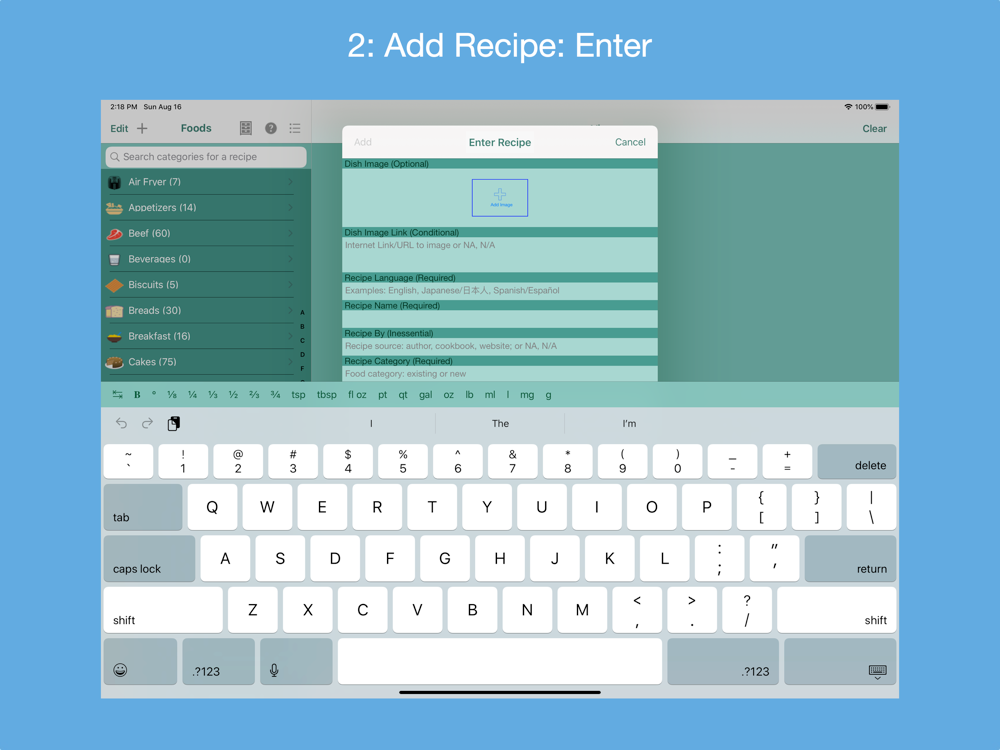
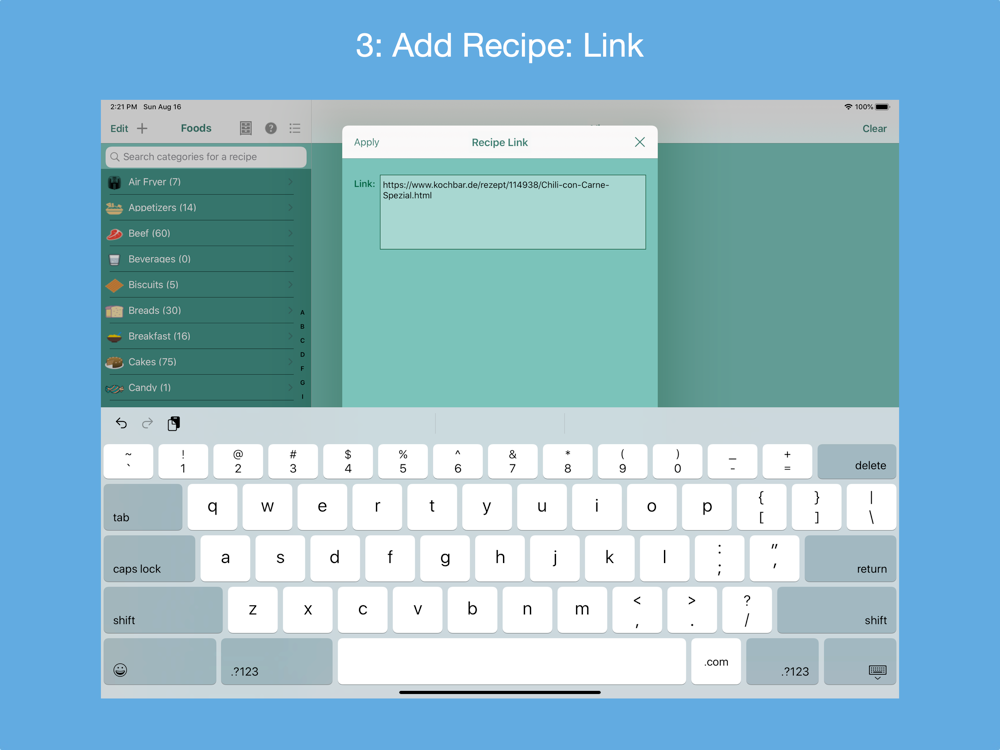
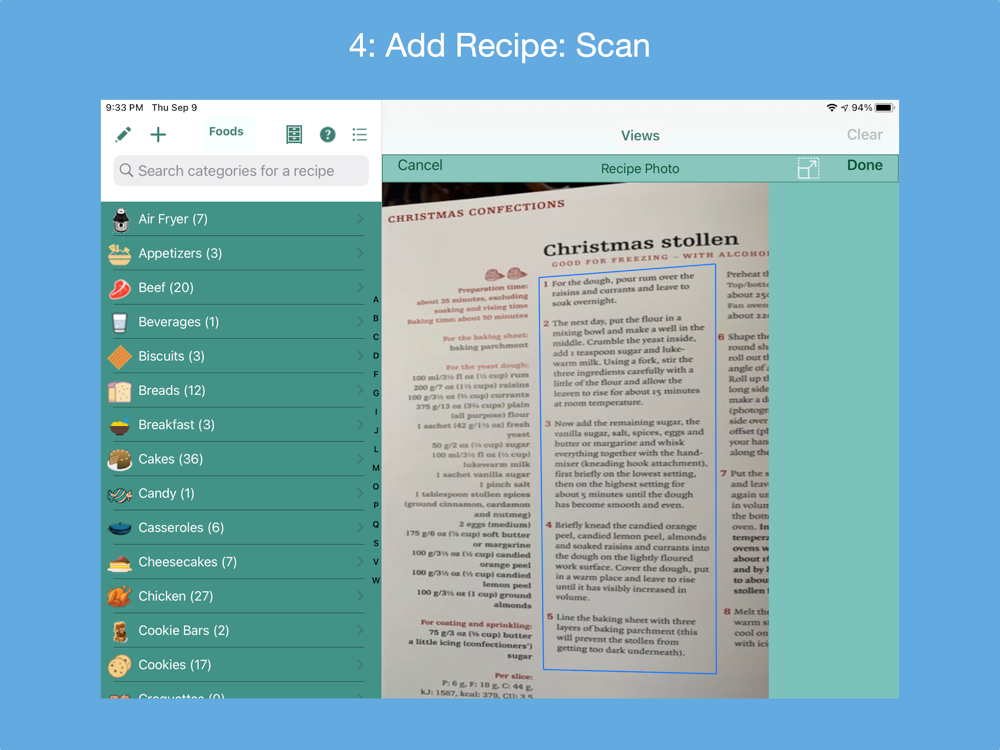
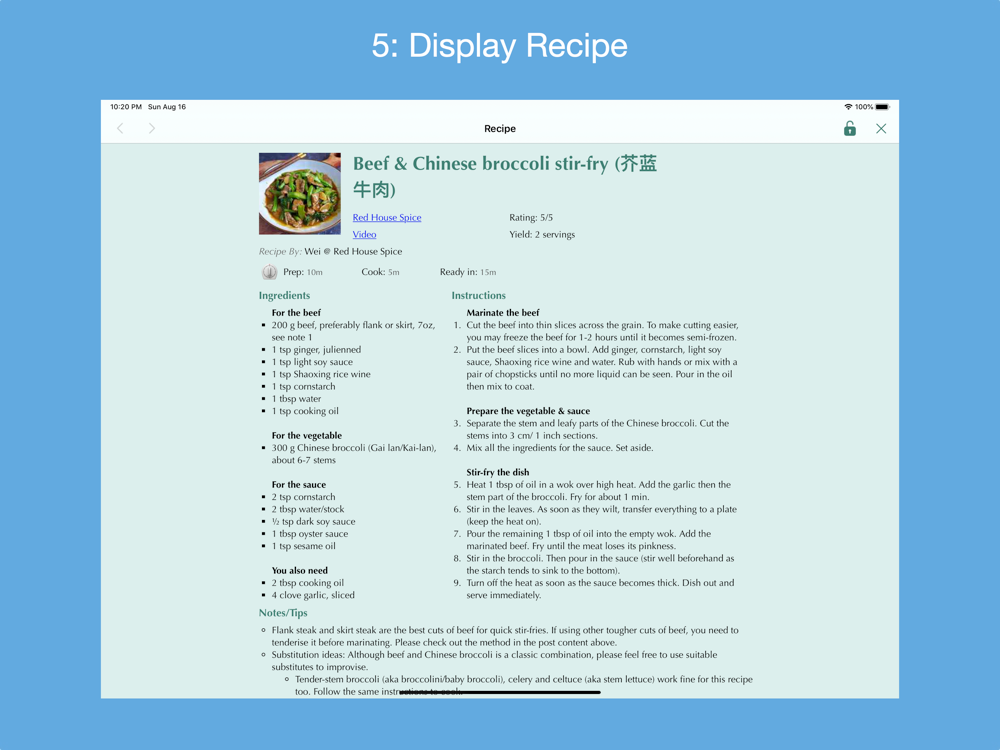
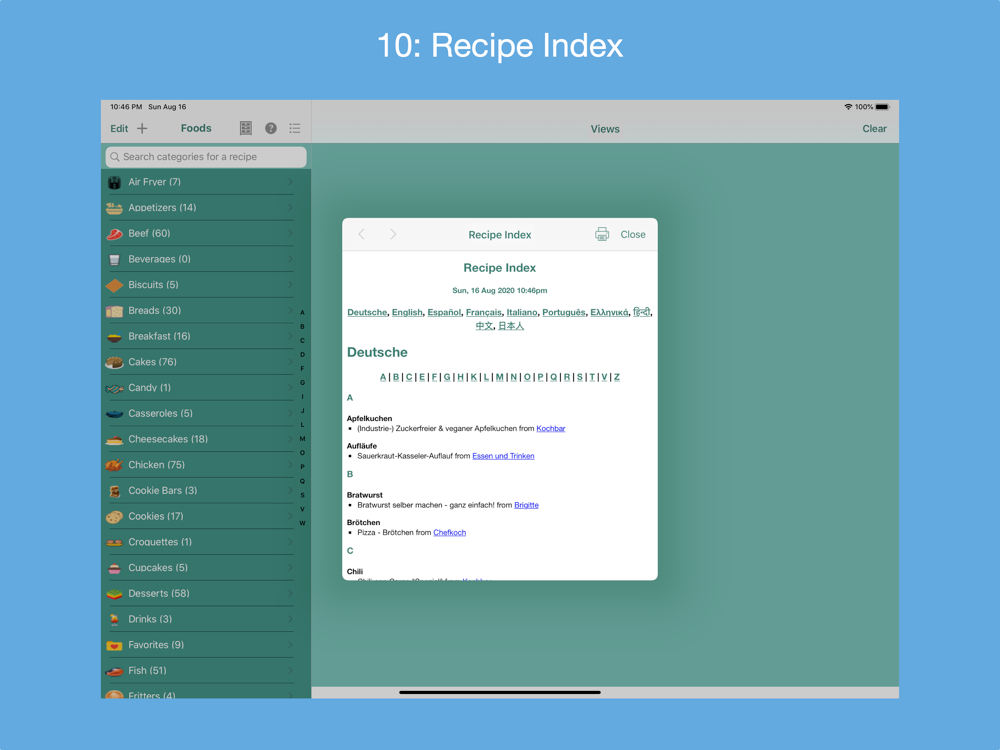
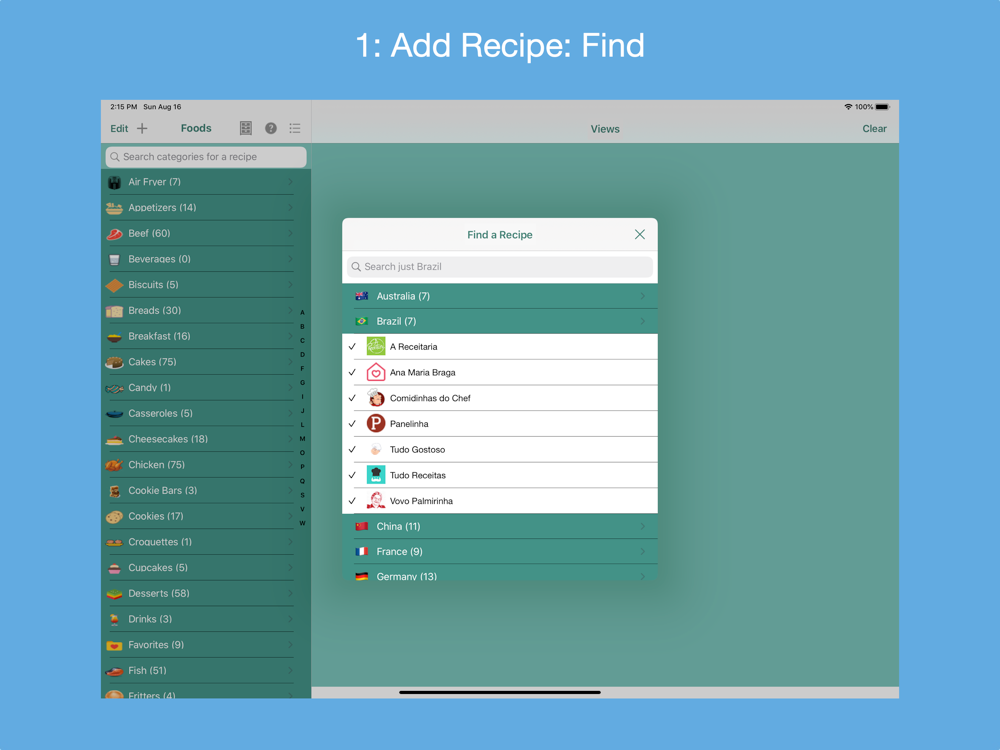
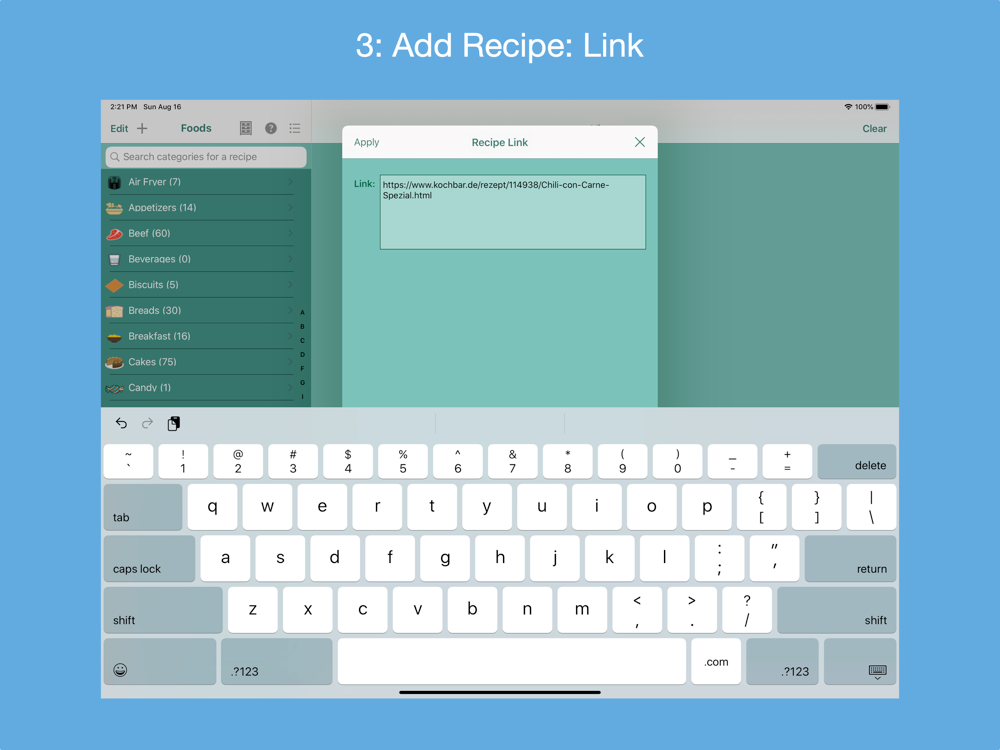
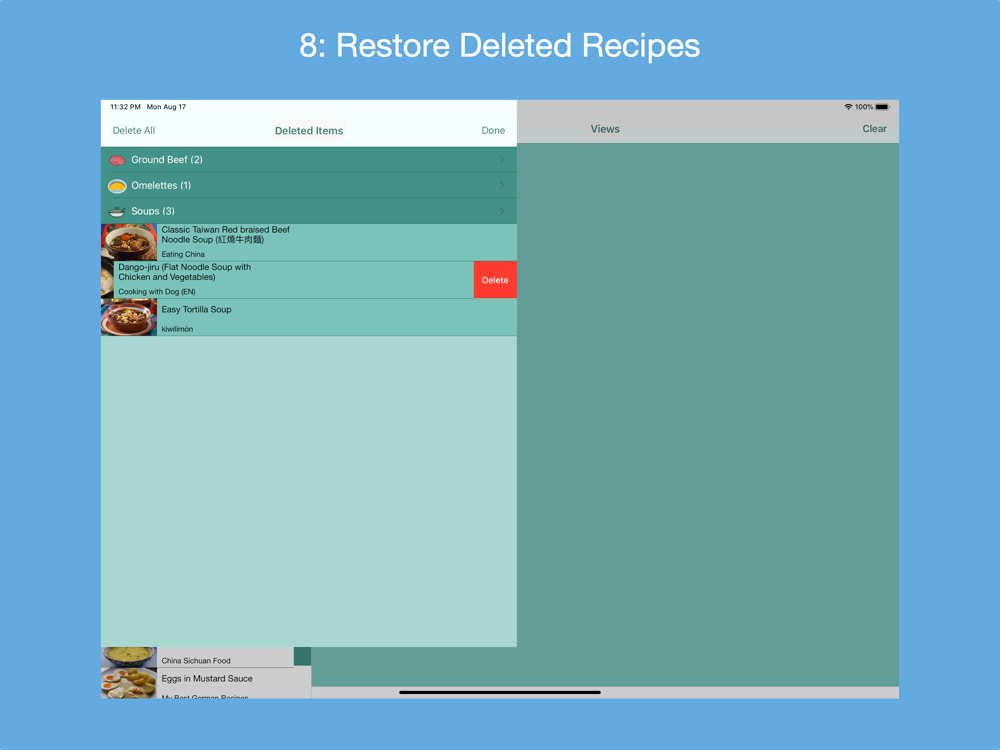
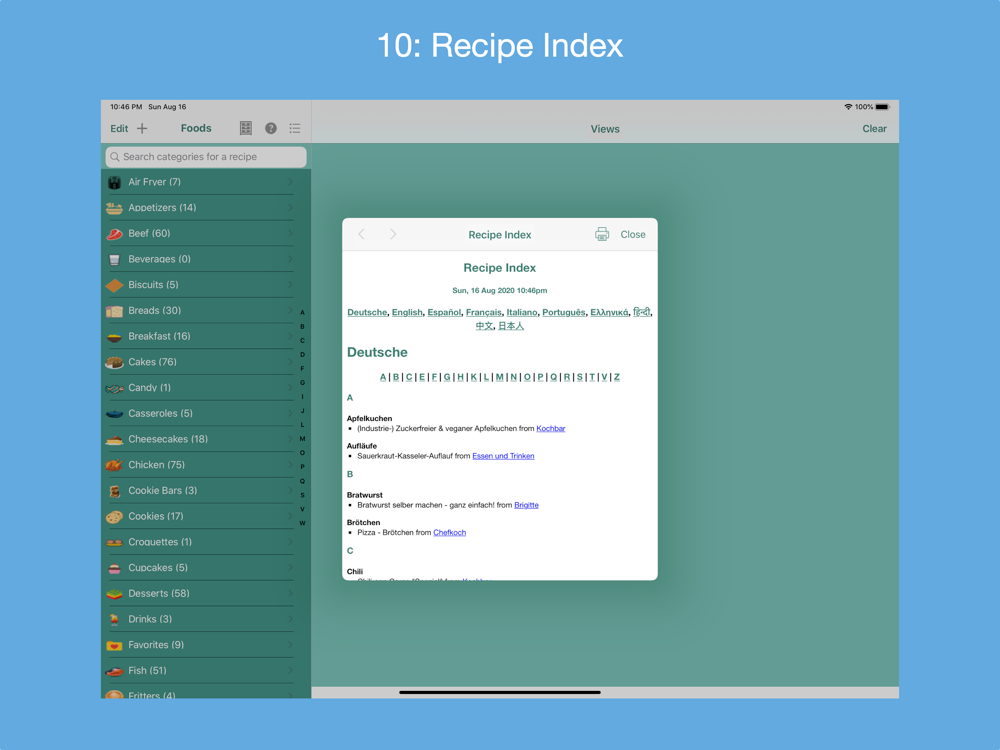
Gather into a cookbook 1) all of your personal recipes collected over the years; 2) your favorite recipes found on the Internet, in cookbooks and magazines; and 3) recipe print outs. There are 4 ways to add a new recipe: 1) manually entering its metadata (form-based); 2) finding the recipe by searching one or more of a supported country's recipe websites; 3) entering a link for a recipe from one of the supported country's recipe websites or from a non-curated recipe website that supports the recipe JSON-LD standard; or 4) scanning a recipe's photo(s) in English, French, Italian, German, Spanish or Portuguese (Brazil). Recipes can be categorized and indexed in one place, and viewed on your macOS device while preparing the recipe. Recipes can be AirDropped between macOS computers and iOS devices.
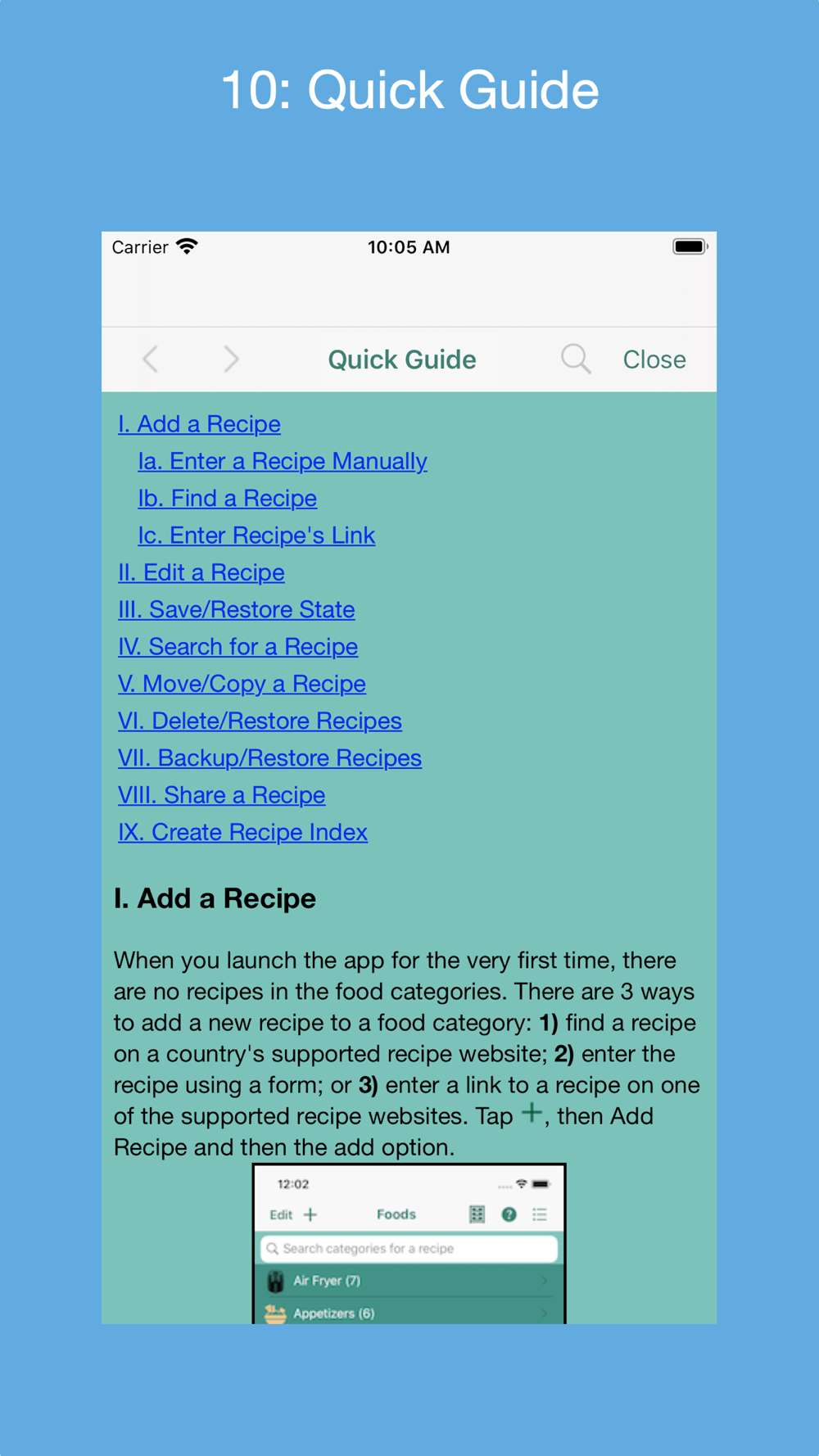
In-app documentation includes a Quick Guide, a User Guid, an on-demand Tour Guide, help tips and a list of FAQs. See the User's Guide's section "macOS Version's Differences" for an explanation of the differences between the macOS version and the iOS version of the app.
Note: The "Recipe Collector" folder within the user's Documents folder is where the .bkup file containing backed up recipes is written. It is also the folder where the generated Recipe Index HTML file is written, the SQLite database of session state is written and the text form of the recipe is stored when AirDropping a recipe.