This version is the same version of Super LRC player (only to unify the App name of iPhone App and mac App), and new versions will be updated in this app.
App Functions:
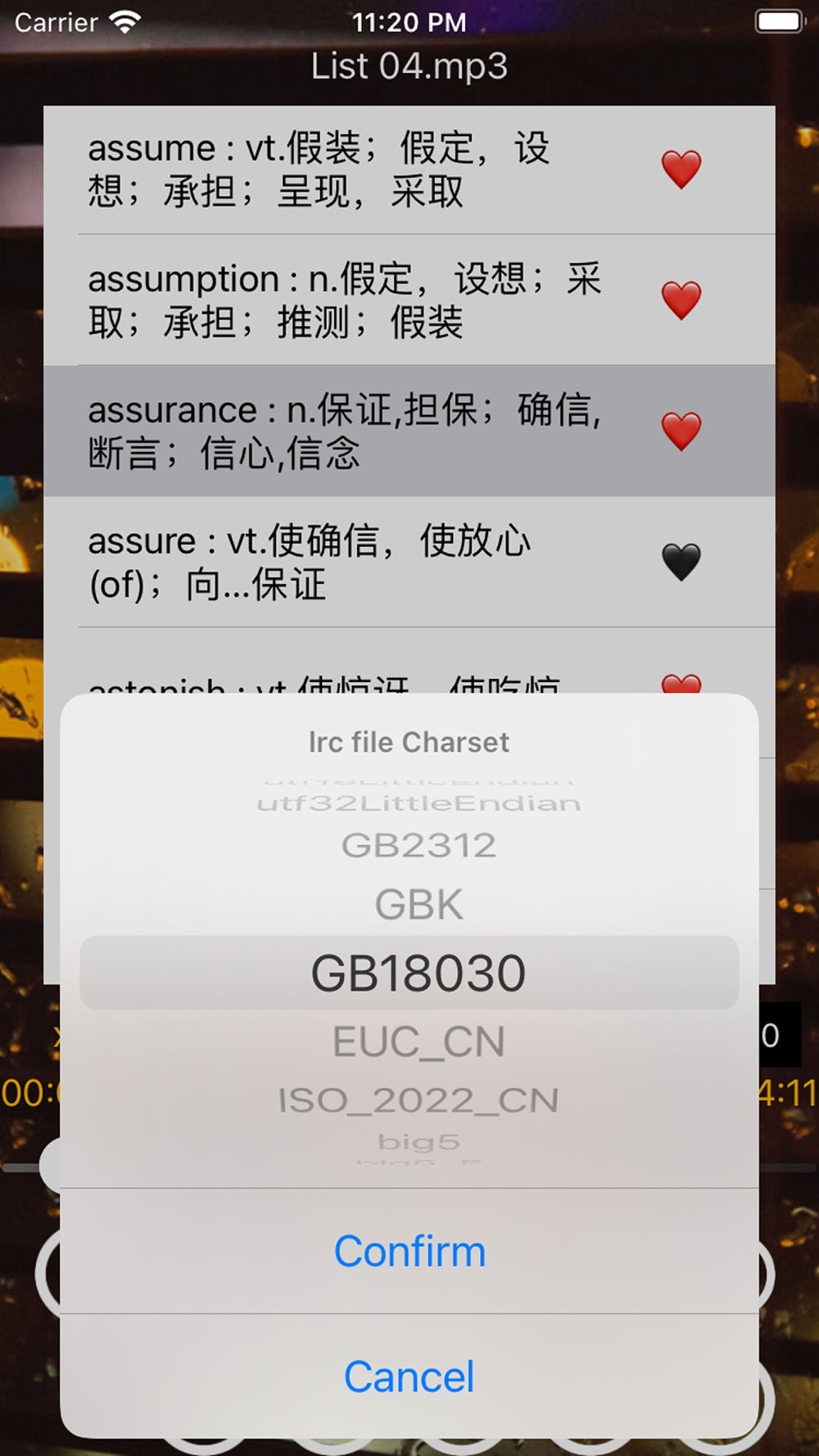
Synchronous display local lrc file content while playing mp3.
You can drag the transparent lyrics window to any position, You can set the font size and font color for lyrics in Preference.
Operation Instructions:
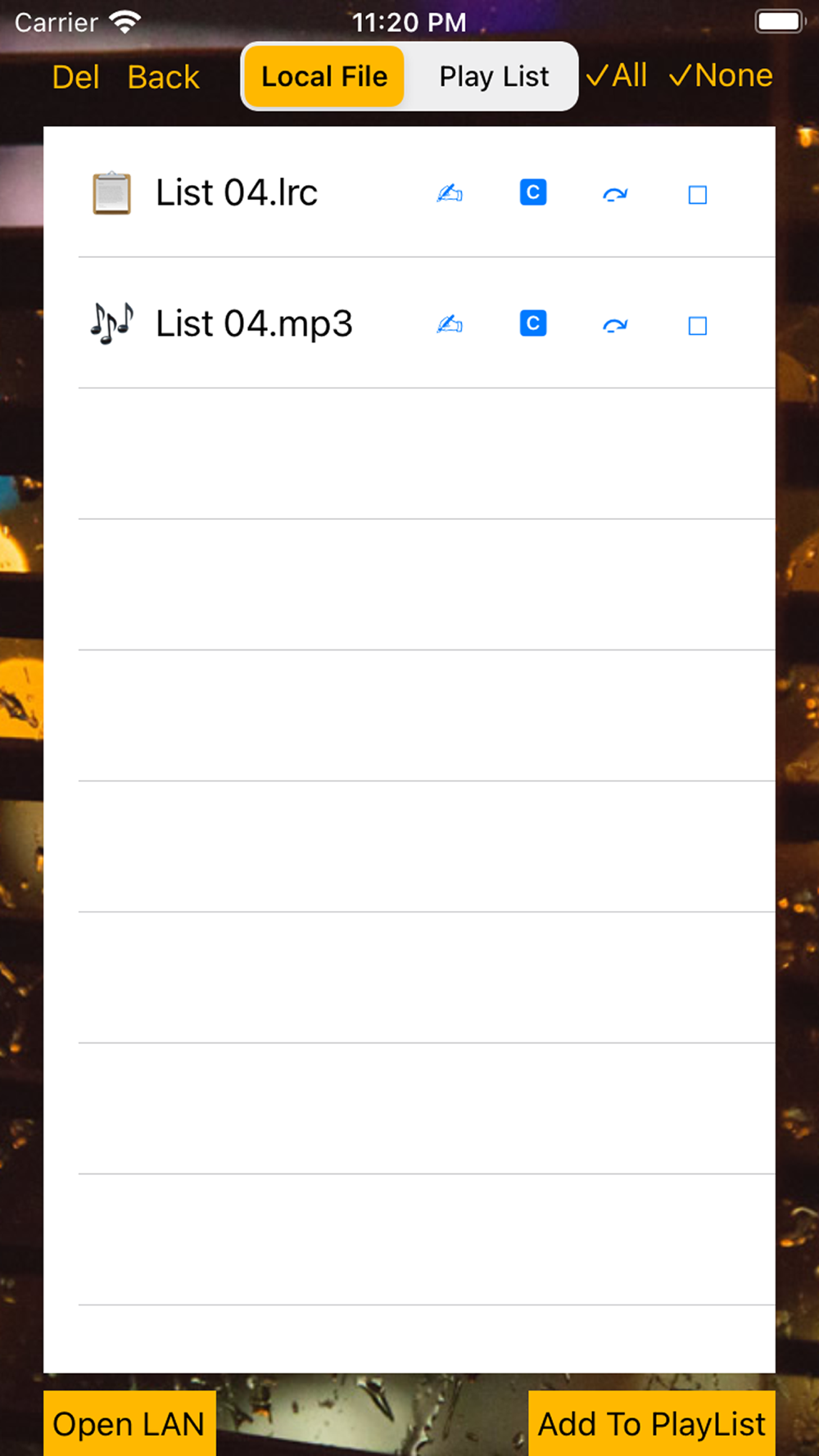
1. Click the 'Add mp3(s) and lrc(s)' button;
2. Choose the both mp3 files(s) and lrc file(s); Attention, the related lrc file should be in the same folder with the mp3 file, and must has the same main filename with the mp3 file;
3. Click the Play button to play the mp3 file;
4. Click the 'Lyrics' button to show current Lyric on desktop;
5. Click the '1Row/2Rows' button to switch show one lyric row or tow lyric rows on desktop;
Plus:
1. If you both add a mp3 and the corresponding lrc, you can press 'Next Lyric' and 'Prev Lyric' to change current playing timestamp.
2. Long sentence will not be wrapped into two line.
3. In Preference interface, you can set font size for Lyric Desktop Window.
4. Auto stop playing while take off bluetooth headphone.