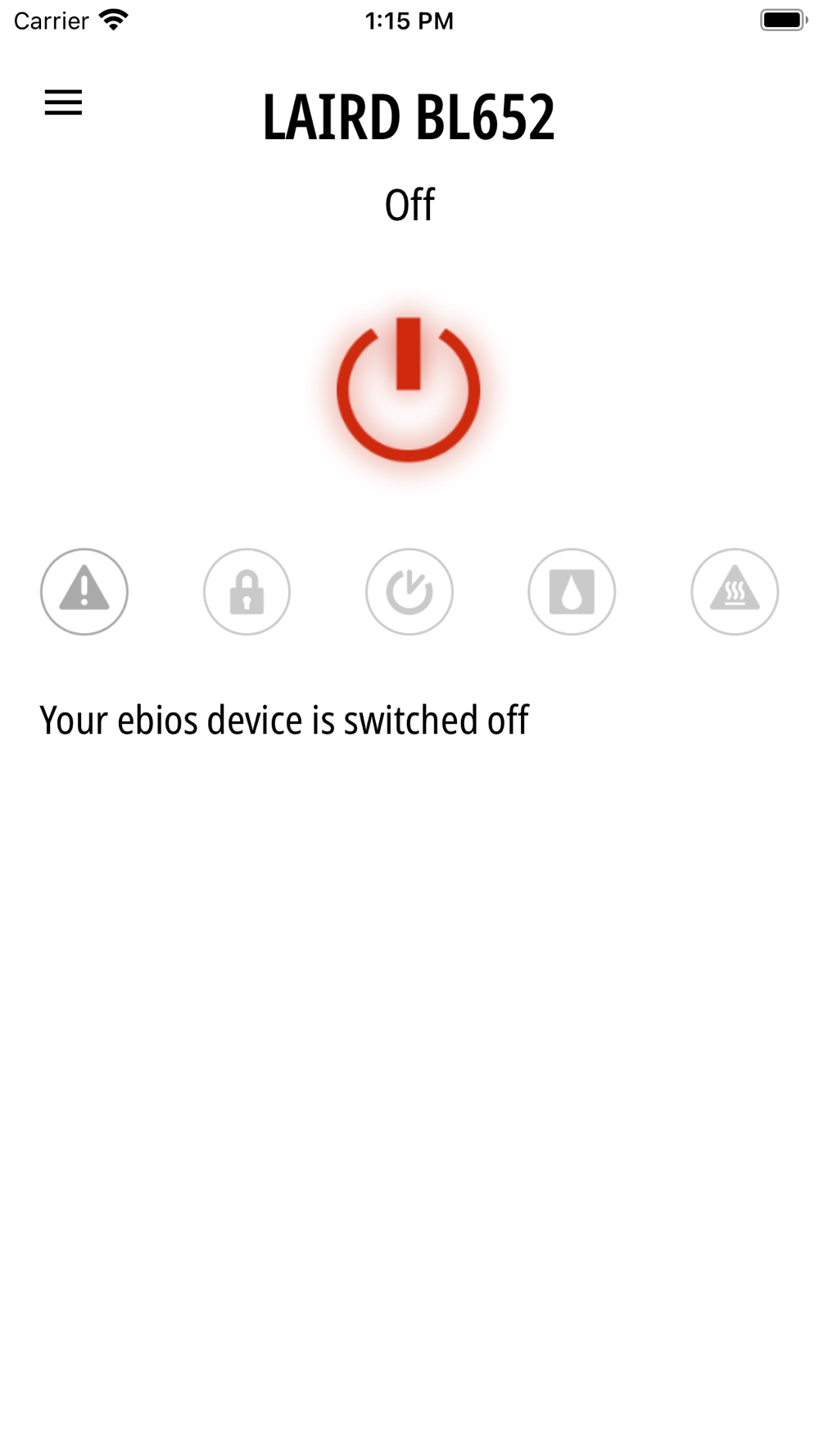
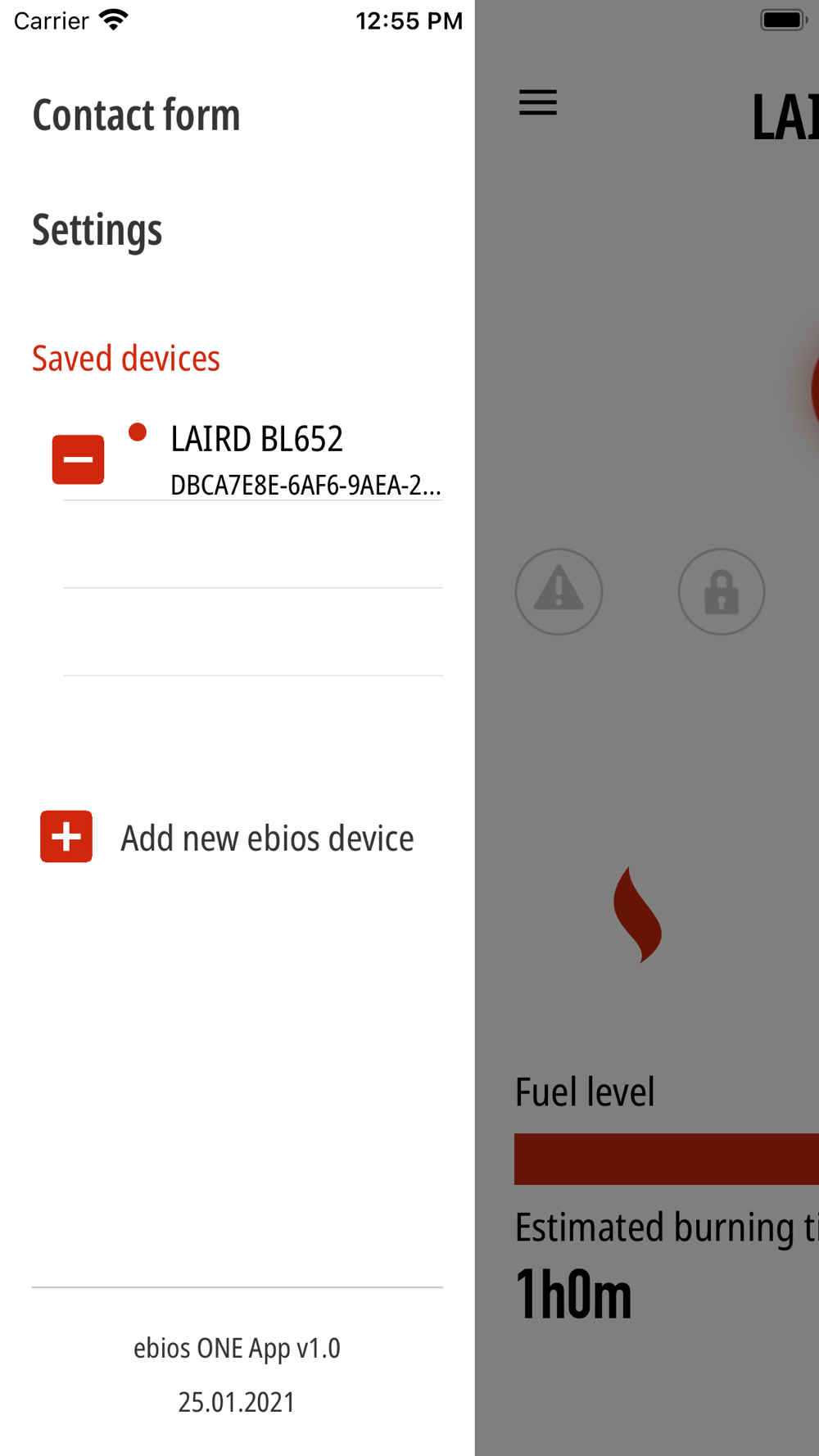
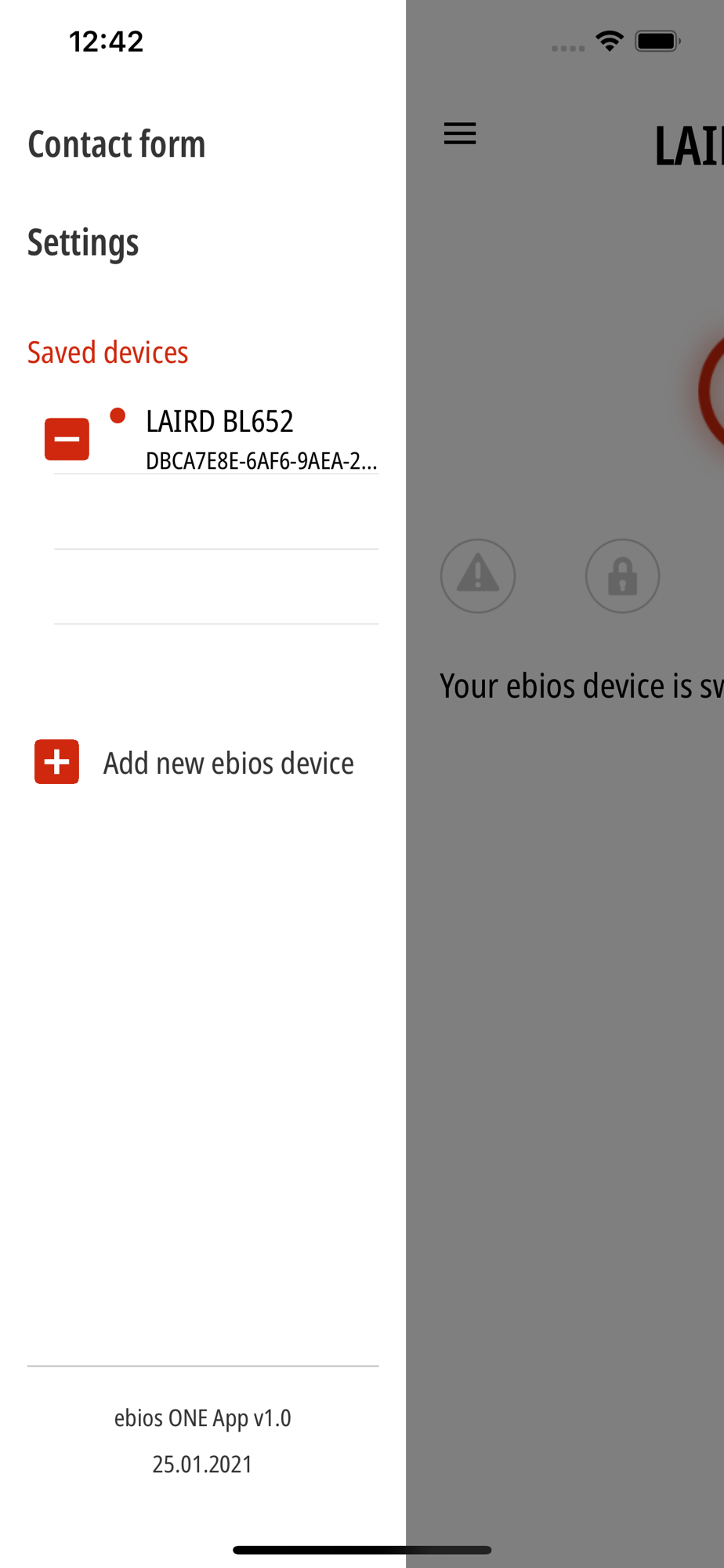
Operate your decorative fire conveniently from your smartphone - free of charge and without advertising! You don't need any additional accessories.
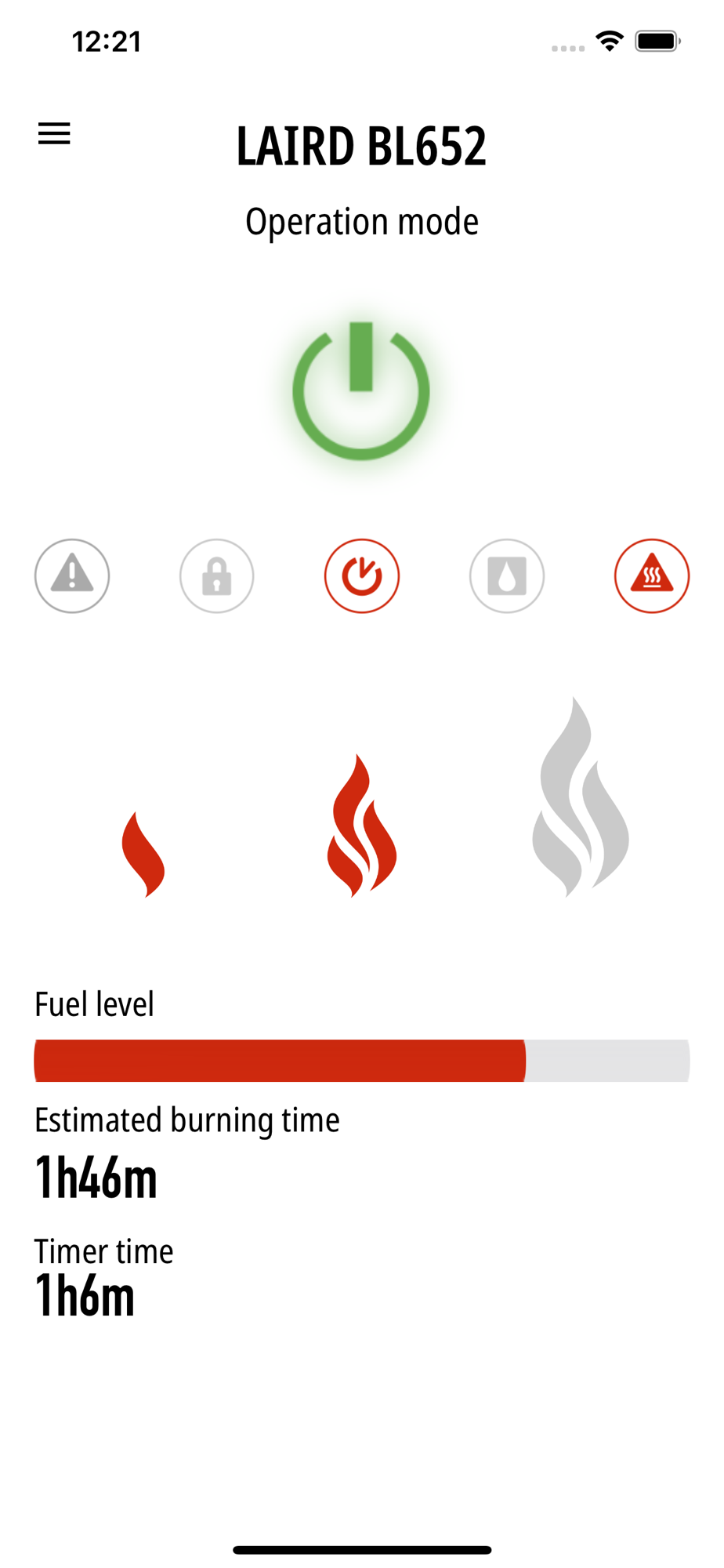
The app offers you the same full range of functions as the display of your ebios ONE vaporisation burner, plus a high level of operating convenience. You receive additional information about the remaining burning time of the device.
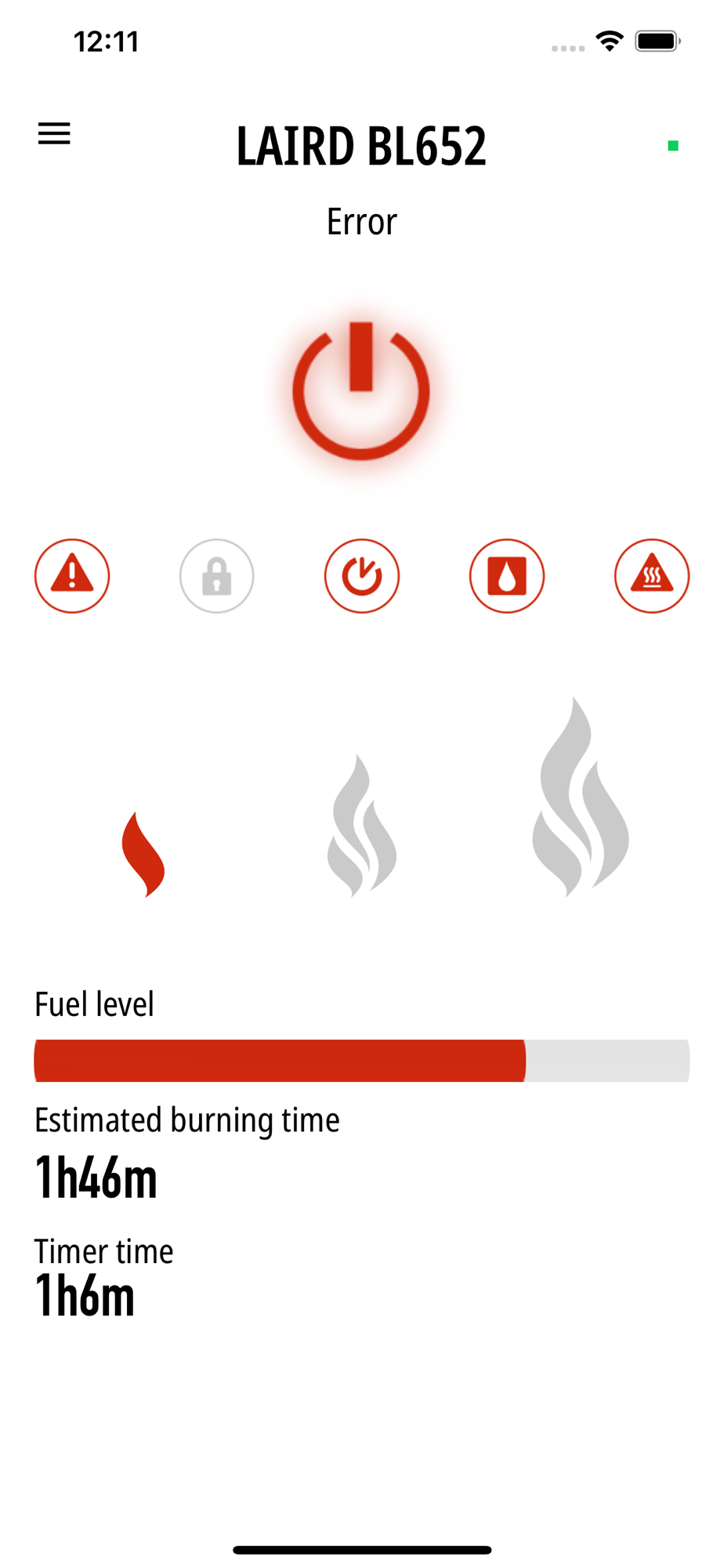
If you have a problem with your device, use the error log of the ebios ONE app and forward it to the ebios-fire service. We will help you as soon as possible.
First steps:
1. To start the ebios ONE with the app, first flip the power switch on the device (under the fuel filler flap).
2. Activate the Bluetooth connection on your smartphone. (Go to the settings of your smartphone).
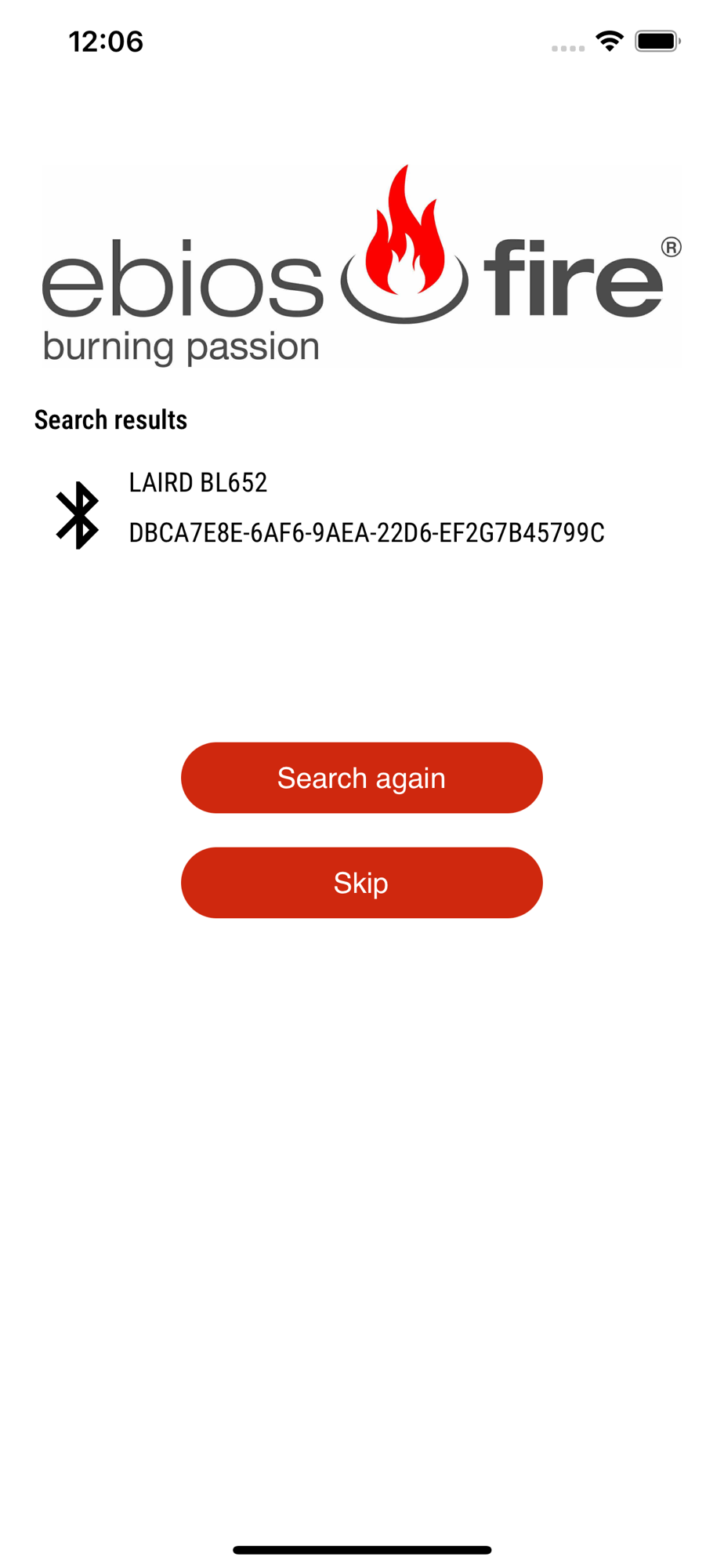
3. Connect your ebios ONE device to your smartphone and follow the instructions in the app.
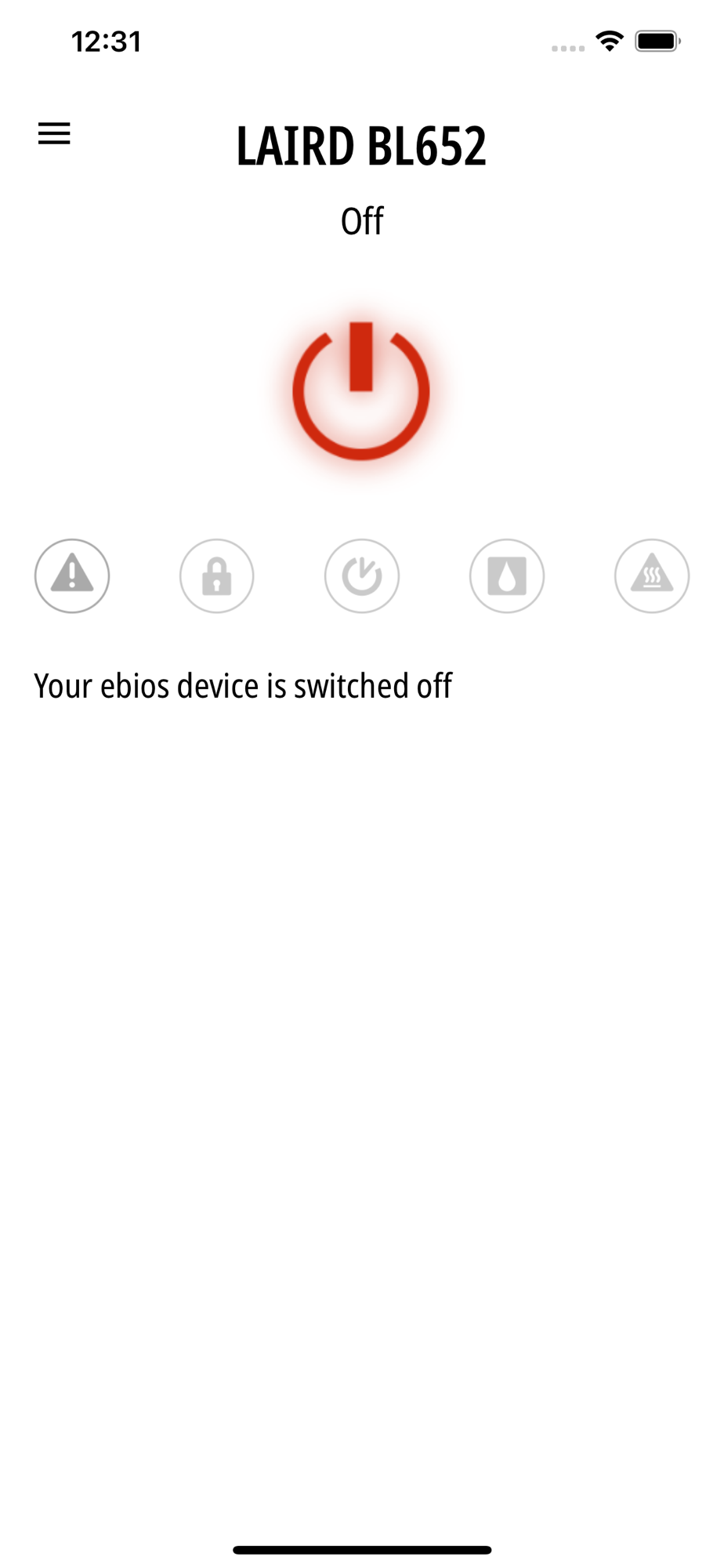
4. Press the "POWER" button on the display of your ebios ONE device or in the app.
5. You now have 15 seconds to start the device with your smartphone. To do this, press the "POWER" button in the app again.
6. The burner will now ignite within 6 minutes.
If you have any questions about your ebios ONE device, contact your retailer or send an email to
[email protected].