QR GD Scanner
Install Now
QR GD Scanner
QR GD Scanner

QR GD Scanner

Aftermarket QR scanner

Developer: Ingersoll Rand
App Size: 36.5 MB
Release Date: Nov 4, 2022
Price: FREE
Price
FREE
Size
36.5 MB

Screenshots for App

iPhone
iPhone X
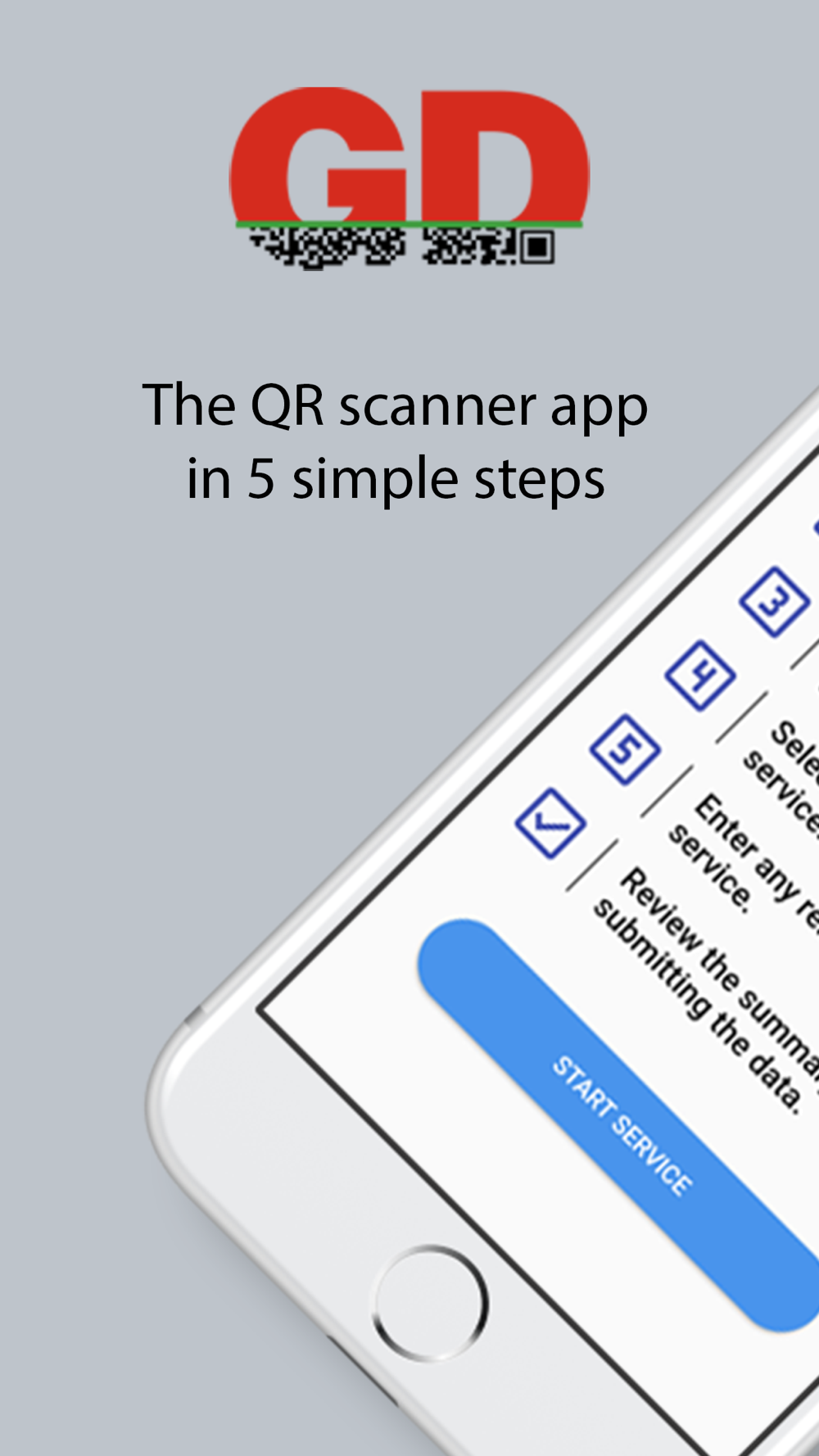
With this interactive app you scan the QR codes on the aftermarket parts to associate them with services to keep your compressor running at its optimal performance. Once the easy to follow steps have been completed the app will give you your estimated date for the compressors next service and save all your details to the cloud based systems.
Please note: You can only use the QR codes in the service kits with a compressors that’s already registered for warranty.
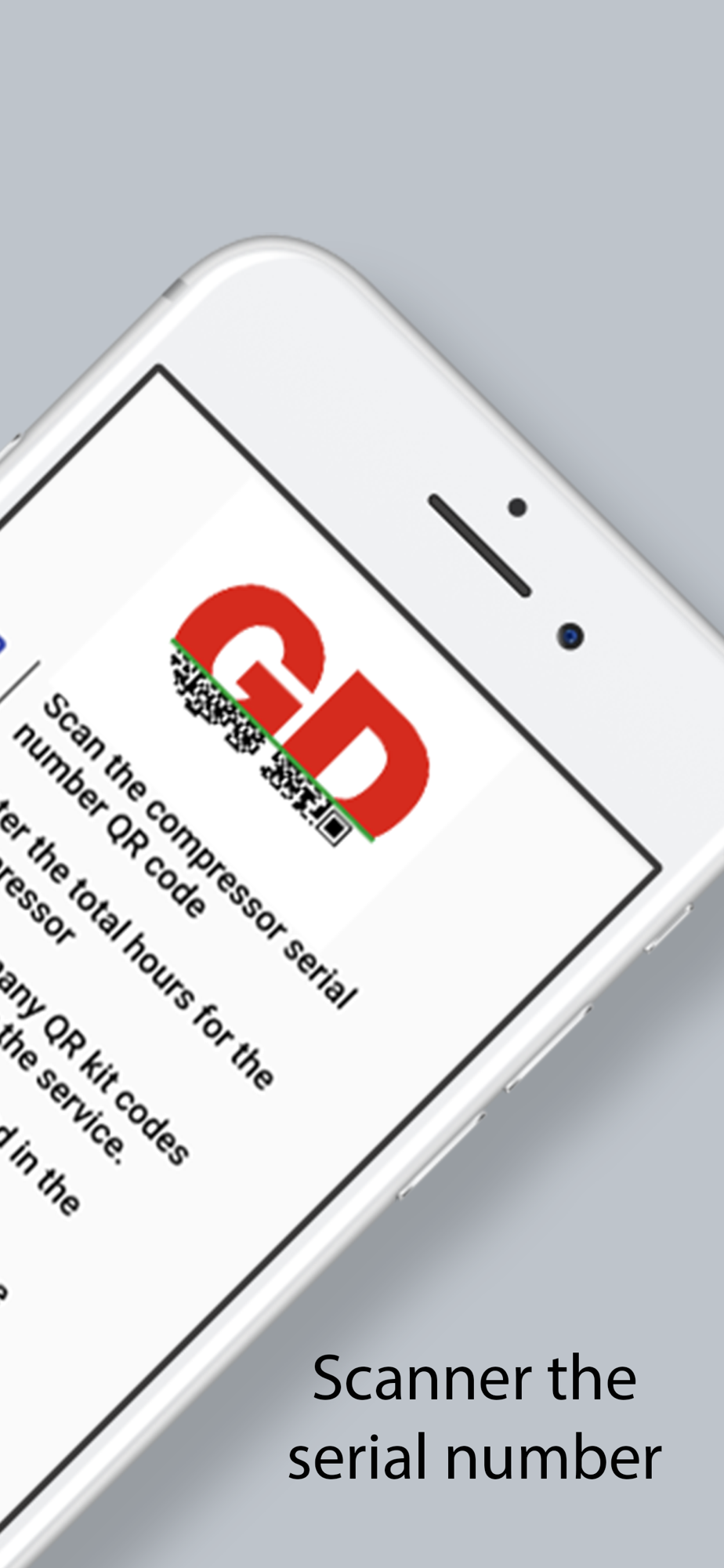
• Scan the compressor QR code (usually located near the starter panel)
• Enter the running hours
• Scan the QR codes in the service kits
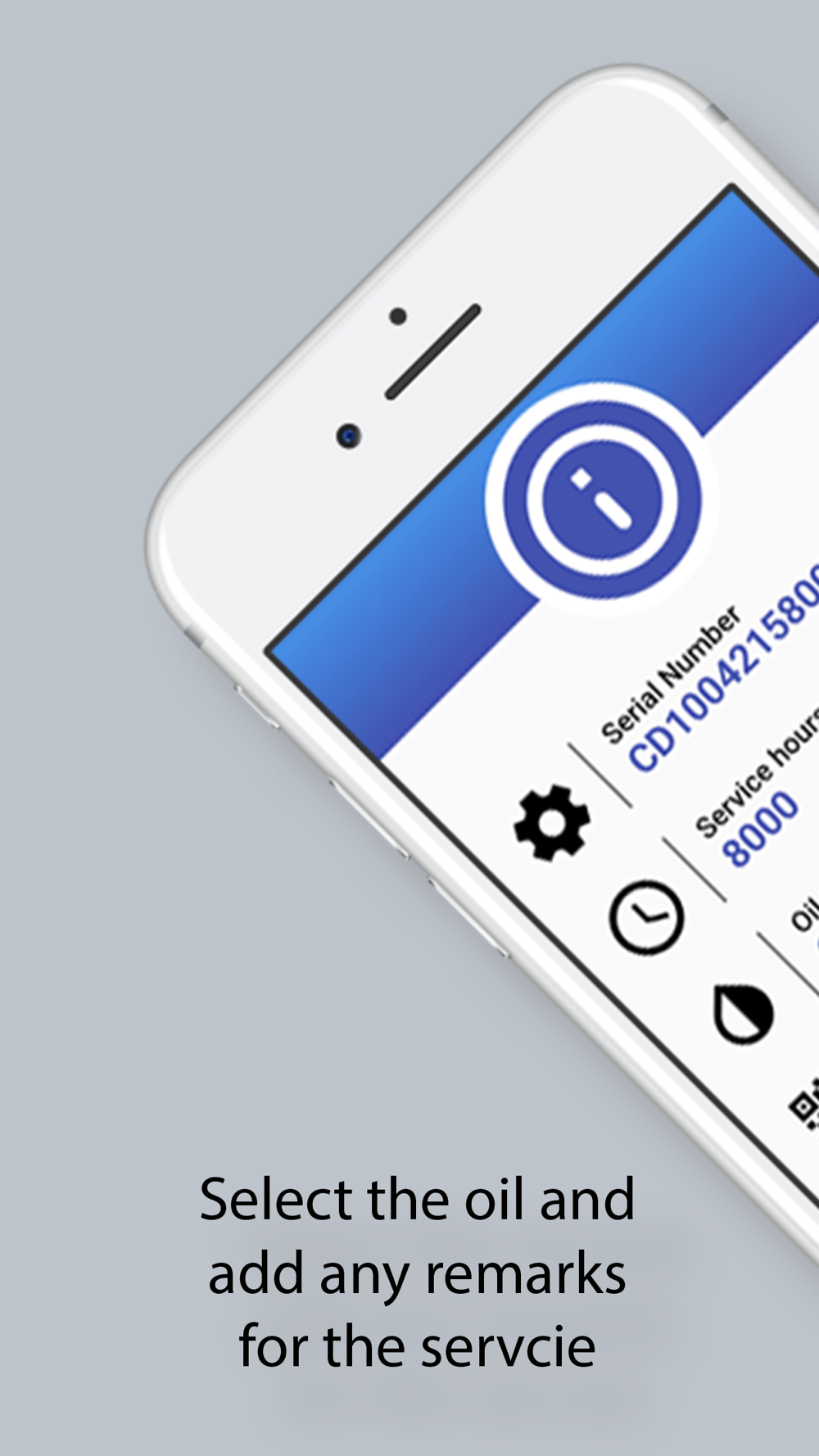
• Select the oil used
• Add any remarks for the service
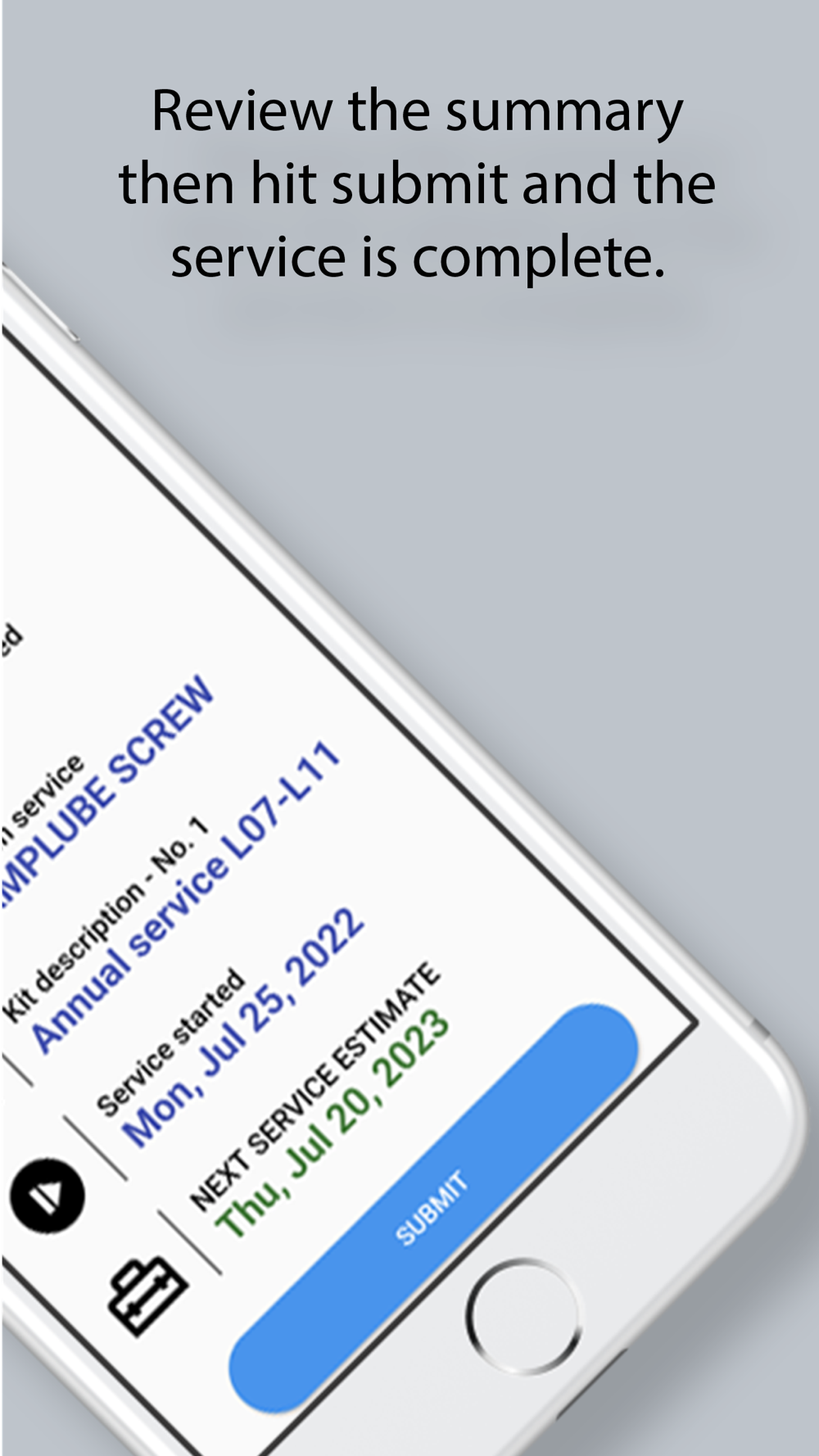
• Check the summary and submit the data and the service is complete.
Show More
Show Less
QR GD Scanner 1.3.9 Update
Sep 27, 2023 Version History
Bug fixes:History for the compressor will display all previous service dates and hours.The Summary page data will display the stored information from the apps storage.

~Ingersoll Rand
More Information about: QR GD Scanner
Price: FREE
Version: 1.3.9
Compatibility: Requires Requires iOS 13 or later
Size: 36.5 MB
Genre: Business
Release Date: Nov 4, 2022
Last Update: Sep 27, 2023
Content Rating: 4+
Developer: Ingersoll Rand
Language: English -


Whatsapp
Vkontakte
Telegram
Reddit
Pinterest
Linkedin
Hide