1. Install the Roller app on your smartphone or tablet.
2. Turn on your electric bike. You should be able to see the screen is on.
3. Open the app on your smartphone or tablet and click "Add your new vehicle".
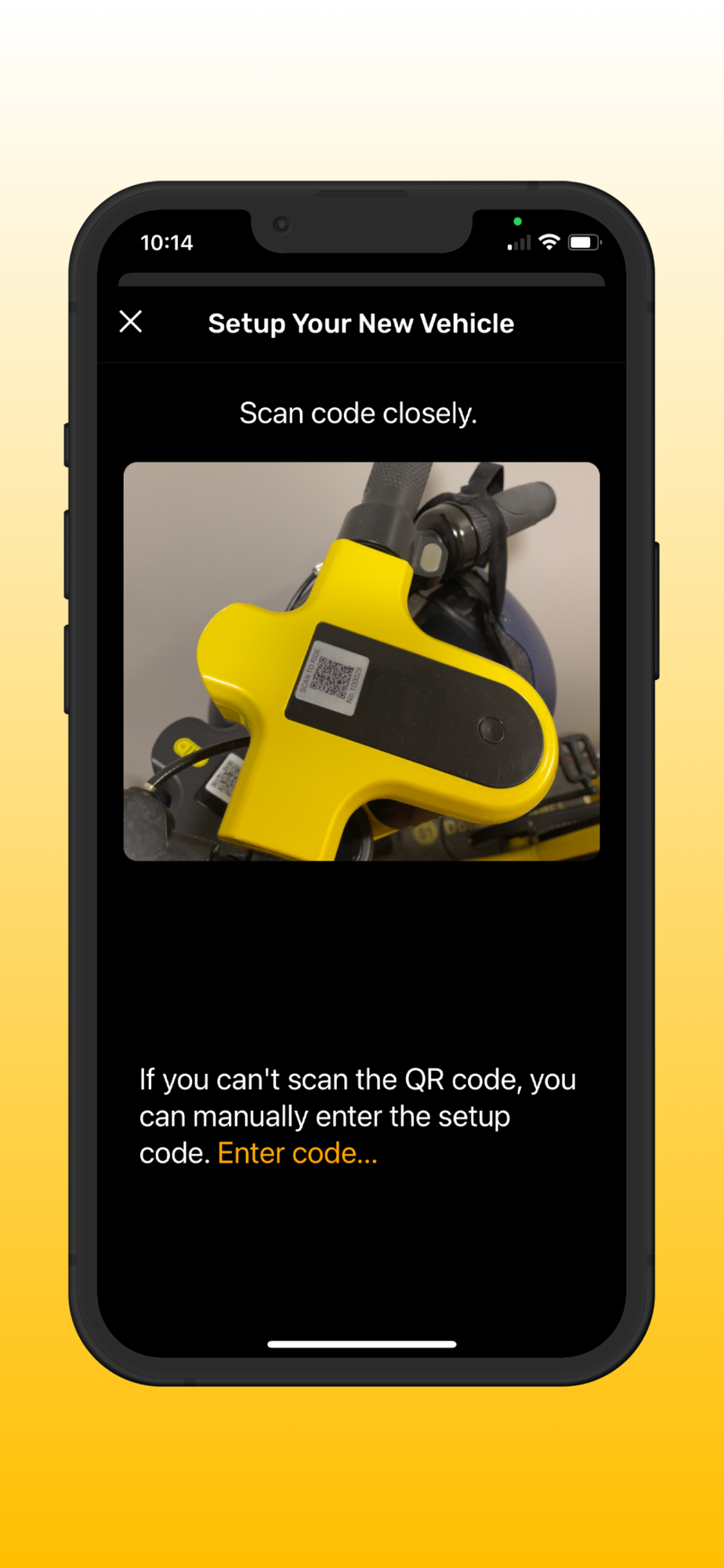
4. Use your device's camera to scan the QR code or manually enter the IMEI number on the bike.
5. Follow the prompts in the app to complete the pairing process.
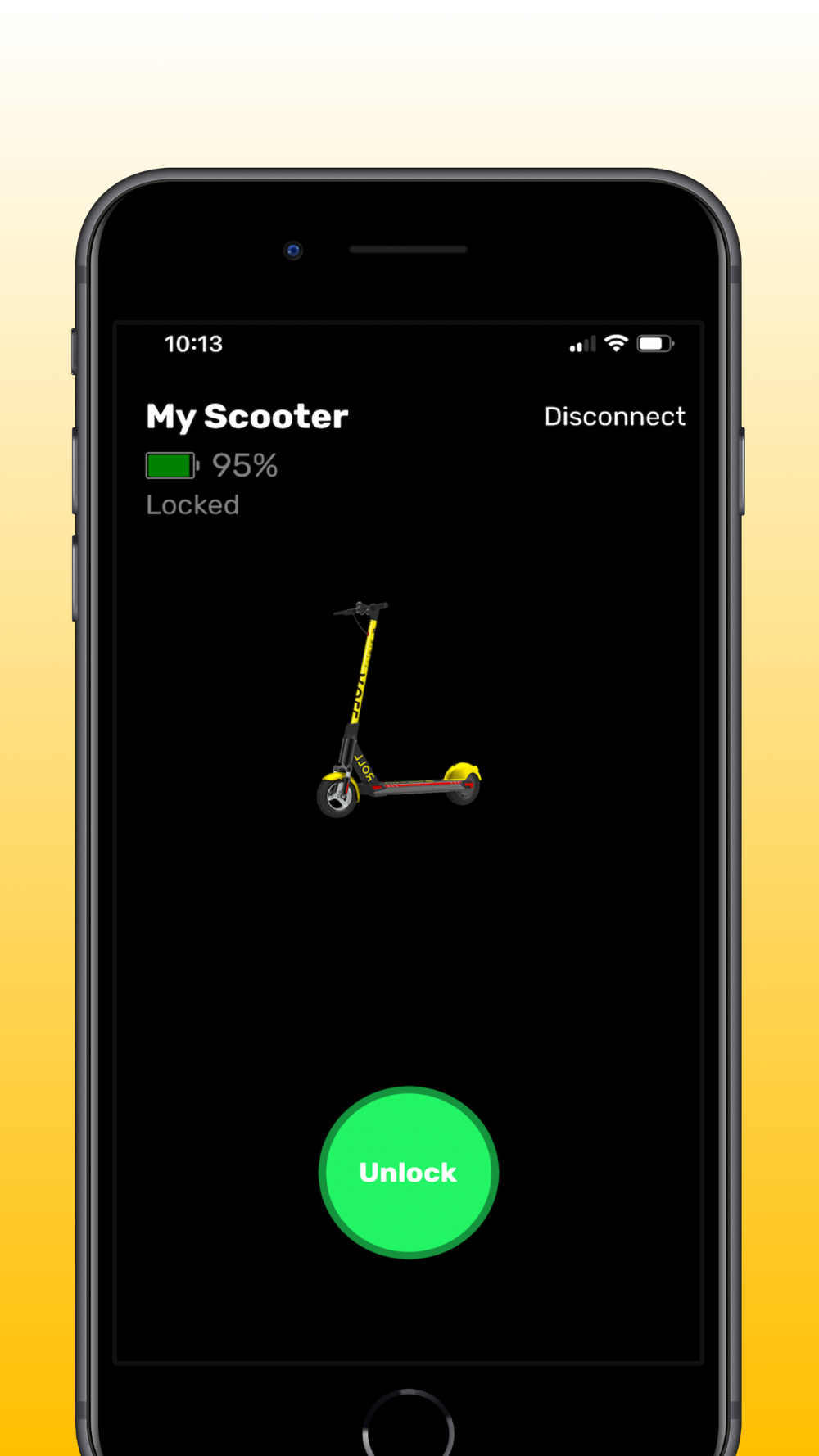
6. Once the bike is paired with the app, you should be able to access information such as battery level and its name.
7. Click the new vehicle to connect. The connection will normally take about 3-5 seconds. Please make sure you are near your vehicle.
8. Enjoy your ride!