The simple and easy-to-use interface makes editing images easier.
Advantages:
▪ Simple interface
▪ Easy to operate
▪ Fully functional
Basic Functions:
1. Rotate, resize, move layers.
2. Add text box.
3. Draw shapes.
4. Draw connecting lines in various styles.
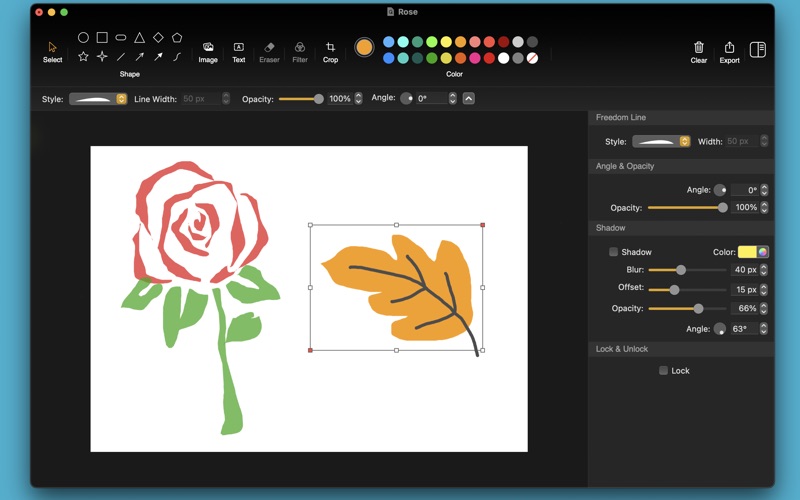
5. Freeform Pen Tool.(Multiple line styles.)
6. Eraser tool.(Erase unwanted image content.)
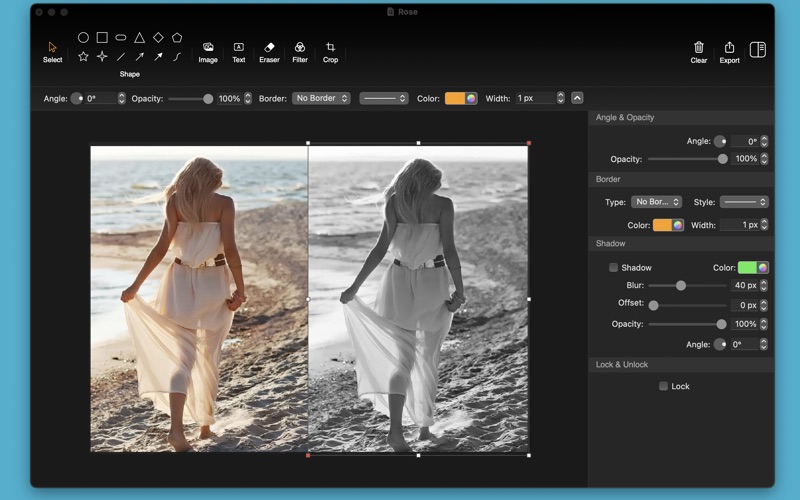
7. Image filters.(Contains some commonly used filter effects.)
8. Crop tool.
10. Set basic effects like shadows, opacity, etc.
11. Flip images horizontally and vertically.
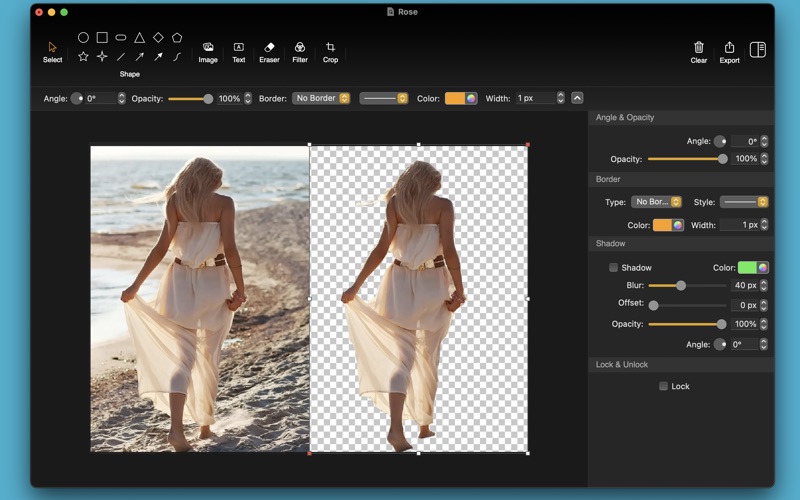
12. Cutout images with one click.
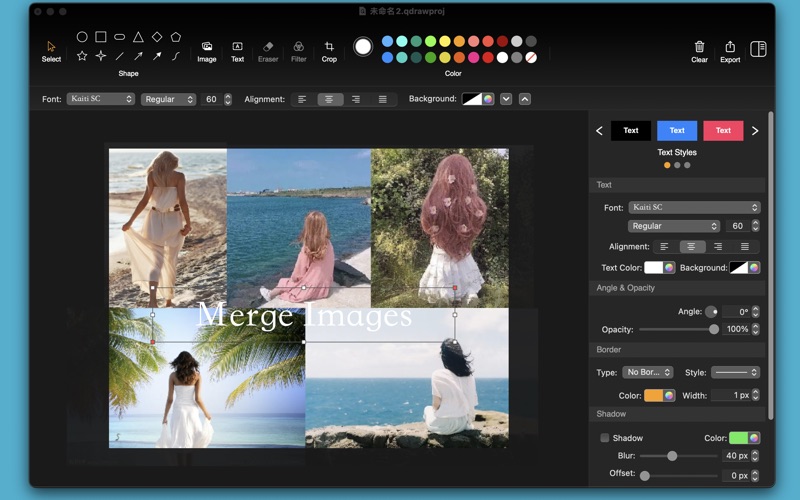
13. Merge images. (Import multiple images, adjust the layout to the desired effect, and export.)
14. Support multiple export formats. (Including png, jpg, jpeg-2000, pdf, tiff)
The image filter tool requires unlocking the full version (one-time payment is permanently available) to use.
When using the application for the first time, you can open the help document to learn how to operate. (Main menu -> help)