-------------------------------
UPDATE: With full iOS 9 and iPhone 6s and iPhone 6s Plus support!
-------------------------------
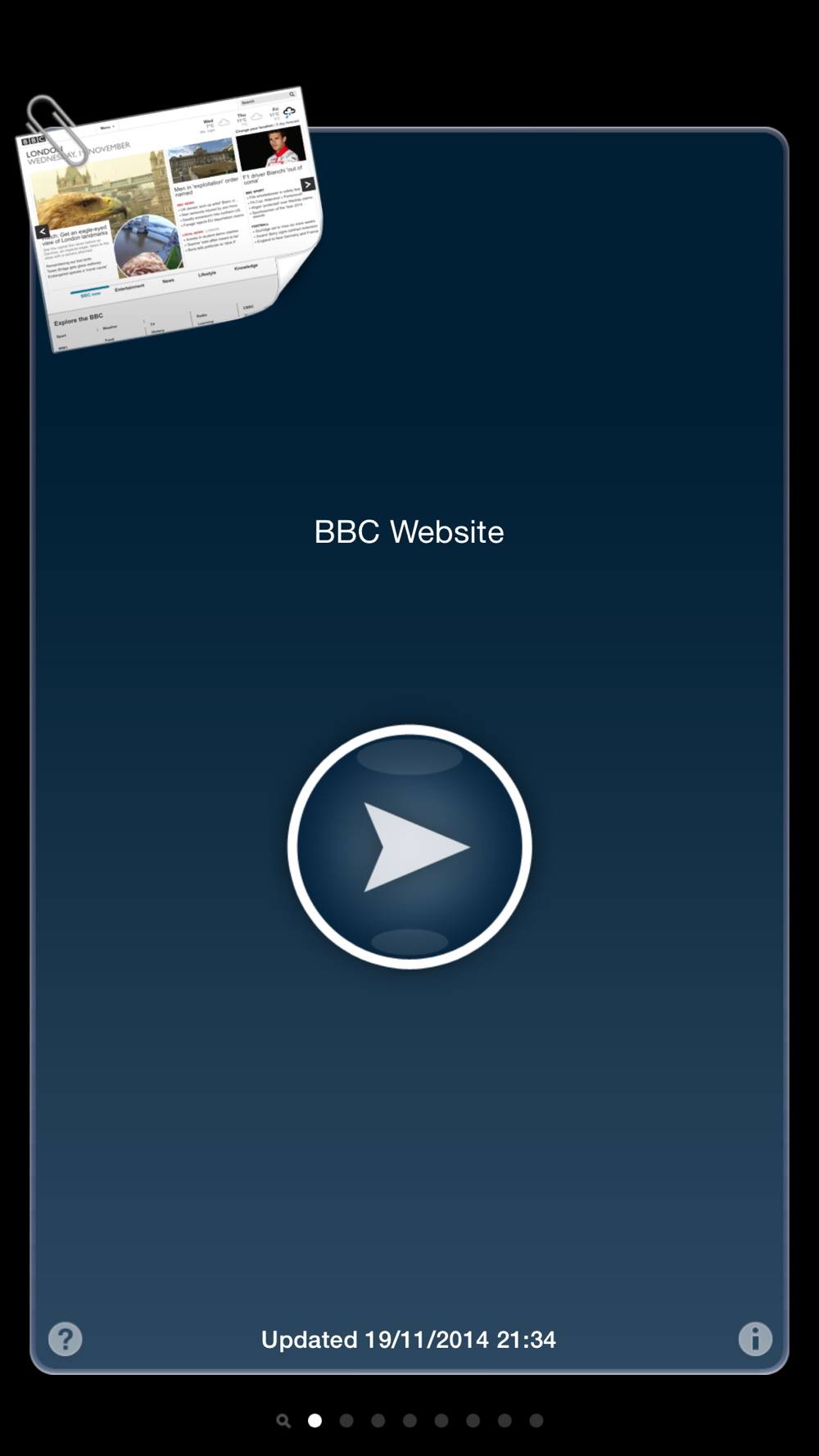
Web Offline lets you record websites and save them to your iPhone, iPod Touch or iPad for browsing without an internet connection.
And not just websites... Web Offline can store RSS feeds, podcasts, documents, spreadsheets, PDFs, multimedia files, images... pretty much anything that can be displayed by Mobile Safari.
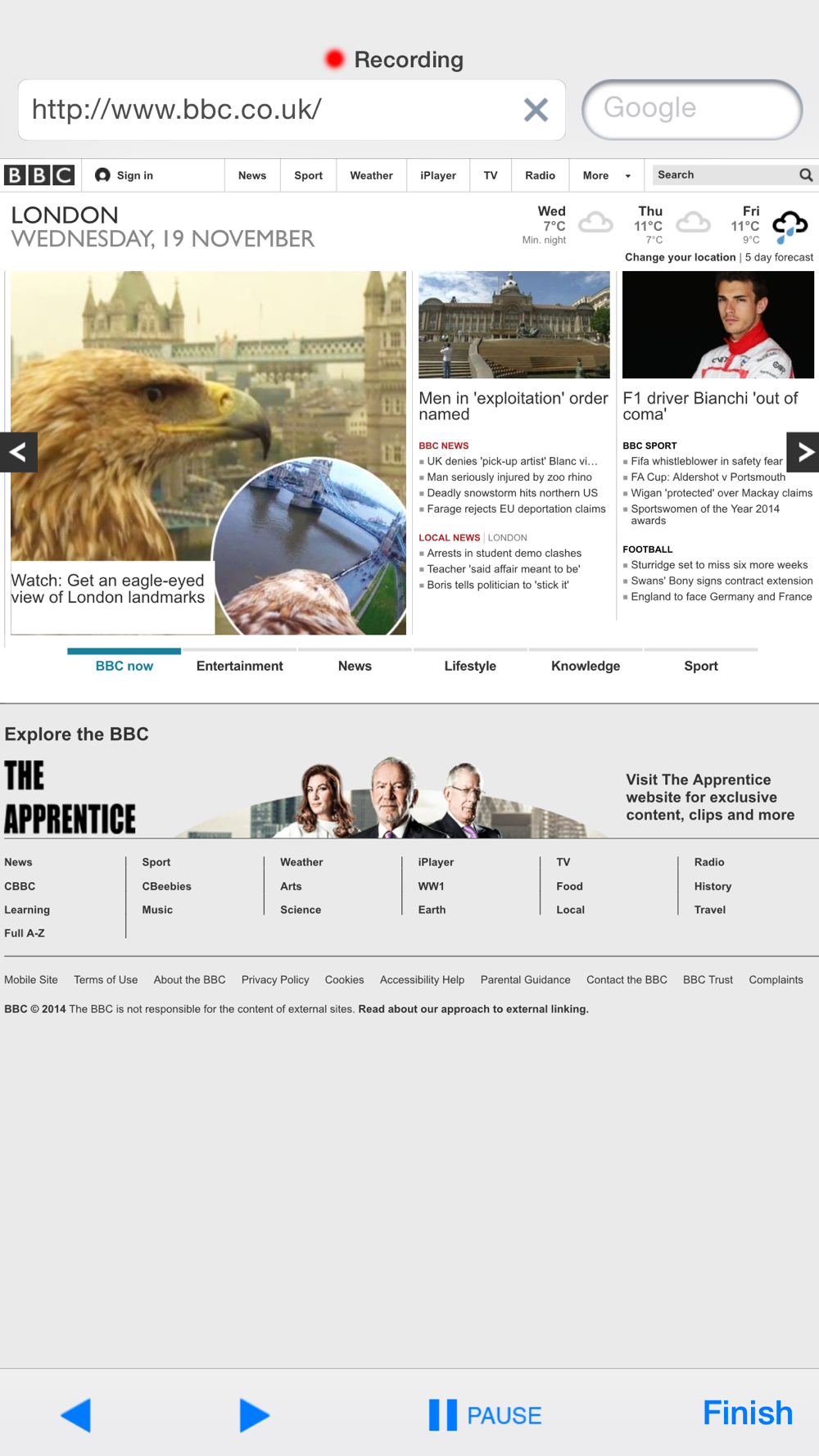
Any page or file that you click on during recording will be recorded and saved during the caching process.
Or you can set up a web crawler snapshot and let it do all the recording. You can also re-run the caching process to get the most up to date data.
There's no need to create an account or register, we don't collect any personal information either.
Key features:
- Offline browsing: Store websites and multimedia and browse them without an internet connection or when abroad
- Web crawler: Just type in the URL of a website and how many levels deep you want it to be cached
- Search: Full-text search for all your stored websites
- Address bar history: No need to type the same address twice
- Landscape mode as well as Portrait mode when browsing stored websites or playing multimedia
- External display: Connect an external display to your device and browse on a large screen (4th gen. devices and newer)
- Fullscreen browsing: Browse stored websites in fullscreen
- Multimedia support: mp3, mp4, pdf, doc, xls, ppt, rtf, aiff, wav, m4a, m4b, m4p, mov, qt, m4v, png, jpg, gif, tiff, bmp, ...
- Online browsing: If you forget to store some pages, you can view them using your internet connection as well
- No-image caching: Enable or disable images for faster downloads
- Re-caching: Websites that are updated on a regular basis can be easily updated on your device as well... just re-run the caching process
Steps:
1) To record a new snapshot, navigate to the website and enable the recording mode. From that moment, every page/file you click on will be recorded.
2) Close the recorder and check your snapshot.
3) Run the caching process to download everything for offline browsing.
4) Browse the snapshot or use the full-text search to find the page you're looking for.
Supported languages: English, Czech
This app is rated 17+ because it allows unfiltered access to the internet.
Do you have any suggestions for improvements? We're interested in your comments (
[email protected]).