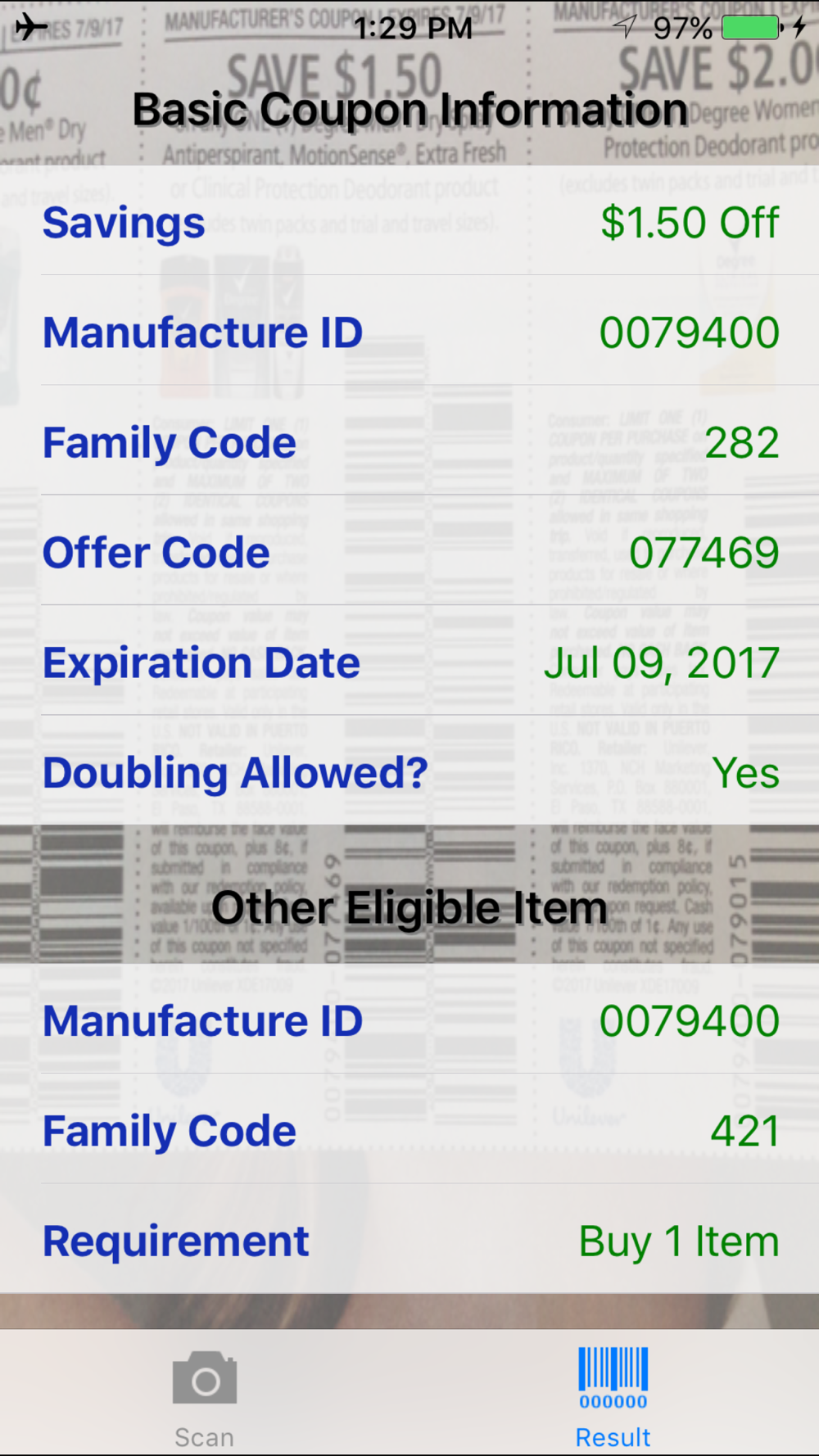
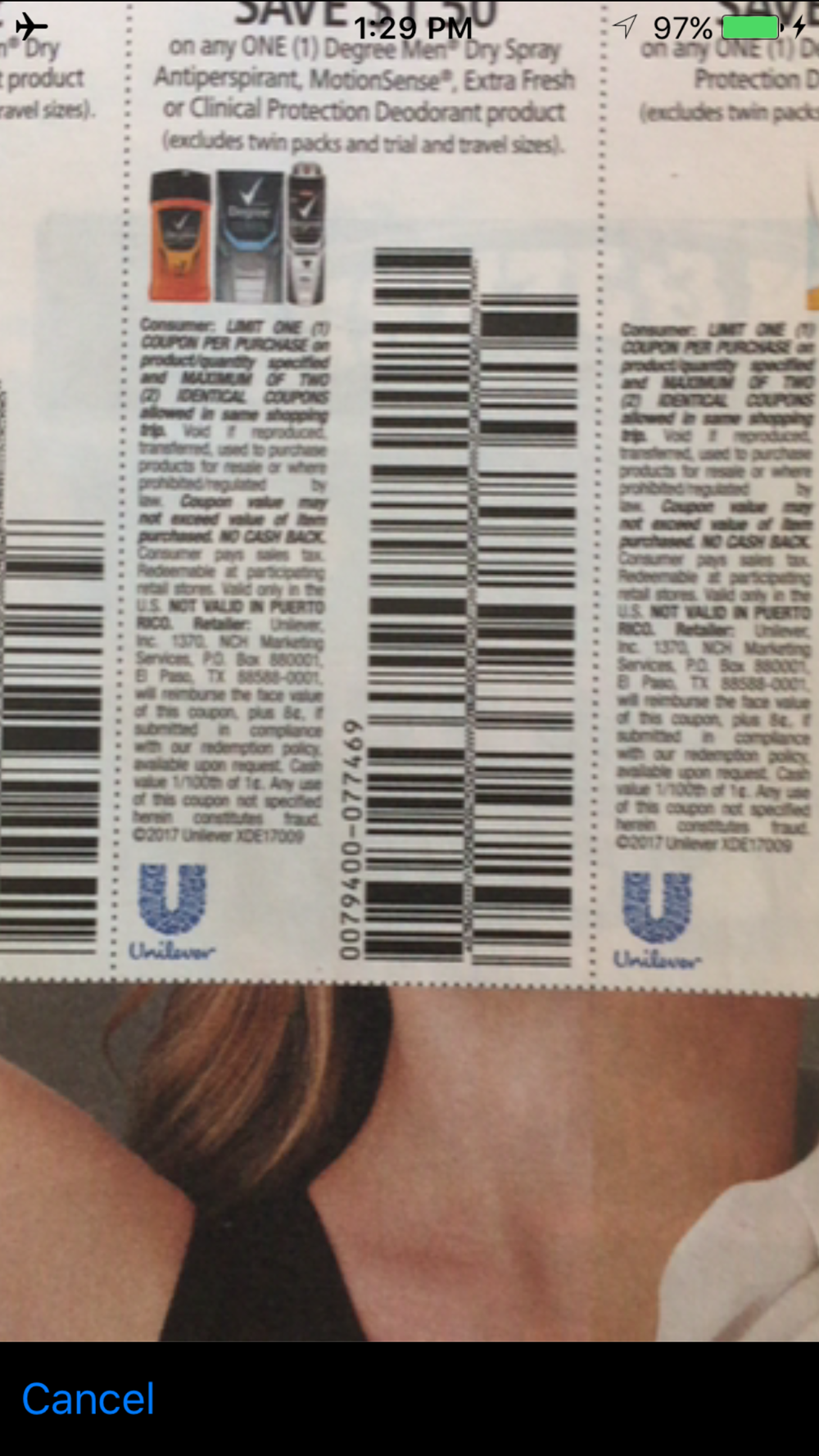
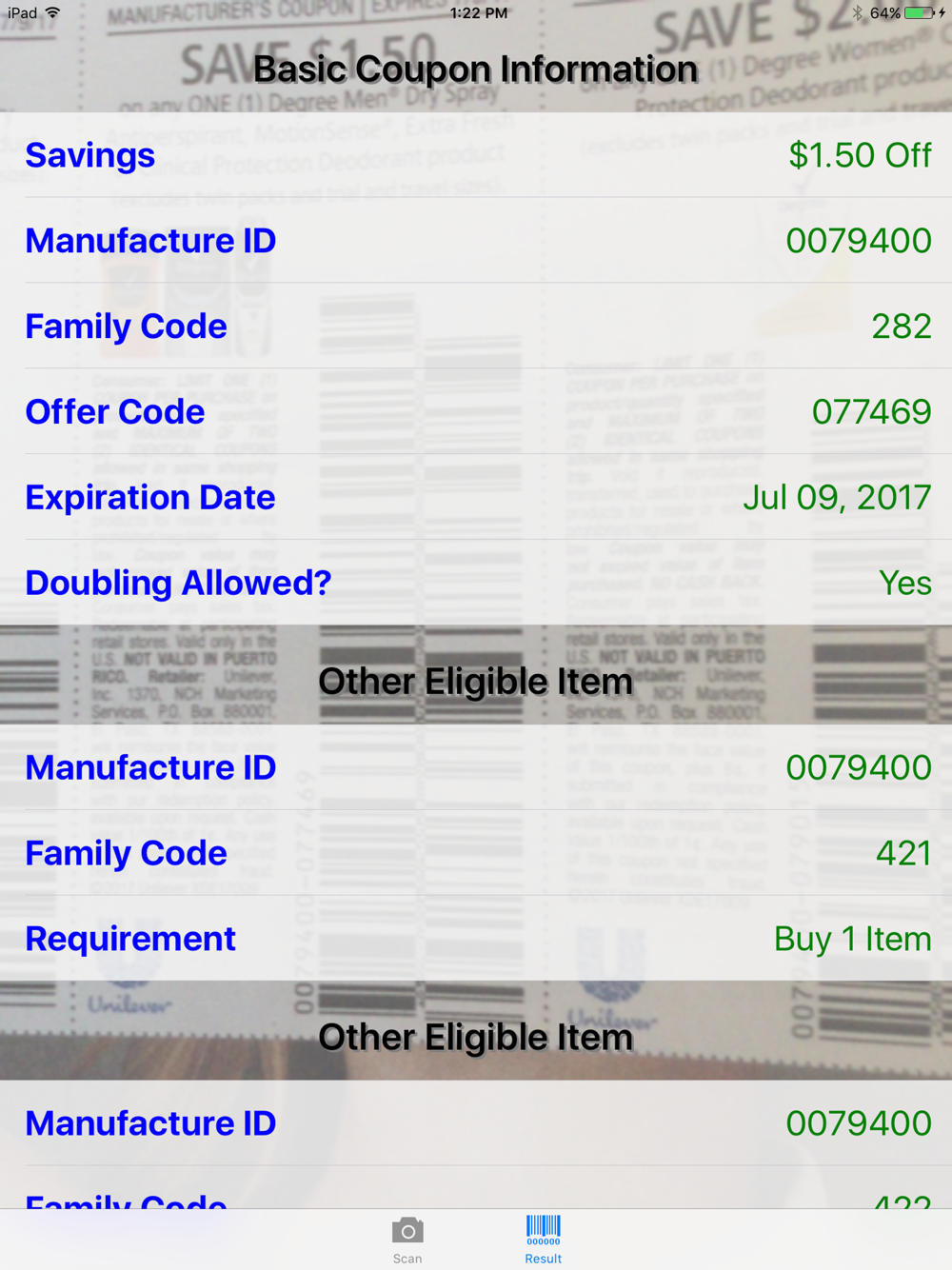
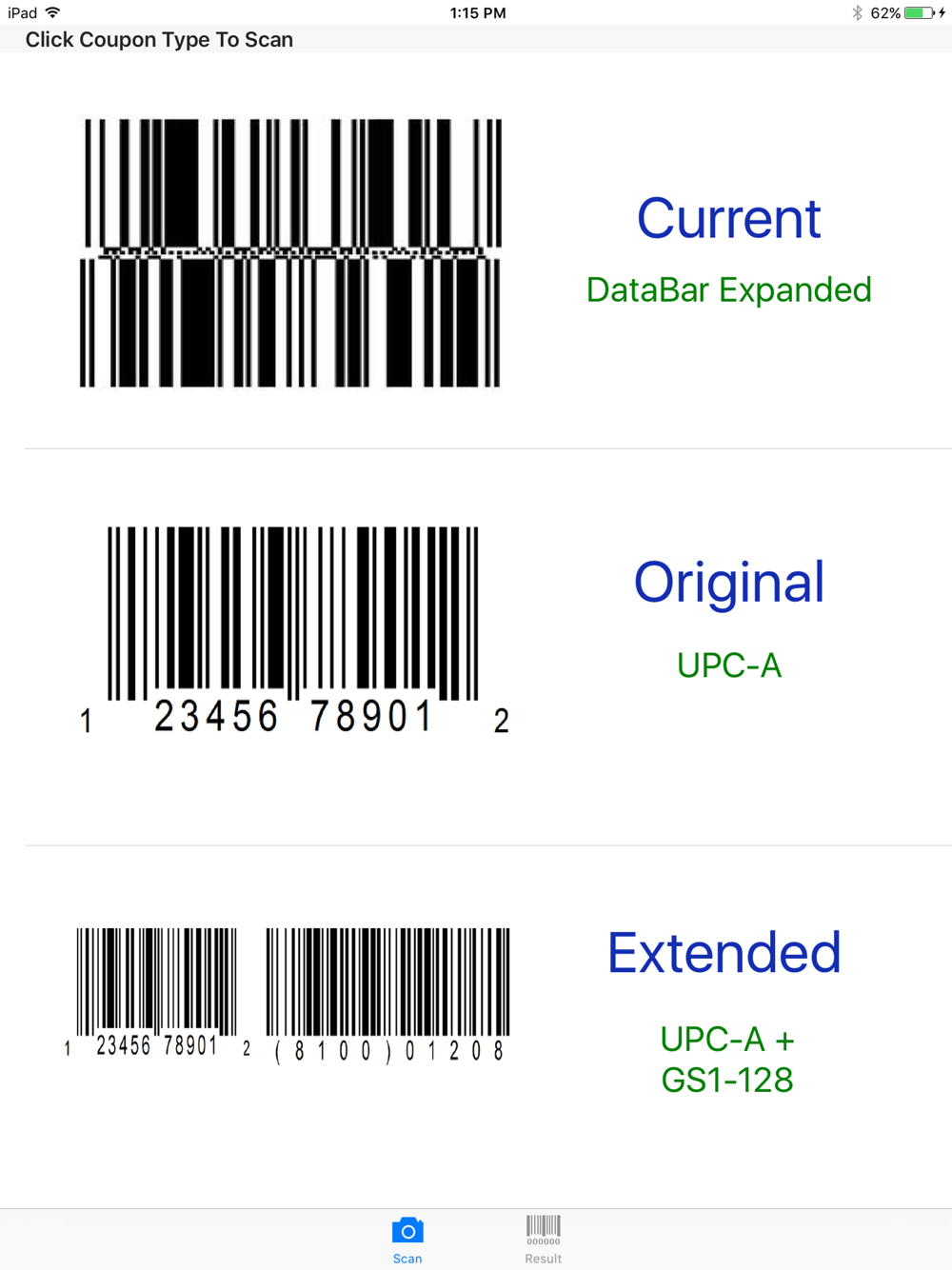
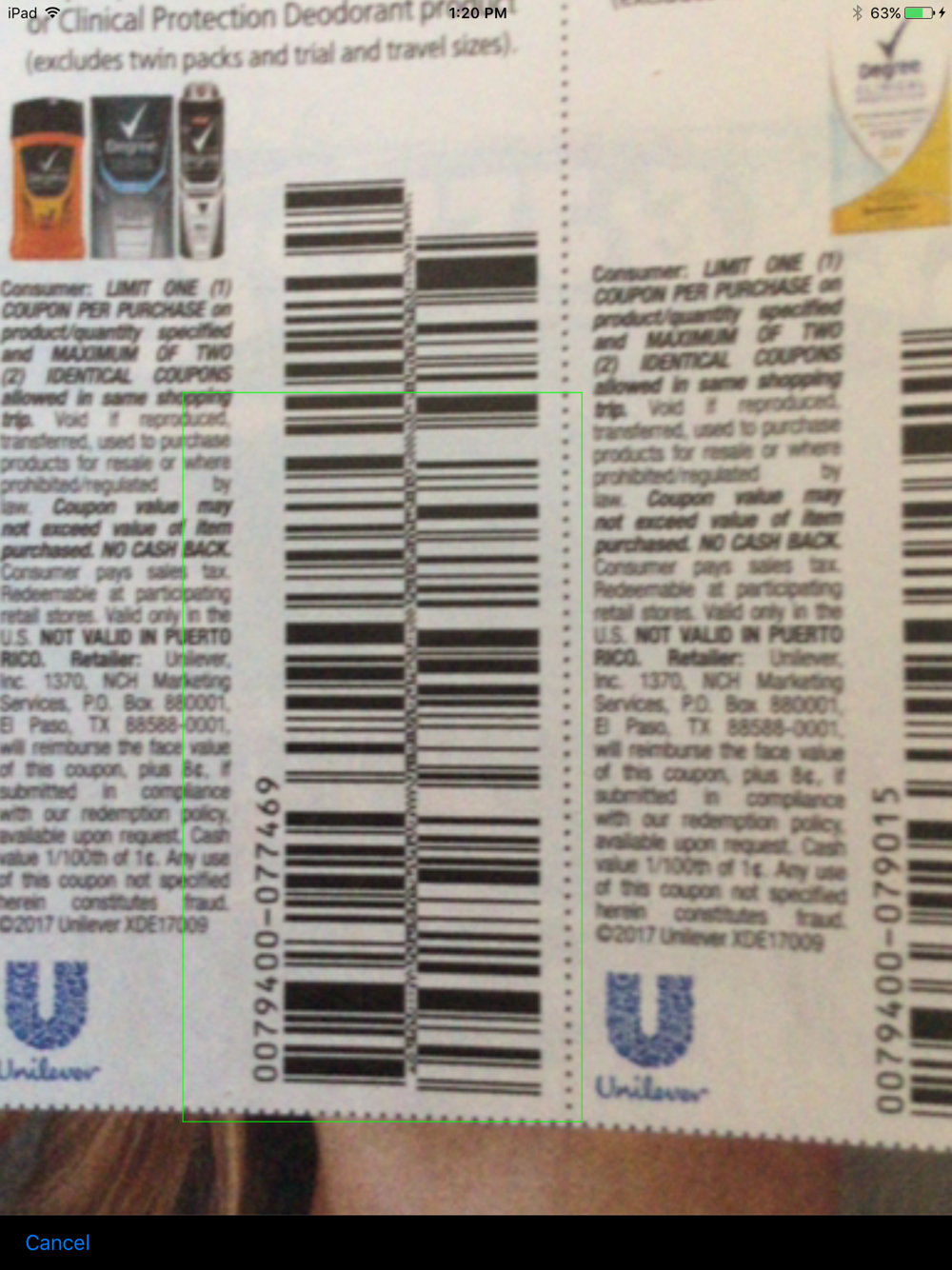
Ever wonder what kind of information is encoded in the barcodes found on the coupons from your Sunday newspaper? Wonder no more! Use your iPhone, iPad, or iPod Touch's camera¹ (auto-focus capability required) to easily scan the barcode and let the Coupon Decoder Lite universal app² quickly decode and display all the information in human readable format. Coupon Decoder Lite is capable of reading all 3 coupon barcode formats, including the most current Databar, original UPC-A, and the extended UPC-A + GS1-128.
** Lite version can only decode 10 coupons per calendar day. You can purchase the full version of Coupon Decoder and decode unlimited number of coupons! **
*** Information Decoded ***
Current Format - Databar:
● Savings - Description of savings. For example “Buy 2 Items Get $1.00 Off”.
● Manufacture ID - 5 to 12 digit value.
● Family Code - 3 digit value.
● Offer Code - 6 digit value.
● Expiration - Expiration date of the coupon, when available.
● Doubling Allowed - Shows whether doubling/tripling of the savings is allowed.
● Alternate Eligible Product - Other qualifying product, when available.
● Other Purchase Requirement - Additional purchase requirement, when available.
Original Format - UPC-A / EAN-13:
● Savings - Description of savings. For example “Buy 2 Items Get $1.00 Off”.
● Manufacture ID - 5 digit value.
● Family Code - 3 digit value.
● Doubling Allowed - Shows whether doubling/tripling of the savings is allowed.
Extended Format - UPC-A + GS1-128:
● Savings - Description of savings. For example “Buy 2 Items Get $1.00 Off”.
● Manufacture ID - 5 digit value.
● Family Code - 3 digit value.
● Offer Code - 6 digit value, when available.
● Expiration - Expiration date of the coupon, when available.
● Doubling Allowed - Shows whether doubling/tripling of the savings is allowed.
****************************
Having Problem Scanning?
****************************
1. See the app in action on YouTube! http://youtu.be/pgMBThycpcI
2. Make sure you have a device with auto-focus camera. See disclosure #1 below.
3. Select the right barcode type from the scan tab. There are both sample picture and verbal description on which barcode type to select.
4. Make sure there are sufficient lighting.
5. Place camera about 3 or 4 inches away from the coupon.
6. Stop and wait for the camera to focus. If the camera still does not focus (i.e. picture still looks "fuzzy"), shake the iPhone/iPad to force focus.
7. If you are still having problem, please contact
[email protected] We can't help you if you don't contact us!
*** Disclosure ***
¹ Device with auto-focus camera required. iPhone 3GS/4/4S/5/5s/5c, the new iPad 3/4/Mini, and iPod Touch (release Oct 2012 or newer) are supported. iPhone 3, iPad 1, iPad 2, and iPod Touch (<= 4th Gen) are not supported.
² Coupon Decoder Lite is an universal app.
Questions, problems, or suggestions? Contact
[email protected]